Top 20 Customer Feedback Management Tools in 2026 [Reviewed]
Priyanka
January 15, 2026
•
5 min read
Did you know that 73% of consumers worldwide expect companies to understand their unique needs and expectations? But how do you, as a company, get to know your unique customers' needs?
While you can get qualitative data by conducting market research on user needs & desires, the only way to derive actionable & real insights is via talking directly with your customers.
Customer feedback tools facilitate collecting users’ opinions, suggestions, and complaints through surveys, social media, reviews, feedback boards, and in-app survey mechanisms. Today, we’ll look at some of the best customer feedback tools and explain their main features and pricing, so you can easily choose the right one for your product and business.
What is a Feedback Management Tool?
As I mentioned above, feedback can be given and received via many channels. A feedback management tool is a type of feedback software that helps you collect, organize, and manage feedback about your product. This feedback can come from customers, team members, or other important stakeholders.
Instead of feedback being scattered across emails, chats, or notes, everything is stored in one central place. This makes it much easier to review and understand what people are saying.
By having all feedback together, you can clearly see patterns and gain useful customer insights that help improve your product and the overall customer journey. Here's a peek at our top customer feedback tools:
Tool
Price
Recommended For
Productlogz
$17/month
Best overall feedback management software for collecting feedback from various sources.
Frill
$25/month
Simple idea management with voting and roadmap features.
Upvoty
$49/month (Hyper)
Feedback platform with voting and public roadmaps to help teams collect customer feedback efficiently.
Rapidr
$49/month
Fast and intuitive feedback board for modern product teams.
FeatureOS
$60/month
An all-in-one solution for feedback, roadmaps, and changelogs built for product teams.
Featurebase
$29/month
Complete management system to manage feedback, prioritize ideas, and share updates.
Canny
$19/month (Core)
Structured platform to gather ideas and track customer feedback across teams and roadmaps.
Savio
$49/month
Feedback hub that connects user feedback directly to product decisions.
Beamer
$49/month
Focuses on product updates and in-app announcements with feedback options.
Aha!
$59/month
Built for long-term planning and strategic product roadmapping.
Productboard
$19/month (Starter)
Helps teams centralize feedback and collect and analyze customer feedback for better feature planning.
Userpilot
$299/month
Product growth platform that helps teams collect feedback and improve user onboarding with in-app experiences.
Pendo
Contact Sales
Combines analytics and feedback to understand user behavior and increase customer engagement.
UserVoice
Contact Sales
Designed for advanced feedback prioritization using real user demand.
Zonka Feedback
Contact Sales
Customer feedback and survey platform for collecting real-time insights across multiple touchpoints.
Usersnap
$39/month
Ideal for collecting visual feedback and detailed bug reports.
AnnounceKit
$79/month
Combines product announcements with easy feedback collection.
SurveyMonkey
$39/month
Popular online survey tool for creating, distributing, and analyzing customer surveys easily.
Nolt
$29/month
Simple and affordable feedback board for small teams.
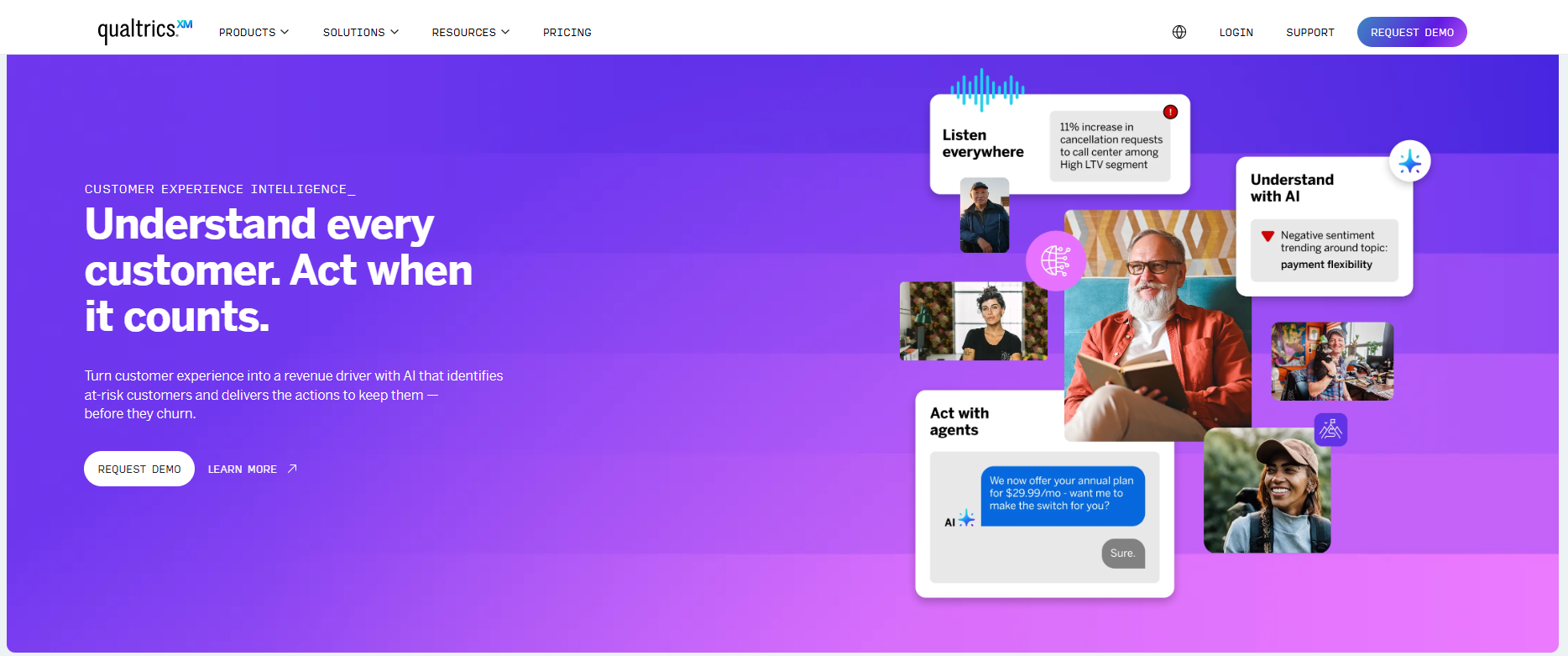
Qualtrics
Contact Sales
Enterprise-grade experience management platform for collecting, analyzing, and acting on customer feedback at scale.
Top 20 Customer Feedback Management Tools in 2026
Depending on the stage your company is in, it's ideal to review and choose the most relevant & appropriate customer feedback tool that meets your needs. So, I have put together a comprehensive list of all the tools you should look out for in 2026:
1. Productlogz
Productlogz is an all-in-one feedback management software that helps you not only collect feedback from multiple sources but also enables you to communicate with your customers’ feedback in a centralized space. Your customers can see different feedback received and engage with others’ feedback as well. This tool also helps you improve customer experience with real-time nudges and close the feedback loop through timely announcements and user notifications related to their feedback.
Key features:
Centralized feedback board: Collect and organize managing product feedback in one shared space, giving teams a clear view of the voice of the customer.
Upvotes & comments: Allow users to upvote and comment on feedback, helping you understand priorities using real customer input.
Shareable roadmaps: Create and share product roadmaps with users to keep them informed and aligned with upcoming improvements.
Analytics & reporting: Access detailed reports and insights to track trends, measure impact, and make data-driven decisions.
Integrations: Connect seamlessly with leading CRM, project management, and support tools to keep workflows connected.
In-app surveys: Gather feedback directly within the product using NPS and CSAT surveys to measure customer satisfaction.
Pros:
Best in class UI & intuitive user interface
Nudges help you collect feedback with in-app surveys when users are most active
Ease of collecting feedback from different sources
Cost-effective & great for early-stage companies
Different workspaces to manage multiple product feedback in a single dashboard
Very quick & responsive support
Cons: Some integrations may be missing, but are in our Roadmap
Pricing:
Starts at $17 per month with a generous free plan
2. Frill
Frill is a customer feedback management software designed to help businesses collect, manage, and act on customer feedback. It offers features like idea boards, roadmaps, and changelogs to streamline the feedback process and enhance product development.
Key Features:
Roadmap management: Teams can create and publish roadmaps with statuses such as planned, in progress, and completed.
Public feedback boards: Users can submit feature requests and ideas on shared boards, helping teams collect feedback in one place.
Quick responses & status updates: Teams can easily respond to customer feedback with comments, status changes, and updates tied to roadmap progress
Feedback widget: Collect feedback through various channels using Frill’s embeddable widget, making it easy for users to share ideas directly from your product.
Pros:
Clean, intuitive, and visually appealing user interface
Interconnected ideas, roadmap, and announcements sections
Regular updates and new feature releases
SSO and white-labeling options
Integrations with tools like Slack, Pabbly, and Integrately
Cons:
Limited ability to disable or pre-approve comments
Slow email-only support (no chat support)
Lack of social login options
Some desired features are only available in higher-priced tiers, and you might have to purchase add-ons, which is not lucrative
No built-in tour or extensive tutorials for new users
Some integrations are less polished
Limited layout customization options
Customer Ratings:
The majority of reviews gave Frill a 5-star rating. Overall, out of 26 reviews analyzed, it has a 4.7 rating
Pricing:
Starts at $25 per month.
3. Upvoty
Upvoty is a user feedback tool that helps businesses gather and prioritize customer feedback. It provides a centralized platform for collecting ideas, voting on features, and creating a public roadmap to keep users informed about upcoming developments.
Key Features
NPS & feedback surveys: Upvoty includes simple NPS surveys to track customer satisfaction scores and understand how sentiment changes over time.
Feedback analytics: Voting trends and engagement metrics turn raw suggestions into actionable insights backed by real customer data.
Workflow integrations: Integrates with tools like Jira and Slack so feedback can move smoothly from community discussion to development execution.
Moderation & categorization tools: Teams can tag, merge, and manage feedback to keep boards clean and focused as communities grow.
Pros:
Easy to implement and use for both teams and users
Custom domain and branding options
User authentication and account syncing
Centralized place to capture and prioritize user feedback
Embeddable in existing applications
Cons:
Limited number of custom statuses (at the time of some reviews)
The admin interface can be confusing, especially for managing boards and different status types
Room for improvement in messaging to customers when using SSO
Some desired features are still on Upvoty's own roadmap
No free plan available
Customer Ratings:
Out of 7 reviews, Upvoty has been given a 5-star rating
Pricing:
Starts at $15 per month. Has a free trial.
Pricing scales based on features and user volume.
4. Rapidr
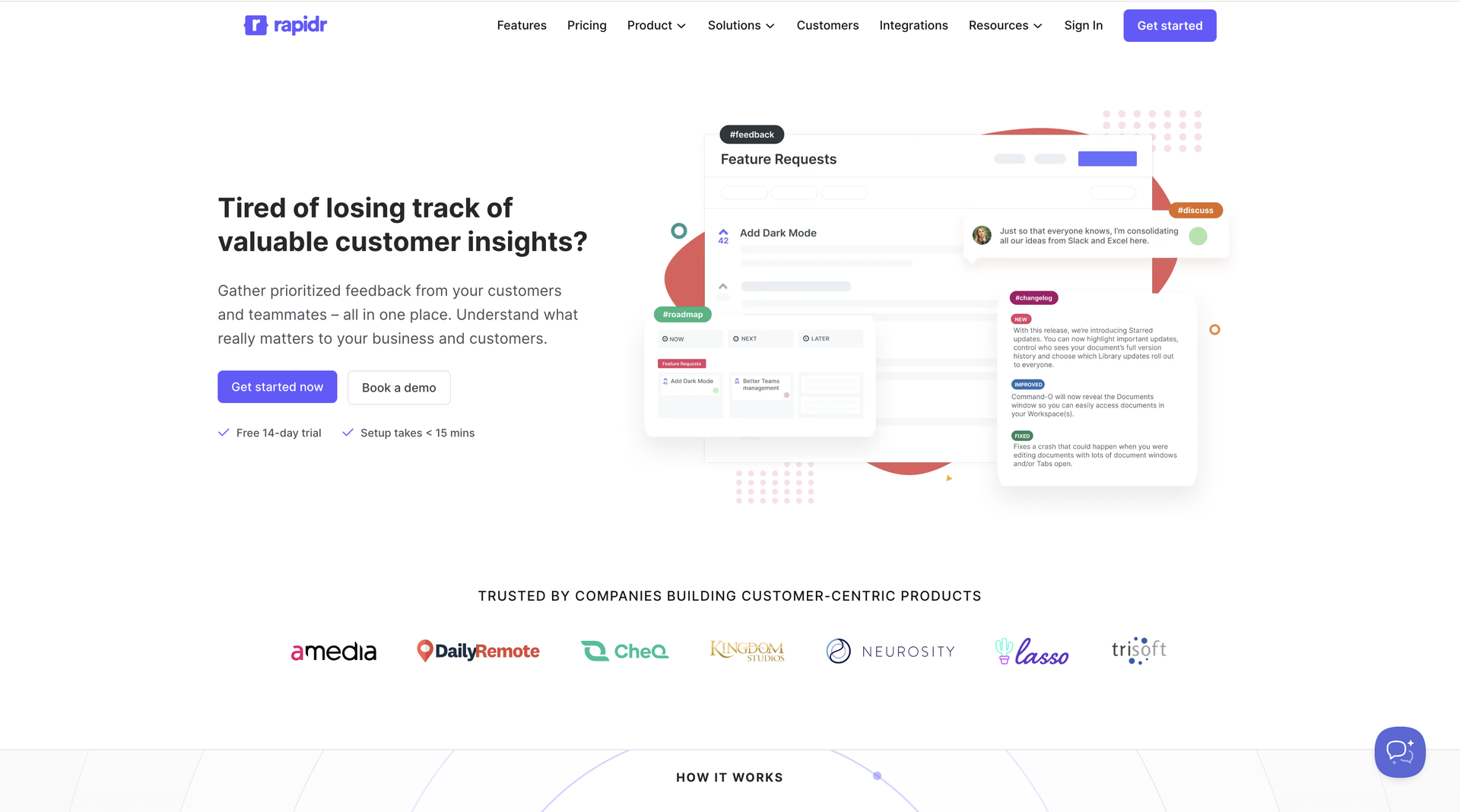
Rapidr is a comprehensive feedback management tool designed to help businesses collect, manage, and prioritize user feedback efficiently. It provides a centralized platform for gathering feedback, feature requests, and bug reports, with robust integration capabilities.
Key Features
Centralized feedback collection: Collect and manage feature requests and user feedback in a single dashboard, acting as a solution for managing customer feedback at scale.
Voting-based prioritization: Users can upvote feedback items, allowing teams to prioritize features based on demand.
Customizable feedback forms: Create tailored forms to capture structured input and gather insights from customer feedback.
Feedback organization tools: Categorize, tag, and track feedback to maintain clarity as submissions grow.
Pros:
Easy to set up and use
Flexible for various use cases (customer feedback, internal ideas, sprint prioritization)
Slack integration for team alerts
Affordable pricing
Helpful for prioritizing the product roadmap
Automatic user notifications when feedback status changes
Visible roadmaps for users
Cons:
As a newer tool, it may lack some features of more established competitors
Limited widget options for capturing feedback beyond text fields
Pricing may be high for non-multi-tenant products
Some desired features are still in development
Customer Ratings
Out of 4 reviews, Rapidr has been given a 5-star rating overall
Pricing:
Starts at $49 per month.
Pricing scales based on features and user requirements.
5. FeatureOS
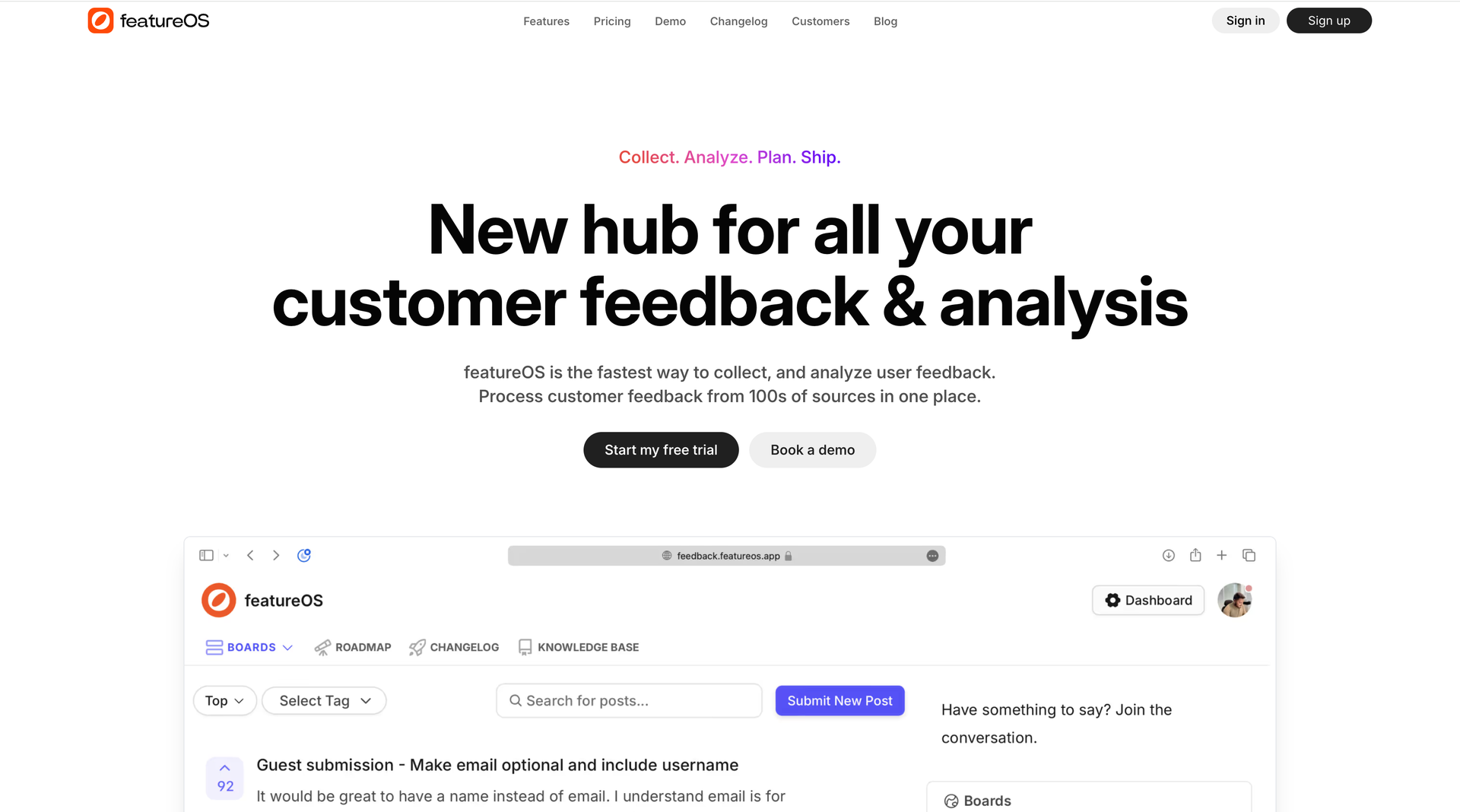
FeatureOS is a customer feedback management platform designed to help businesses gather, manage, and prioritize feedback from users. It offers a comprehensive suite of tools for collecting feature requests, bug reports, and user ideas, with a focus on making feedback actionable.
Key Features
Centralized feedback collection: Capture and manage feedback from customers in one centralized system to keep feature requests organized and accessible.
Voting-based feature prioritization: Allow users to upvote feature requests, enabling teams to prioritize development based on feedback.
Analytics & reporting: Access detailed analytics to track feedback trends, voting activity, and feature demand over time.
Project management integrations: Integrate with popular project management tools to push prioritized feature requests into development workflows.
Pros:
Ease of use for both the company and customers
Constant addition of new features and improvements
Excellent customer support
Helps prioritize product development based on user feedback
Integration with tools like ClickUp and Intercom
Cons:
Some AI improvements for managing similar requests are still in development
May lag behind some competitors in terms of certain features
No free plan available
Limited customization for feedback forms.
Pricing
Starts at $50 per month.
Pricing varies based on features and user needs.
6. FeatureBase
Featurebase is a comprehensive feedback management platform designed to help businesses efficiently gather, organize, and prioritize user feedback. It offers tools like feedback portals, in-app widgets, voting systems, and public roadmaps to streamline product development and enhance customer satisfaction.
Key Features
Feedback analytics: View trends and engagement metrics to gain insights into customer needs and feature demand.
Public roadmaps: Create and share public roadmaps that show planned, in-progress, and completed features.
Centralized feedback collection: Collect user feedback using public portals and in-app widgets to manage customer interactions across multiple touchpoints.
Voting-based prioritization: Users can upvote feature requests to help teams prioritize product decisions transparently.
Pros:
Easy to set up and use
Popup changelog widget for user updates
Good integrations, especially with Linear and Intercom
Helps build a community around product improvement
Easy creation of feature and bug requests
Cons:
Pricing may be high for indie developers or solo projects
Some users miss specific features from competitors (e.g., upvoting within Slack)
Customer Ratings:
Out of 10 reviews, FeatureBase has been given a 4.9 -star rating overall
Pricing:
Free plan available.
Paid plans start at $40 per month.
7. Canny
Canny is a feedback management software designed to collect, manage, and evaluate product feedback. It features a product roadmap with idea ranking to prioritize projects and monitor development stages.
Key Features
Feedback boards with voting: Collect product ideas on public boards where users can submit requests and vote, helping teams analyze feedback through demand signals.
Demographic insights: Segment and review customer feedback data based on customer attributes to support informed prioritization.
Customer engagement tracking: Monitor engagement with feedback and roadmap updates to support long-term customer loyalty.
Integrations: Integrate with tools like HubSpot, Salesforce, Google Workspace, and Jira to connect feedback with internal workflows.
Pros:
Easy to set up and integrate with existing systems
Effective for collecting and organizing user feedback
Helps prioritize feature requests based on user votes
Good integrations, especially with Intercom, Slack, and JIRA
Transparent roadmap sharing with customers
Cons:
Pricing may be high for small businesses or startups
Limited customization options for some features (e.g., email notifications)
Search functionality could be improved (lack of global search)
Some users reported minor usability issues
Limited user roles/permissions (at the time of some reviews)
Customer Ratings:
Overall rating: 4.7 out of 5 stars (based on 44 reviews on Capterra)
Ease of Use: 4.8/5
Customer Service: 4.8/5
Features: 4.5/5
Value for Money: 4.8/5
Pricing
Starts at $79/month
Free forever plan with limited features.
8. Savio
Savio is a robust customer feedback management tool designed to centralize and streamline feedback collection across various channels, including email, support tools, CRMs, and more. It fosters collaboration between teams and ensures the feedback loop is closed, enhancing customer satisfaction and retention.
Key Features
Segmentation & filtering: Use powerful filters to slice feedback by source, customer type, or attributes, making it easier to organize feedback effectively.
Team collaboration tools: Enable product, customer success, and sales teams to view, comment on, and work with feedback in a shared workspace.
Automated feedback collection: Automatically capture feedback from connected tools and workflows, ensuring the right feedback is collected without manual effort.
Customer feedback linking: Associate feedback with customer records to maintain context within a centralized customer feedback software system.
Pros:
Easy to set up and integrate with existing systems (e.g., Intercom, Salesforce, Segment)
Chrome extension for capturing feedback from various sources
Customizable template for feature enhancement requests
Ability to centralize customer feedback from multiple channels
Segmentation of feedback based on customer attributes (e.g., MRR, plan)
Cons:
Search functionality in the web application could be improved
The tagging system can be repetitive and could benefit from better organization
Web application can be slow and cumbersome at times
Lacks voting boards for feedback
No Kanban-style roadmap (only list-based)
Customer Ratings:
Overall rating: 4.7 out of 5 stars (based on 5 reviews on G2)
Pricing:
Starts at $39 per month.
Free trial available.
9. Beamer
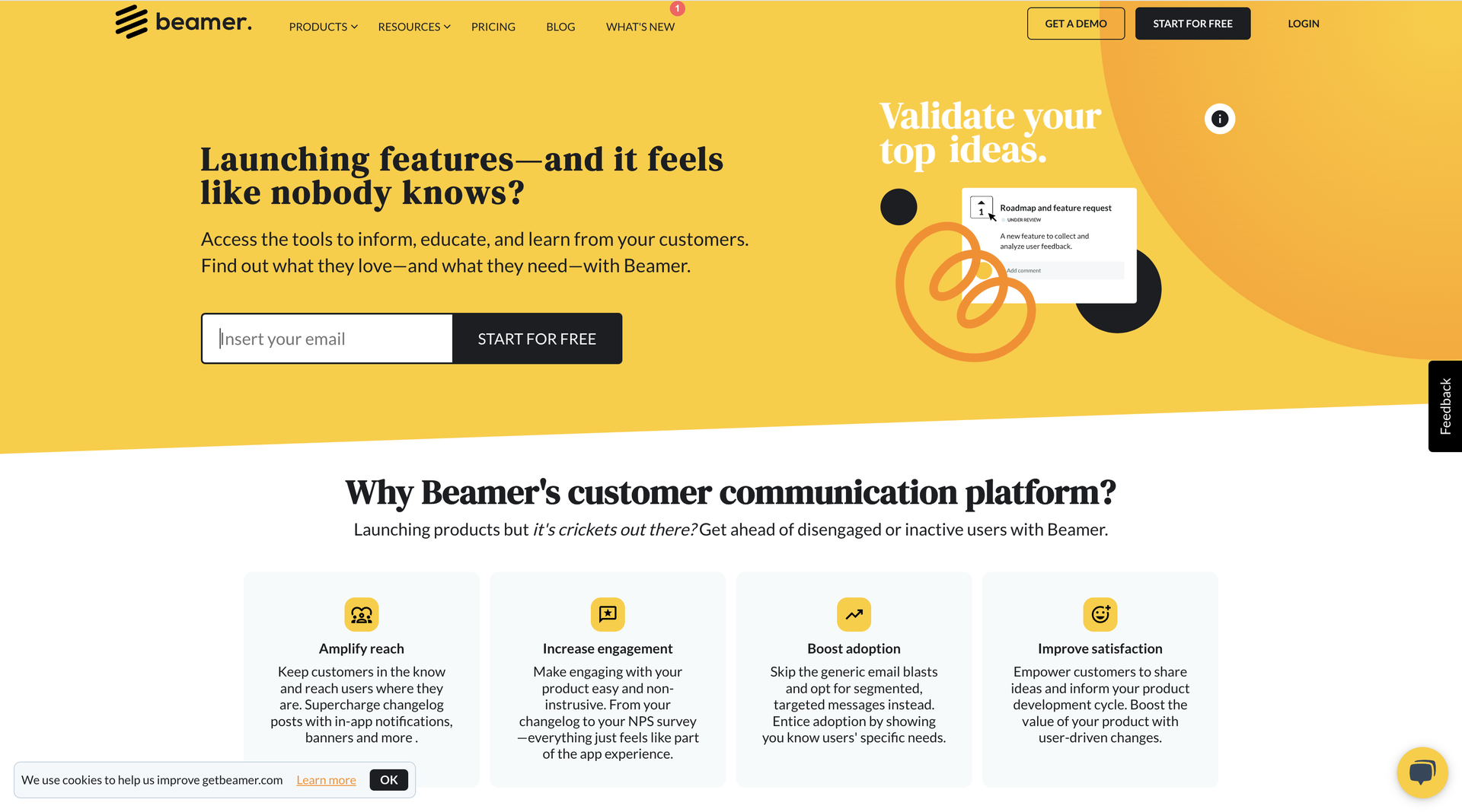
Beamer is a versatile customer feedback tool that offers a user-friendly interface and multi-channel feedback collection, including NPS surveys, in-app feedback, comments, and reactions. It's powerful analytics feature, sentiment analysis, and comprehensive reporting tools.
Key Features
Multi-channel Feedback Collection: Gathers feedback through NPS surveys, in-app forms, comments, and reactions, capturing signals from product usage and customer support interactions in one stream.
Advanced Reporting: You can track feedback patterns and measure how changes impact customer satisfaction and loyalty over time.
Platform Integrations: It's possible to connect Beamer with popular business tools to keep feedback flowing smoothly across your existing systems.
Sentiment Analysis: Automatically understands the tone behind user feedback, helping you spot positive and negative trends without manual review.
Pros:
Ease of use and setup
Good customer support
Effective for sharing product updates and announcements
Customizable widget that blends well with websites/apps
Integrations with platforms like Intercom and Zapier
Cons:
Limited native integrations (relies heavily on Zapier)
Some users find it expensive
Occasional integration issues reported
Limited audience segmentation capabilities
Some users want more features like multiple products per account, roadmap boards, etc.
Customer Ratings:
Ease of Use: 5/5
Customer Support: 3/5
Engagement: 3/5
Customer Engagement: 2/5
Pricing:
Free plan with limited features.
Paid plans start at $49 per month, scaling based on features and user volume.
10. Aha!
Aha! is a leading product management platform designed to help teams strategically plan, develop, and deliver products. It provides tools for defining product vision, creating roadmaps, managing releases, and collaborating with team members and stakeholders.
Key Features:
Strategic Planning: Define product vision, goals, and conduct a SWOT analysis.
Roadmapping: Create customizable roadmaps, timelines, and Gantt charts.
Idea Management: Collect, prioritize, and manage customer ideas and feedback.
Feature Prioritization: Use scorecards and manage dependencies.
Highly customizable and flexible to fit various business needs
Strong integration capabilities, especially with Jira
Excellent for strategic planning and aligning work with company goals
Powerful roadmapping and release planning features
Cons:
Steep learning curve due to the software's complexity
Can be overwhelming for new users due to the abundance of features
Some users find the interface and navigation challenging
Pricing can be expensive, especially for smaller teams or companies
Occasional issues with software updates disrupting workflows
Customer Ratings:
Overall rating: 4.7 out of 5 stars (based on 535 reviews on Capterra)
Ease of Use: 4.4/5
Customer Service: 4.9/5
Features: 4.7/5
Value for Money: 4.6/5
Pricing
No Free plan
Paid plans start at $39 per month, while there are different prices for suites of products
11. Productboard
Productboard is a comprehensive product management and roadmapping platform that integrates customer feedback with sophisticated roadmapping tools. It features built-in frameworks for prioritizing features and templates for creating visual roadmaps, making it a robust solution for product managers.
Key Features
Integrated Customer Feedback Repository: Collect and centralize customer feedback from multiple sources in one unified repository.
Sophisticated Roadmapping Tools: Build detailed product roadmaps that reflect strategy, progress, and priorities.
Visual Roadmap Templates: You can use ready-made templates to create visual roadmaps that are easy to customize and share with stakeholders.
Built-in Prioritization Frameworks: Apply structured prioritization methods directly within Productboard to evaluate ideas and make informed trade-offs.
Pros:
Intuitive and user-friendly interface
Excellent for aggregating and organizing customer feedback
Strong feature prioritization capabilities
Helps align product strategy with company objectives
Good integration with external tools (e.g., Jira, Slack)
Cons:
Steep learning curve for some users due to numerous customization options
Limited integrations with some project management tools (e.g., Asana, Clubhouse)
Search functionality could be improved
Some users find it expensive, especially for smaller teams
Occasional issues with data structure and organization
Customer Ratings:
Overall rating: 4.7 out of 5 stars (based on 152 reviews on Capterra)
Ease of Use: 4.4/5
Customer Service: 4.7/5
Features: 4.3/5
Value for Money: 4.3/5
Likelihood to recommend: 8.5/10
Pricing
Starts at $20 per month per "Maker" (user who creates, edits, and prioritizes feedback or roadmap).
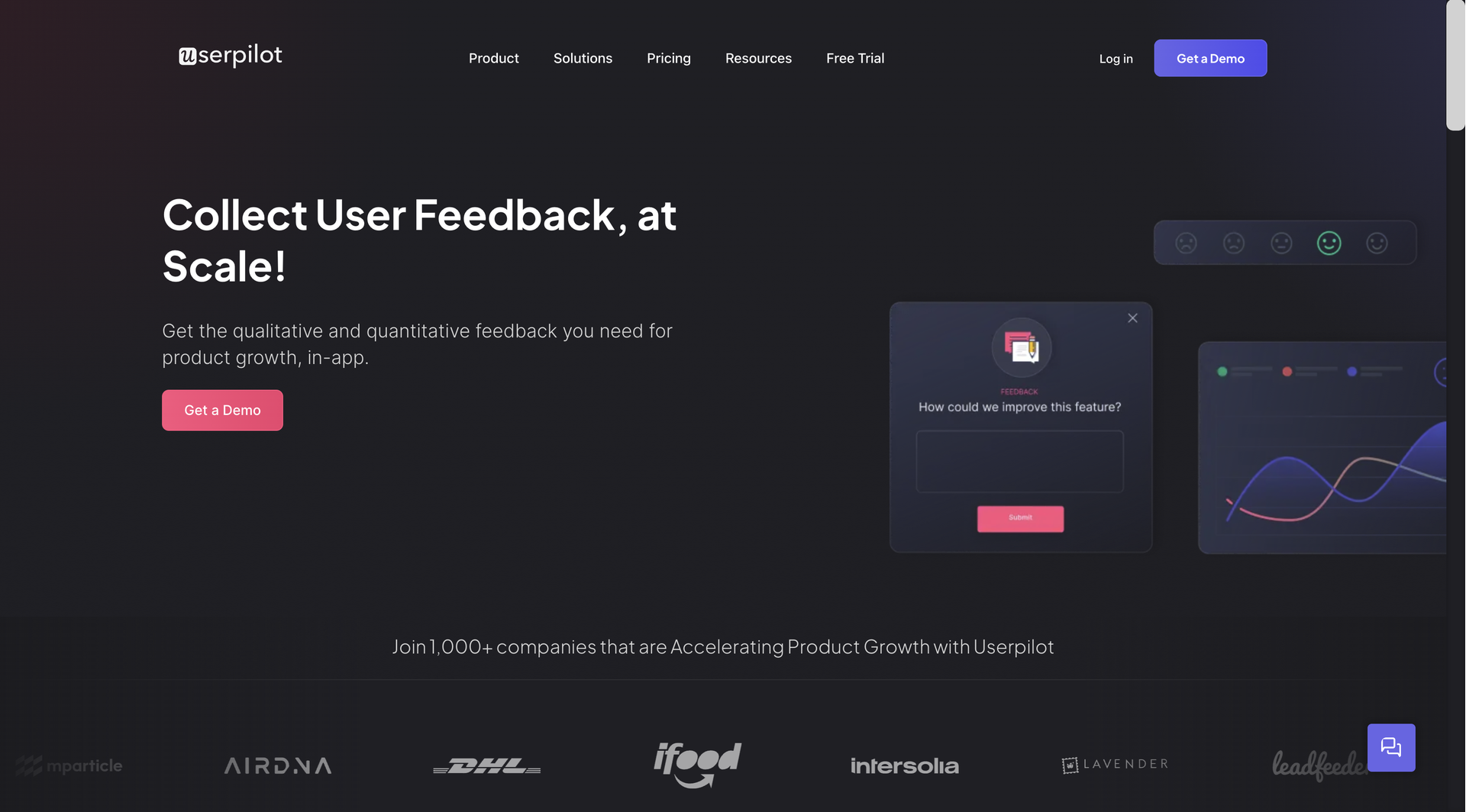
12. UserPilot
Userpilot is a user onboarding and product adoption platform designed to help SaaS companies enhance user experiences and drive product engagement. It enables teams to create personalized in-app experiences without requiring coding.
Key Features
Onboarding Flows: Create interactive onboarding flows to guide new users through key features and functionalities.
In-App Messaging: Deliver personalized messages, tips, and announcements directly within the app.
Product Tours: Create product tours to showcase key features and assist users in navigating the product.
User Segmentation: Segment users based on behavior, attributes, and usage patterns to deliver targeted experiences.
Pros:
Powerful user onboarding and feature adoption tools
Customizable experiences and flows
Effective for reducing churn and support tickets
Good integration with existing tech stacks
Helpful customer support team
Cons:
Some users experienced slight lag at high loads
Initial learning curve for advanced features
Limited integration options compared to some competitors
Occasional glitches or freezes reported by some users
Pricing is considered high by some users
Customer Ratings:
Overall rating: 4.6 out of 5 stars (based on 57 reviews on Capterra)
Ease of Use: 4.5/5
Customer Service: 4.7/5
Features: 4.6/5
Value for Money: 4.7/5
Likelihood to recommend: 8.8/10
Pricing
Starts at $249 for basic features.
13. Pendo
Pendo is a product analytics and user engagement platform designed to help companies understand user behavior, improve product experiences, and drive user adoption. It provides insights into how users interact with software, enabling teams to make data-driven decisions and deliver personalized in-app experiences.
Key Features
Product Analytics: Track user behavior, feature usage, and engagement metrics to gain insights into how users interact with your product.
In-App Guidance: Create in-app messages, tooltips, and walkthroughs to guide users and highlight key features.
User Feedback: Collect feedback through in-app surveys, polls, and NPS (Net Promoter Score) to understand user sentiment and areas for improvement.
Segmentation: Segment users based on behavior, attributes, and feedback to deliver targeted and personalized experiences.
Pros:
Powerful analytics and user behavior tracking
Effective for product adoption and user onboarding
Helpful for collecting and managing user feedback
Good NPS (Net Promoter Score) functionality
Integrates well with other tools (e.g., Salesforce)
Cons:
Initial setup and tagging can be time-consuming
Learning curve for some advanced features
Limited customization options for dashboards
Occasional bugs or glitches reported
Some users find it expensive, especially for smaller teams
Customer Ratings:
Overall rating: 4.5 out of 5 stars (based on 215 reviews on Capterra)
Ease of Use: 4.1/5
Customer Service: 4.5/5
Features: 4.3/5
Value for Money: 4.3/5
Pricings :
Custom, based on request
14. UserVoice
UserVoice is a customer feedback management platform that enables companies to collect, analyze, and act on user feedback, ultimately improving their products and services. It enables teams to understand customer needs, prioritize features, and enhance user satisfaction by integrating feedback into the product development process.
Key Features
Feedback Collection: Gather user feedback through multiple channels, including web widgets, mobile apps, and emails.
Idea Management: Allow users to submit ideas, vote on suggestions, and discuss potential features, creating a community-driven feedback loop.
Prioritization: Use customizable scorecards and prioritization tools to identify the most valuable features and improvements.
Roadmapping: Share product roadmaps with users to communicate upcoming features and gather feedback on planned developments.
Pros:
Easy to integrate into web applications
Effective for collecting and organizing user feedback
Voting system helps prioritize feature requests
Good knowledge base functionality
Customizable widget for in-app feedback collection
Cons:
The interface can be outdated and sometimes slow to navigate
Limited multilingual support for the knowledge base
Merging similar ideas can be a manual, time-consuming process
Some users find it expensive for the features they use
No mobile app for ticket agents
Customer Ratings:
Overall rating: 4.3 out of 5 stars (based on 70 reviews on Capterra)
Ease of Use: 4.2/5
Customer Service: 4.1/5
Features: 3.8/5
Value for Money: 3.8/5
Likelihood to recommend: 7.6/10
Pricing
Starts at $699 for basic features.
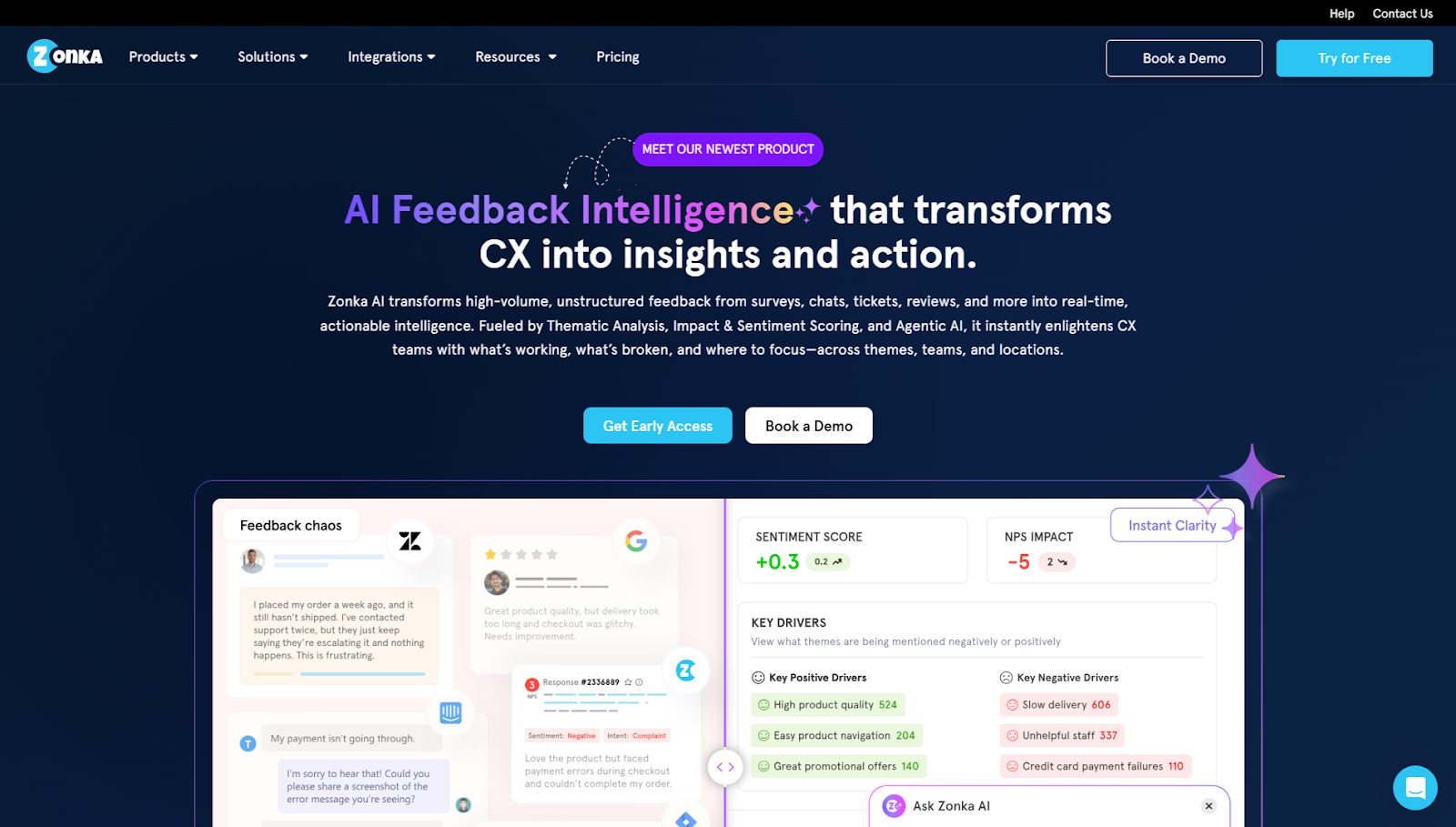
15. Zonka Feedback
Zonka Feedback is an all-in-one customer feedback and experience management platform that helps you gather feedback across channels and take action from a unified inbox. With customizable surveys, AI-powered insights, and automation workflows, Zonka makes it easy to close the loop and improve customer satisfaction. Customers can submit feedback through email, SMS, web widgets, in-app, kiosks, or live chat—and your team can analyze, respond, and collaborate from one place.
Key Features
Multi-channel Survey Distribution: Distribute surveys across Email, SMS, WhatsApp, Web, In-App, and even Offline channels.
Targeted In-app & Web Widgets: You can deploy in-app and web widgets with advanced targeting rules.
Extensive Integrations: Connect Zonka Feedback with over 100 tools, including HubSpot, Salesforce, Slack, and Zendesk, to keep feedback flowing into your existing workflows.
Response Inbox with Notes & Alerts: Manage feedback through public or private inboxes, add internal notes, and set up alerts so nothing important is missed.
Pros:
Extremely flexible survey builder with branding and logic controls
Easy to implement across teams and touchpoints
AI insights help prioritize actions and identify key drivers
Effective for both online and offline feedback scenarios
Responsive support with onboarding assistance
Cost-effective and powerful for growing CX teams and early-stage companies
Multiple workspaces to manage different products, teams, or locations in one dashboard
Fast, friendly, and responsive support
Cons:
Some advanced features, like AI reporting, are available only in higher plans
Pricing:
Customer Feedback platform starts at $199 per month
AI Feedback Intelligence plans start from $999 per month
16. UserSnap
Usersnap is a customer feedback and bug-reporting tool that helps teams collect, organize, and act on feedback from users. With Usersnap, people can send comments, screenshots, and video recordings right from your website or app, so you see exactly what issue they are talking about.
Key Features
Visual feedback capture: Users can take screenshots, record their screen and voice, and even annotate what they’re pointing at.
Feedback widgets & surveys: Add feedback buttons, surveys, or forms directly into your product interface.
Technical context: When feedback is sent, Usersnap automatically grabs useful details like browser info, URL, and error logs, so you don’t spend time guessing.
Targeting & segmentation: Collect feedback from specific pages, user groups, or behaviors to understand different user experiences.
Pros:
Easy to use and set up, even for non-technical teams.
Lets you visually see exactly what users see through screenshots and video.
Strong integrations with tools like Jira, Slack, Azure DevOps, and others.
Helps teams collect richer, more structured feedback than simple forms.
Cons:
Pricing can be higher compared with simpler feedback tools, especially for small teams.
Some users report that screenshot uploads can lag or sometimes don’t look exactly as expected.
Customization of widgets and layouts isn’t very deep on lower plans.
Customer Ratings:
Usersnap gets positive user ratings (around4.6 out of 5 stars based on many reviews)
Pricing:
Offers afree trial where you can collect your first 20 feedback items at no cost. Paid plans start at $39/month and go up for more advanced features and larger teams.
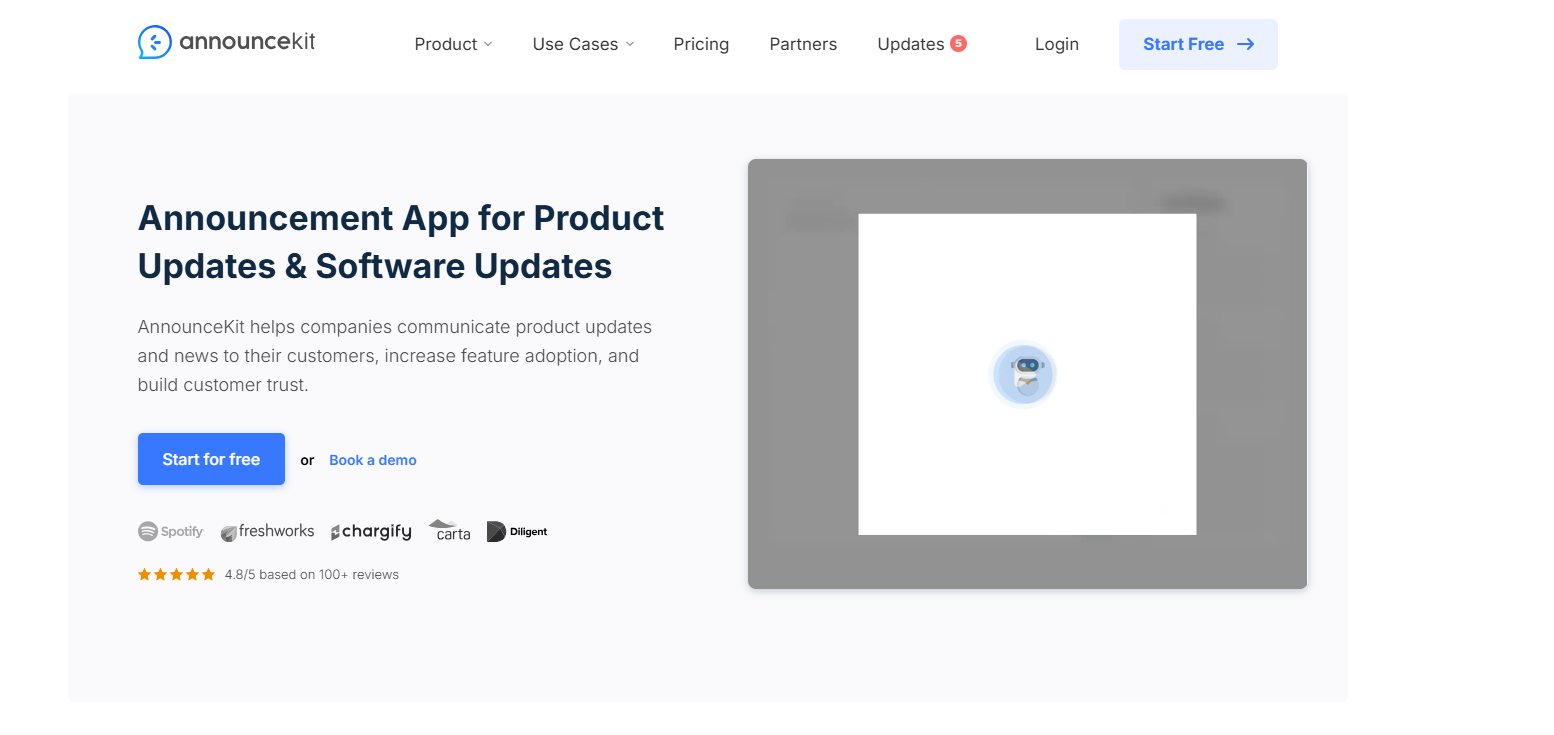
17. Announcekit
AnnounceKit is a product announcement and customer communication tool that helps teams share updates, collect feedback on those updates, and keep users in the loop about what’s new in their product.
Key Features:
Product announcement boards: Create and publish announcements so your users always know what’s new.
In-app & website widgets: Add eye-catching notification widgets in your app or site to show updates straight to users.
Feedback on updates: Users can react with emojis and leave comments on your announcements.
Feature requests & voting: Let users suggest new features and vote on what matters most (available on higher plans).
Pros:
Lots of ways toannounce updates clearly to users, not just collect ideas.
Easy to set up and use, with clean dashboards and widgets.
Users can respond quickly with reactions and comments, giving you real feedback on your announcements.
Integrates with tools like Slack and supports many languages (higher plans).
Pricing starts higher than some simpler feedback platforms, and advanced features are on higher tiers.
Some users mention that complex features take time to learn and use well.
Customer Ratings:
It holds around a 4.8 out of 5-star rating on popular review sites.
Pricing:
There's a 15-day free trial on most plans, so you can try before you buy. Paid plans start at $79/month
18. Survey Monkey
SurveyMonkey is one of the best tools used for online surveys and feedback. You can build surveys with lots of different question types, share them in many ways, and then see results and trends in real time.
Key Features:
Survey builder with AI help: Easily make surveys with drag-and-drop editing and even AI assistance to generate questions.
Templates & question types: Choose from hundreds of templates and 25+ question kinds (like multiple choice, ratings, and open text).
Logic and customization: Use skip logic and branching to send respondents relevant questions based on earlier answers.
Multiple ways to collect responses: Share your survey link, send by email, post on social media, use QR codes, or embed surveys on a website.
Pros:
Easy toget started with and learn, even for beginners.
Lots of templates and question types to suit different survey goals.
Can collect, organize, and analyze survey data pretty comprehensively.
Works well for both small personal projects and large business research.
Cons:
Thefree plan is very limited (only a few responses and questions)
Some users find the user interface a bitconfusing or overwhelming at first.
Pricing can feel expensiveif you need many responses or advanced tools.
Report and dashboard tools can take some time to understand fully.
Customer Ratings:
SurveyMonkey is highly rated with 4.6 out of 5 stars from thousands of users.
Pricing:
There’s a free Basic plan, while you can get paid plans at $25 per month,
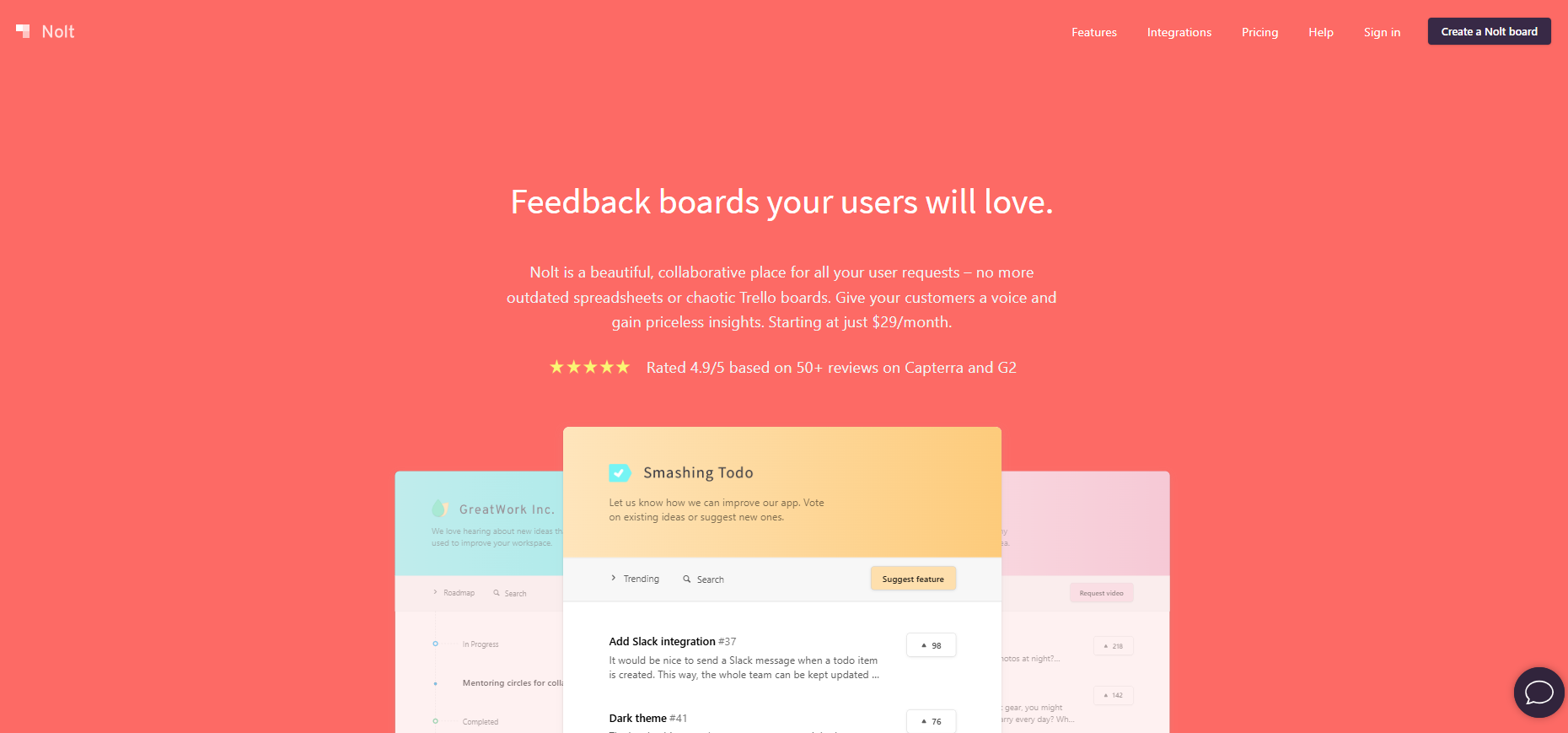
19. Nolt
Nolt is a user feedback board tool that helps teams collect, organize, and prioritize feedback and feature requests in one place. Instead of trying to manage feedback in spreadsheets or scattered support chats,
Key Features:
Custom feedback boards: Create boards where users can post suggestions, vote, and comment on ideas.
Voting system: Users can upvote ideas they like, so you can easily see what’s most important.
Roadmap sharing: Show where things stand (planned, in progress, done) so users feel informed.
Custom fields & statuses: Tailor your board to match your workflow and track requests the way you want.
Pros:
Very simple and fast to set up
Beautiful, clean interface that customers enjoy using.
Unlimited users and content
Helps teams focus on what users care about by prioritizing ideas with votes.
Cons:
Doesn’t include deep analytics or advanced survey tools like some larger feedback platforms.
More advanced features (like custom branding or private boards) require paid plans.
Not as many workflow automation features as some enterprise tools.
Customer Ratings:
Nolt generally getsvery high ratings from users, with reviewers praising its simplicity, design, and ease of use.
Pricing:
Nolt has a 10-day free trial with no credit card required. However, its paid plans are pegged at $29 per month
20. Qualtrics
Qualtrics is a powerful experience management and survey platform used by businesses and researchers to understand customer experiences and make data-driven decisions. It goes beyond basic surveys to capture insights from customers, employees, and other audiences across multiple channels.
Key Features:
Advanced survey builder: Create detailed surveys with many question types, branching logic, and adaptive flows so responses feel natural and relevant.
Multi-channel feedback collection: Share surveys via email, web links, mobile, SMS, QR codes, and more, so you reach people where they are.
AI & analytics: Use AI-driven analytics to uncover trends, sentiment, and key insights from large volumes of feedback quickly.
Pros:
Great for detailed research or enterprise-level feedback needs.
Handles complex logic and large surveys well.
Advanced analytics and AI tools help teams go beyond basic charts.
Supports many ways to collect feedback across channels.
Cons:
Expensive compared with simple survey tools
Not as simple to pick up as basic feedback apps, and onboarding may take time.
Complex reports & customization can be harder to set up unless you’re experienced.
Customer Ratings:
It is widely highly rated by enterprise users and research professionals
Pricing:
Qualtrics doesn’t list simple price plans online like many tools. You have to request a demo and a quote.
Conclusion
Companies that listen to customer feedback and use the right tools to improve their products tend to be more successful. Feedback tools help you collect what your users are saying, organize it, and decide what to build next. There are plenty of tools out there, but ProductLogz keeps it simple by helping you turn real user feedback into the right product updates
Frequently Asked Questions
What is a feedback management system? A feedback management system helps you collect, organize, and use feedback so you can continuously improve your product or service.
Are there any free feedback management tools? Yes. You can use free tools like SurveyMonkey or Nolt basic plan to collect feedback. However, if you want something built specifically for managing and organizing product feedback, ProductLogz offers a more structured approach as your needs grow.
Which integrations matter most in a feedback management platform?
You should focus on integrations with the tools you already use, like your CRM, help desk, analytics, and marketing automation platforms.
What are the 3 C’s of feedback? The three C’s are Clarity, Context, and Composure. They help managers give constructive feedback by being clear about expectations, connecting feedback to goals, and staying calm and respectful during the conversation
Share this post
Priyanka
January 15, 2026
•
5 min read
Simplifying Feedback Management for SaaS
Ready to get started?
No sales calls. No long setup. Create your workspace and start collecting feedback today.