

.png)
It's not the end of the world if you're drowning in spreadsheets, and your product roadmap is scattered across three different tools. I've been there, and it's frustrating.
In 2026, building great products will take more than just tracking tasks. Today’s product teams work faster(thanks to AI), rely on data, and need tools that connect big ideas with everyday work. That’s why simple project trackers just don’t cut it anymore.
After evaluating dozens of options and analyzing real customer feedback on Capterra, I've put together this honest guide to help you explore the best product management tools available. Let’s get started!
Here's what really matters when choosing the right product management software:
The fanciest product management tool in the world is useless if your developers hate it or your stakeholders never log in. You need to think about who'll be using this daily and whether it fits your product development process.
If you're using Slack and Google Workspace, your new product management platform better play nice with them. Strong integration with other tools means you won't be copying and pasting between platforms all day.
Your needs will change. A free product management software that lets you test things out and paid plans that scale with you are ideal for modern product teams. Now, let's look at your options for product management tools in 2026.
Today’s product manager is expected to juggle feature planning, market analysis, stakeholder communication, and delivery timelines. However, research indicates that optimizing product management processes using the right tools can lead to 34.2% profit increase. Here's a list of the best product management tools you should try out this year:
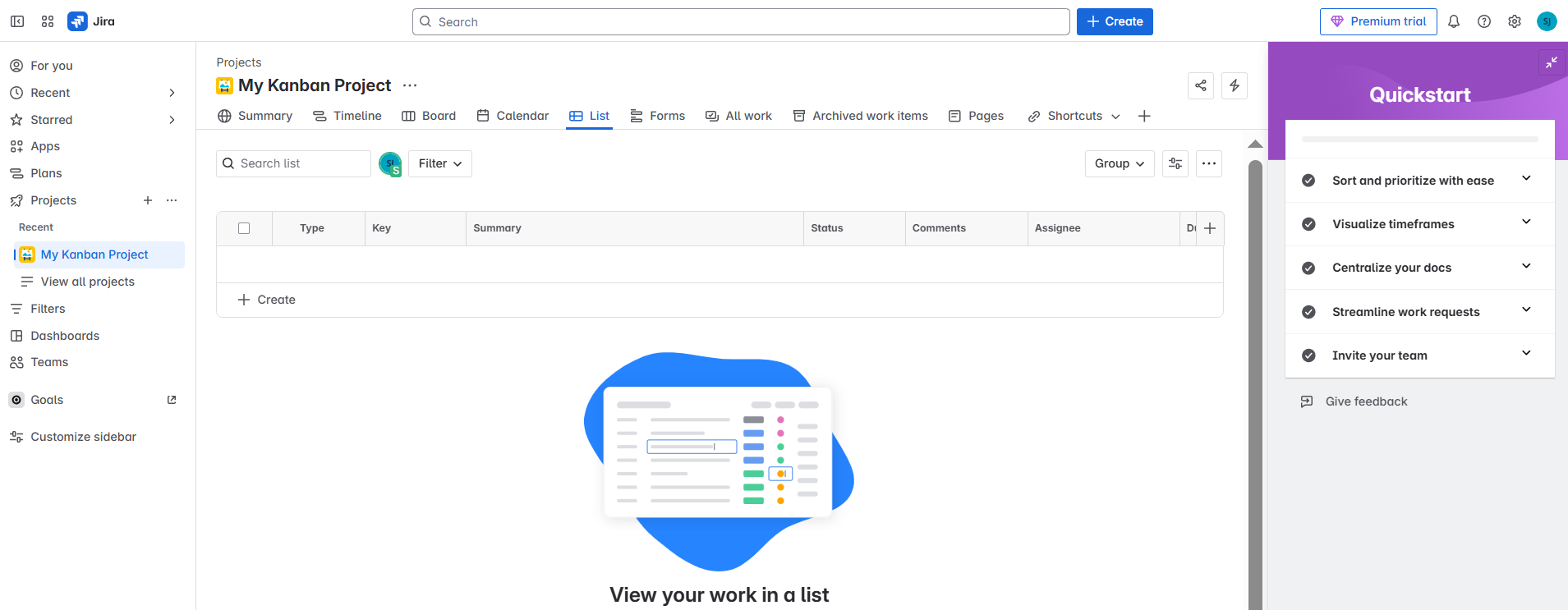
Jira is one of the most widely used by product teams across industries. This product management software is a heavyweight champion that helps product teams manage complex workflows, handle backlog management, and track the progress of product development with precision.
Key Features:
Pros:
Cons:
Pricing:
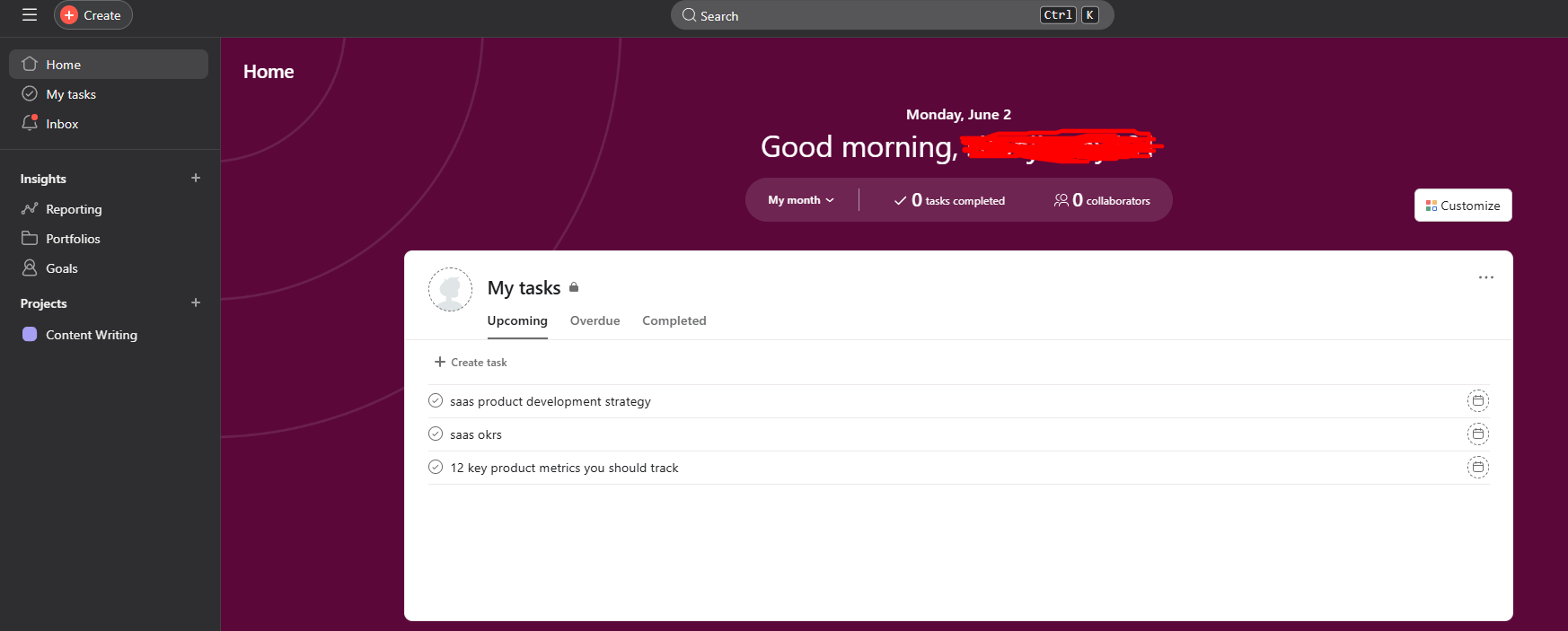
Asana is a project management and collaboration platform that's clean, intuitive, and allows product teams to stay aligned without extensive training. This work management tool strikes an excellent balance between simplicity and power, making it one of the best product management tools for cross-functional teams
Key Features:
Pros:
Cons:
Pricing:
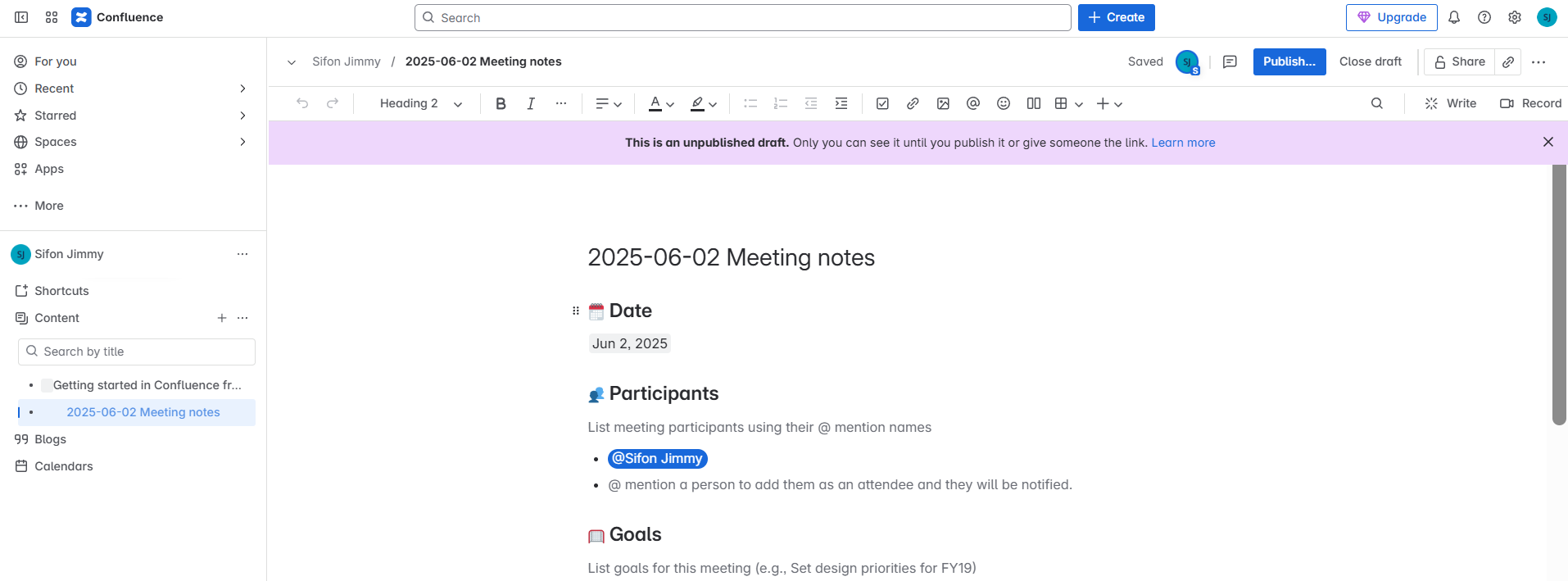
Confluence is a work management platform that serves as the brain, stored in one searchable place. This collaboration tool is perfect for product development and management documentation, storing product specs, meeting notes, and decisions.
Key Features:
Pros:
Cons:
Pricing:
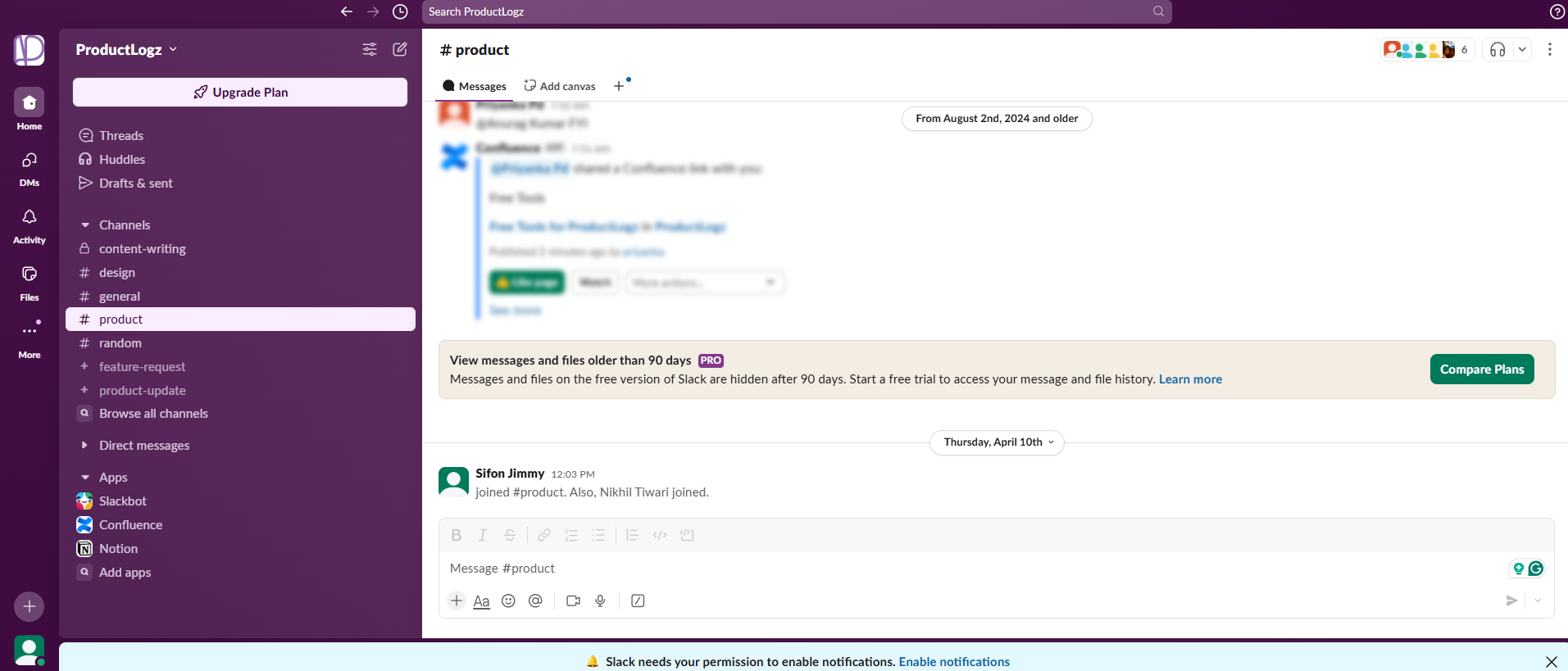
Slack isn't technically product management software, but try running a modern product team without it. This collaboration tool has become essential for teams to work together effectively, especially in remote environments. Every project management platform on this list integrates with Slack because it's become the central nervous system of modern product management.
Key Features:
Pros:
Cons:
Pricing:
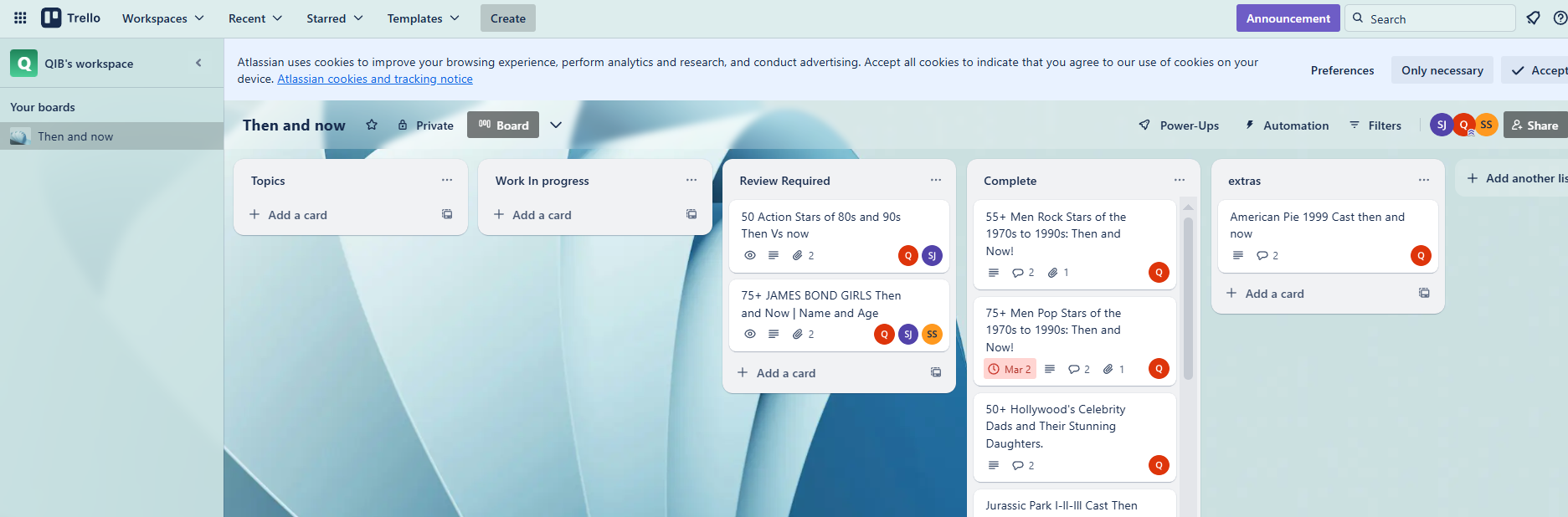
Trello is delightfully simple and perfect for getting started with product management or keeping things straightforward. This management tool uses boards, lists, and cards to create a clear visual of project progress. The free version might be all you ever need if you're a solo product manager or running a small team.
Key Features:
Pros:
Cons:
Pricing:
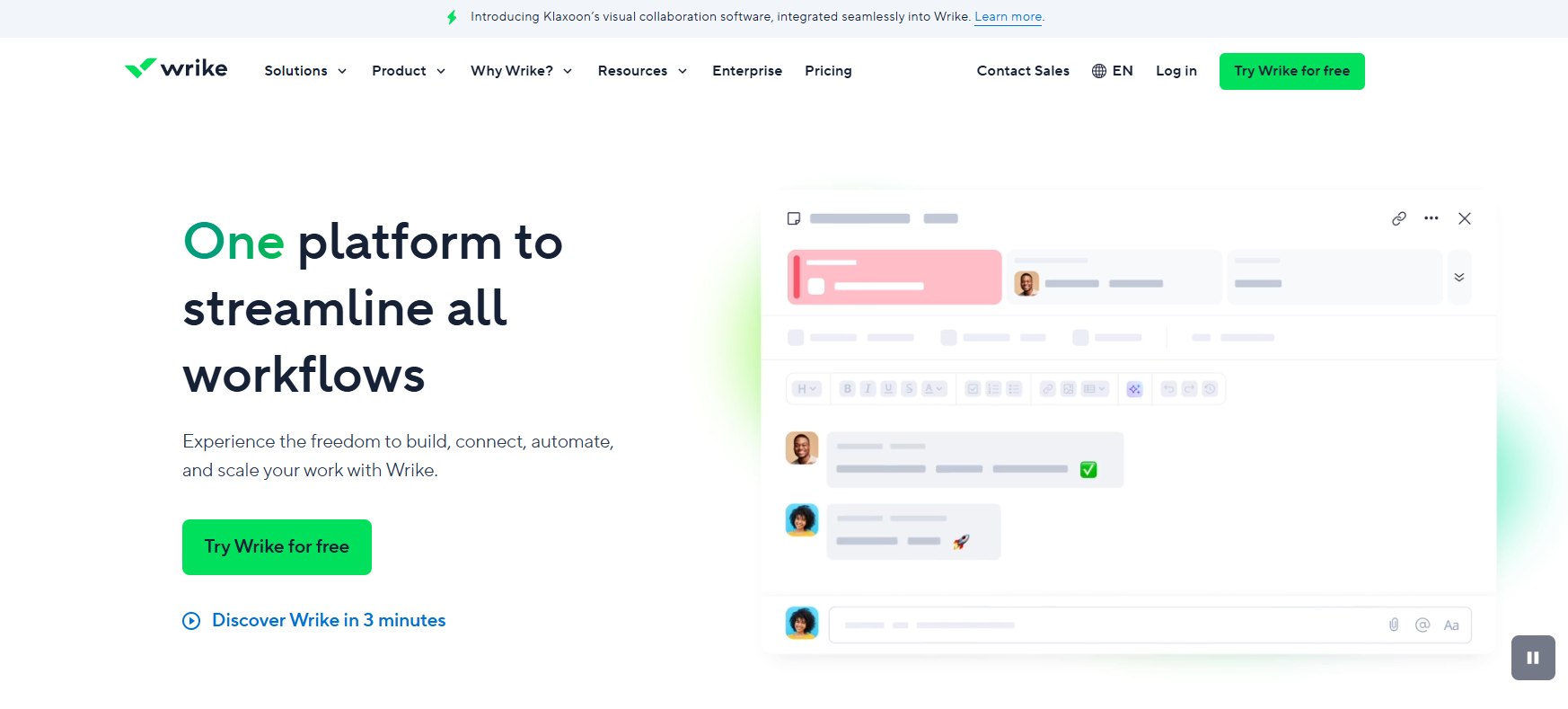
Wrike is a management platform designed for teams that need serious project management muscle. It offers powerful project management features, including resource management, time tracking, and detailed reporting. Those who are coordinating work across multiple time zones and managing complex projects really need this tool to scale.
Key Features:
Pros:
Cons:
Pricing:
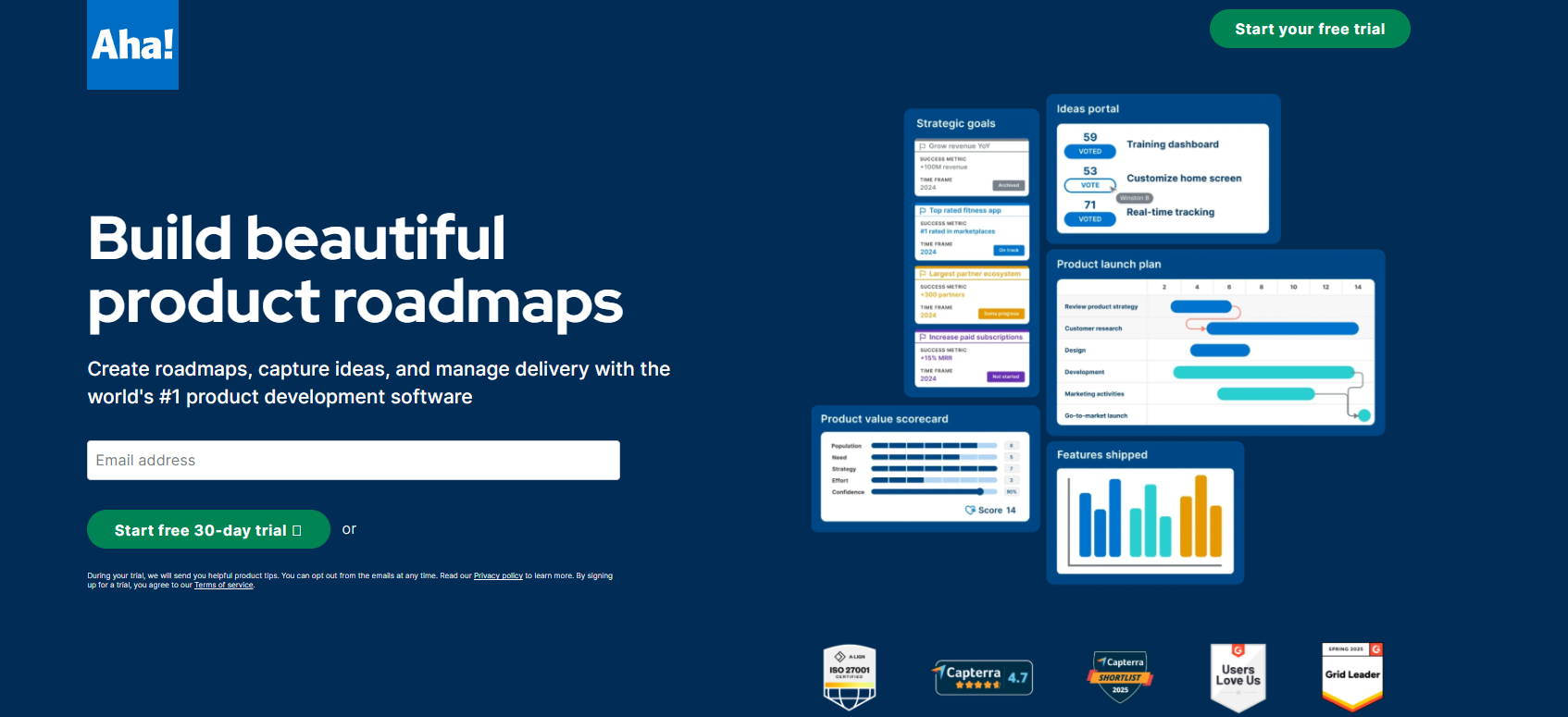
Aha! is a product management tool designed specifically for product managers who need to connect product strategy with execution. This comprehensive product management tool focuses on helping you define strategy, manage ideas through idea management, and build product roadmaps that stakeholders actually understand.
Key Features:
Pros:
Cons:
Pricing:
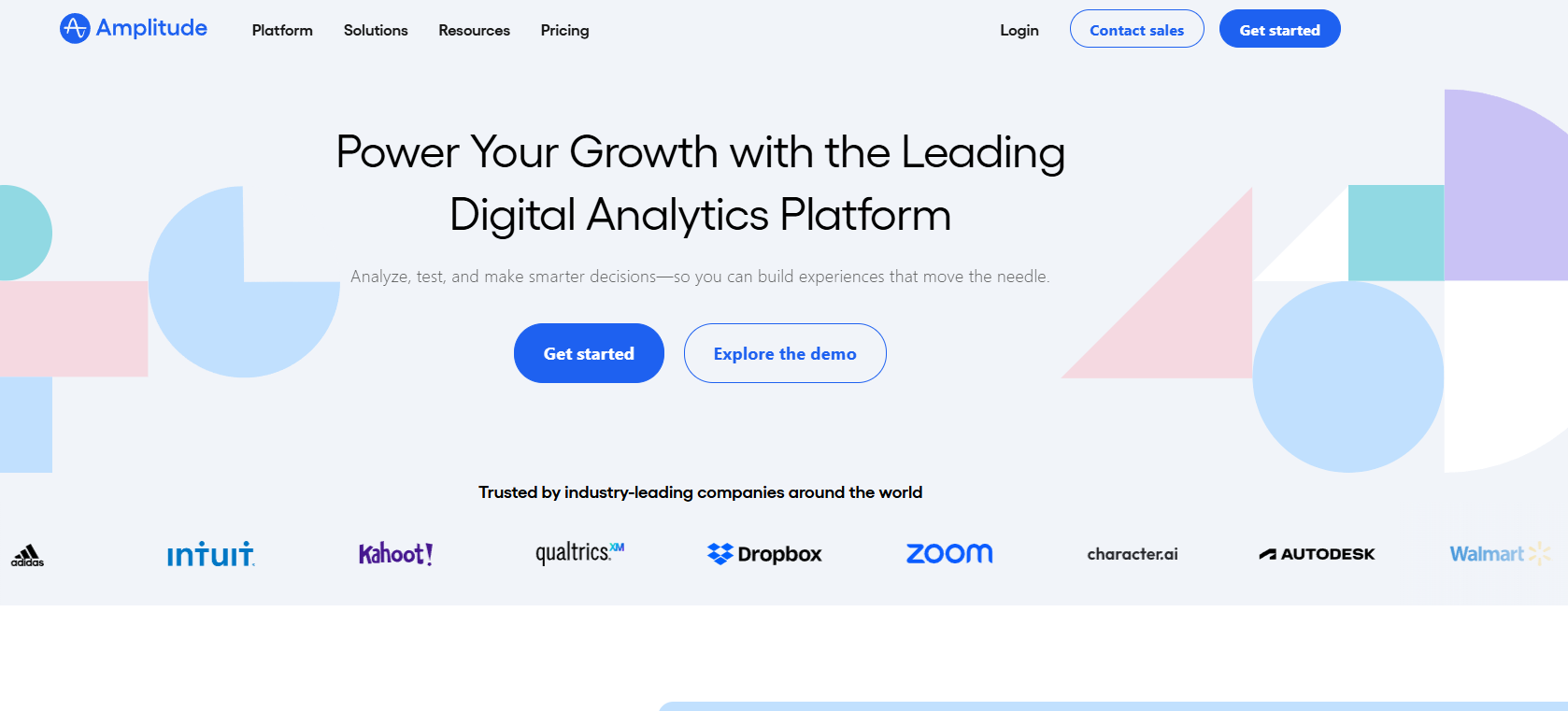
Amplitude is a product analytics platform that isn't a project management software. This tool is essential if you're tired of making product decisions based on opinions and want to know what users actually do in your product. Amplitude pairs perfectly with any project management tool on this list, providing the data insights needed to make smart product decisions at every stage of the product lifecycle.
Key Features
Pros
Cons
Pricing
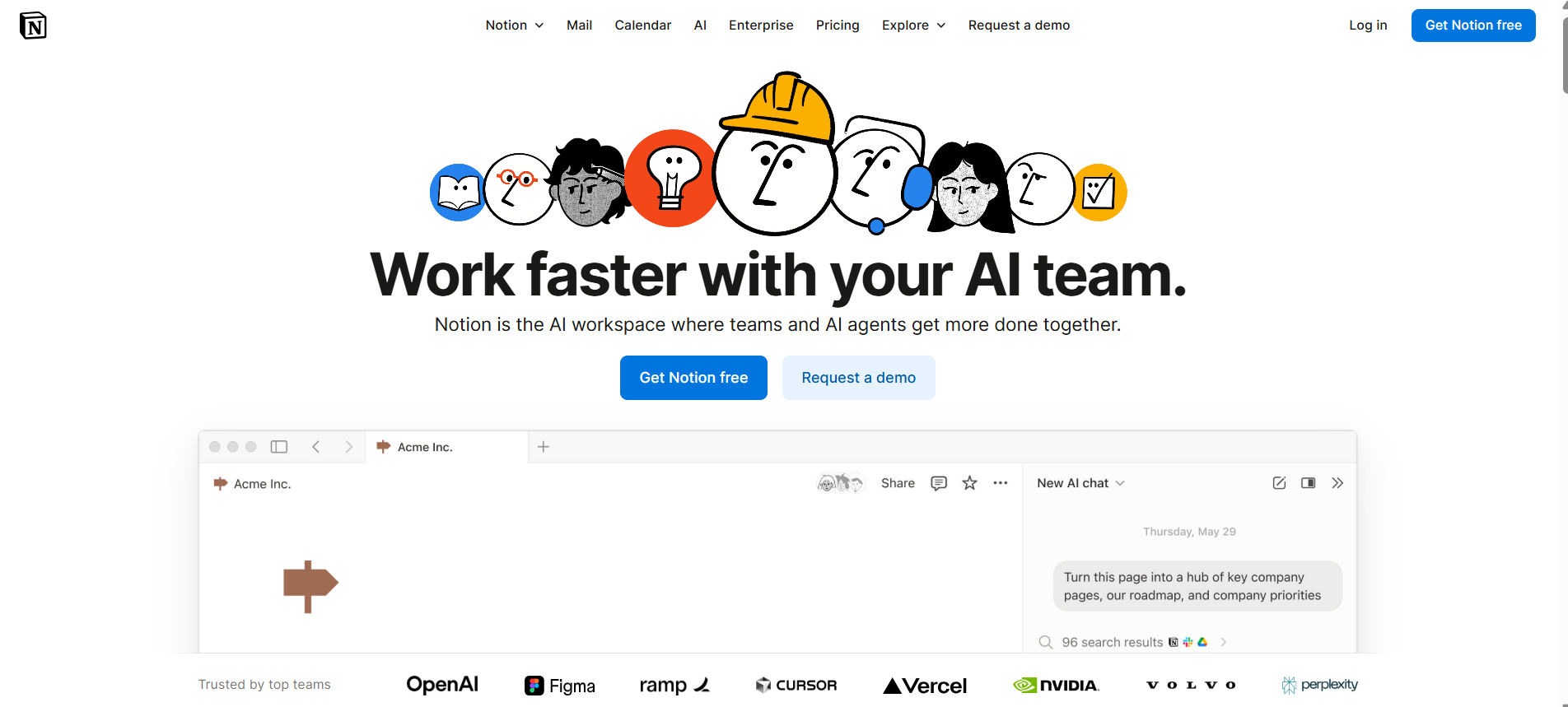
Notion is like LEGO blocks for productivity, offering maximum flexibility to create the best fit for how your team actually works. It can serve as wikis, databases, product roadmaps, docs, and simple task boards.
Key Features:
Pros:
Cons:
Pricing:
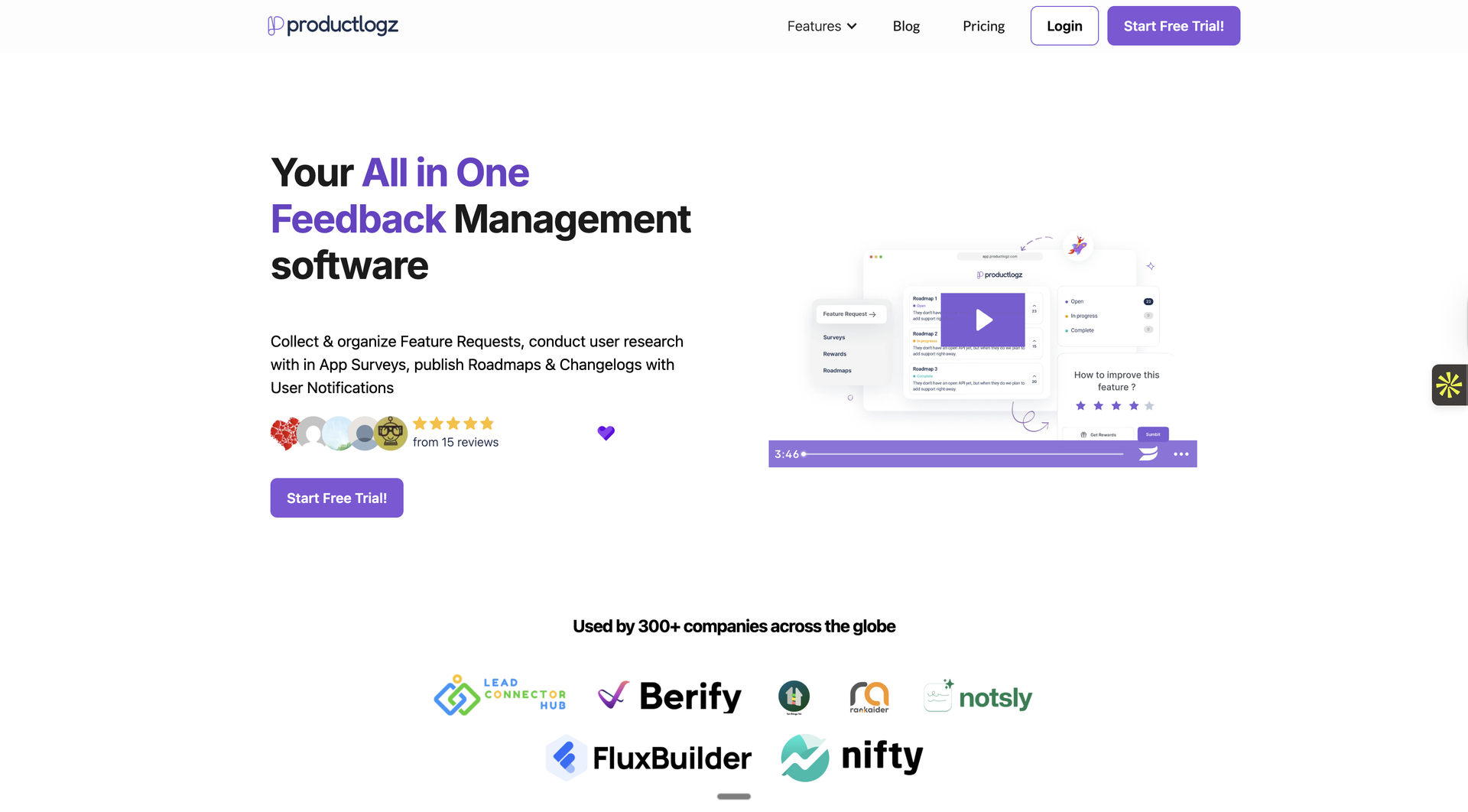
This management solution excels at feedback management and gathering insights for trend analysis. If you're drowning in feature requests from multiple channels, Productboard brings order to chaos and helps product teams to create roadmaps based on actual customer input.
Key Features:
Pros:
Cons:
Pricing:
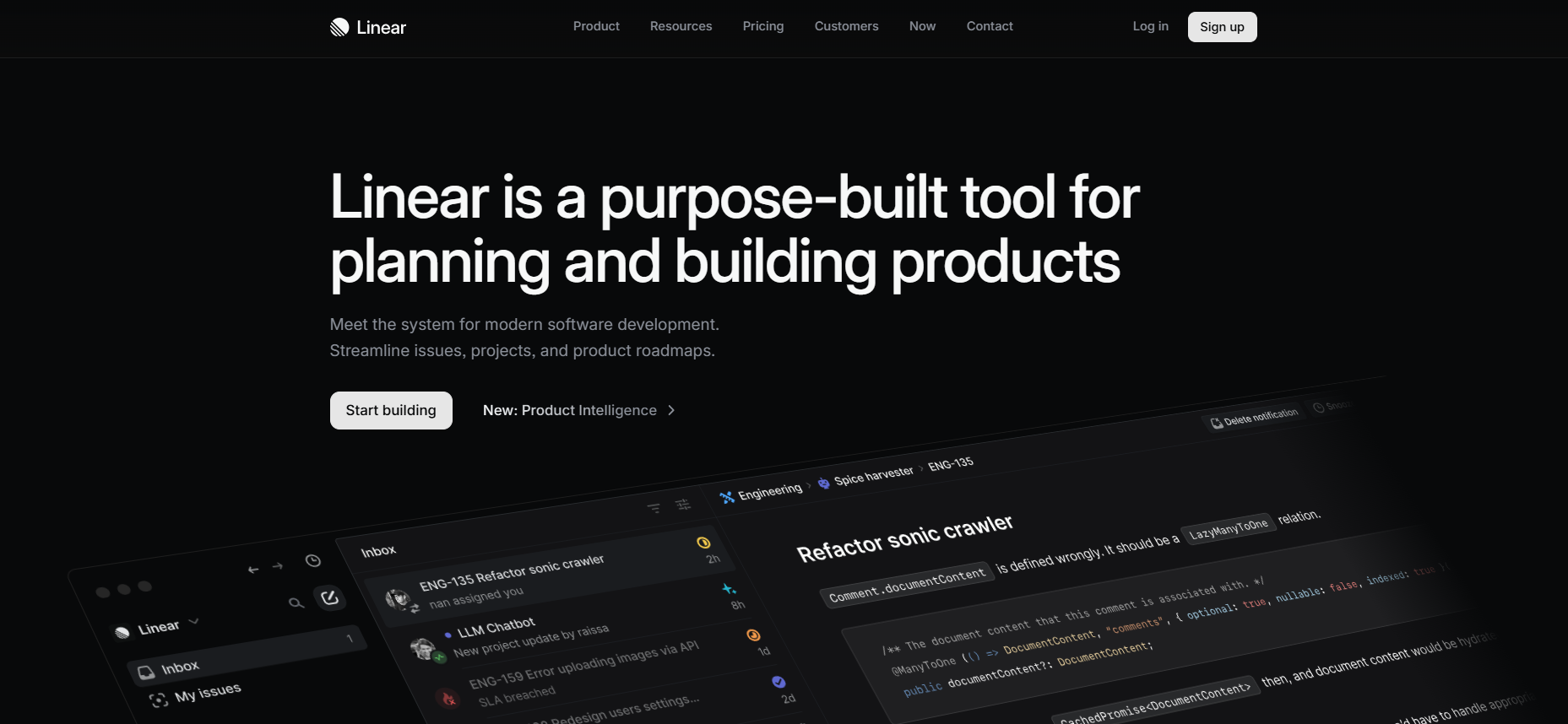
Linear is what happens when developers build a project management tool for developers. It's blindingly fast, keyboard-friendly, and refreshingly simple. More like a modern product management tool that strips away unnecessary complexity. If your product team finds Jira too heavy but Trello too simple, this management tool is designed to help teams move quickly and hit the sweet spot.
Key Features:
Pros:
Cons:
Pricing:
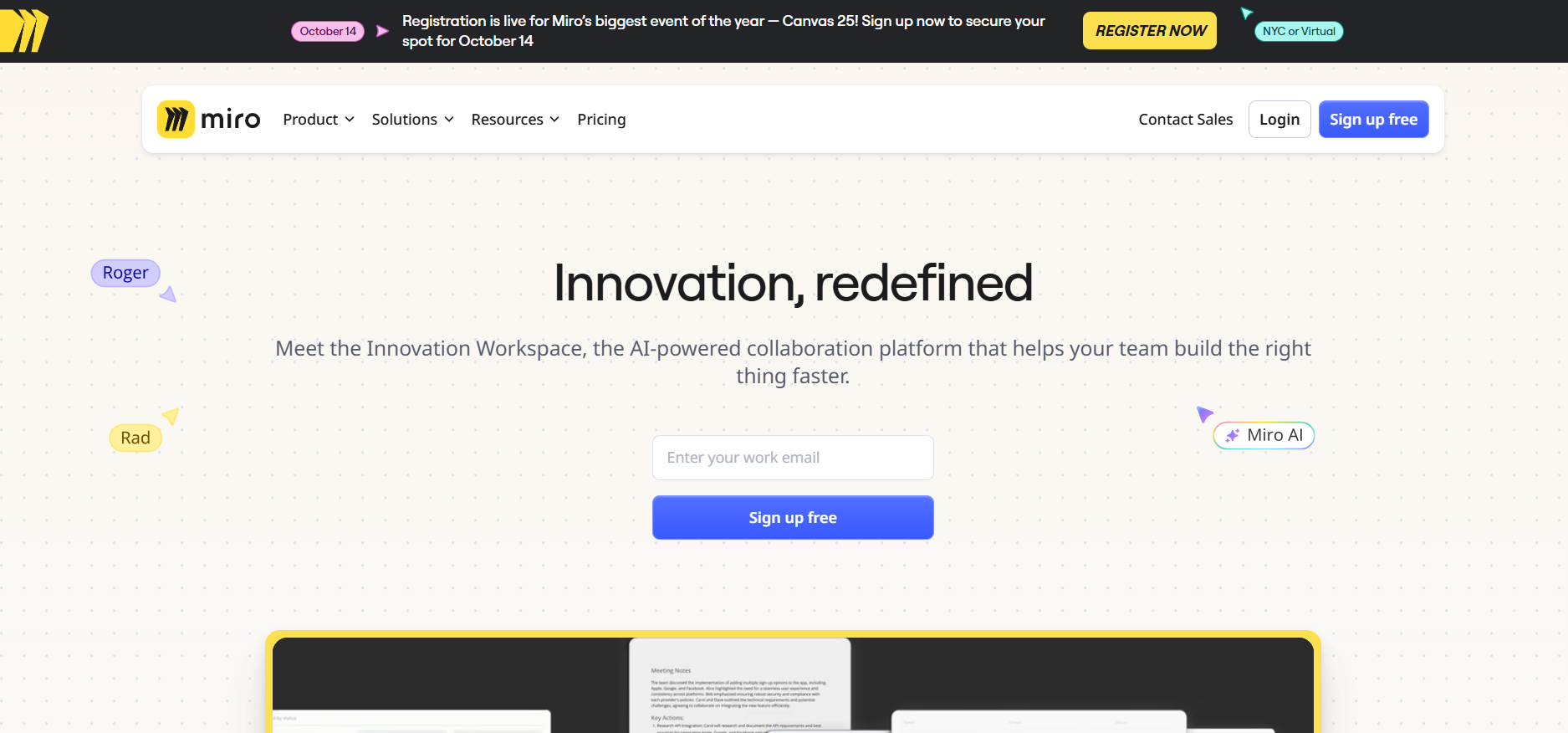
Miro is your digital whiteboard for when you need to think big picture. This collaboration tool is perfect for discovery workshops, user journey maps, and brainstorming sessions during the entire product lifecycle.
Key Features:
Pros:
Cons:
Pricing:
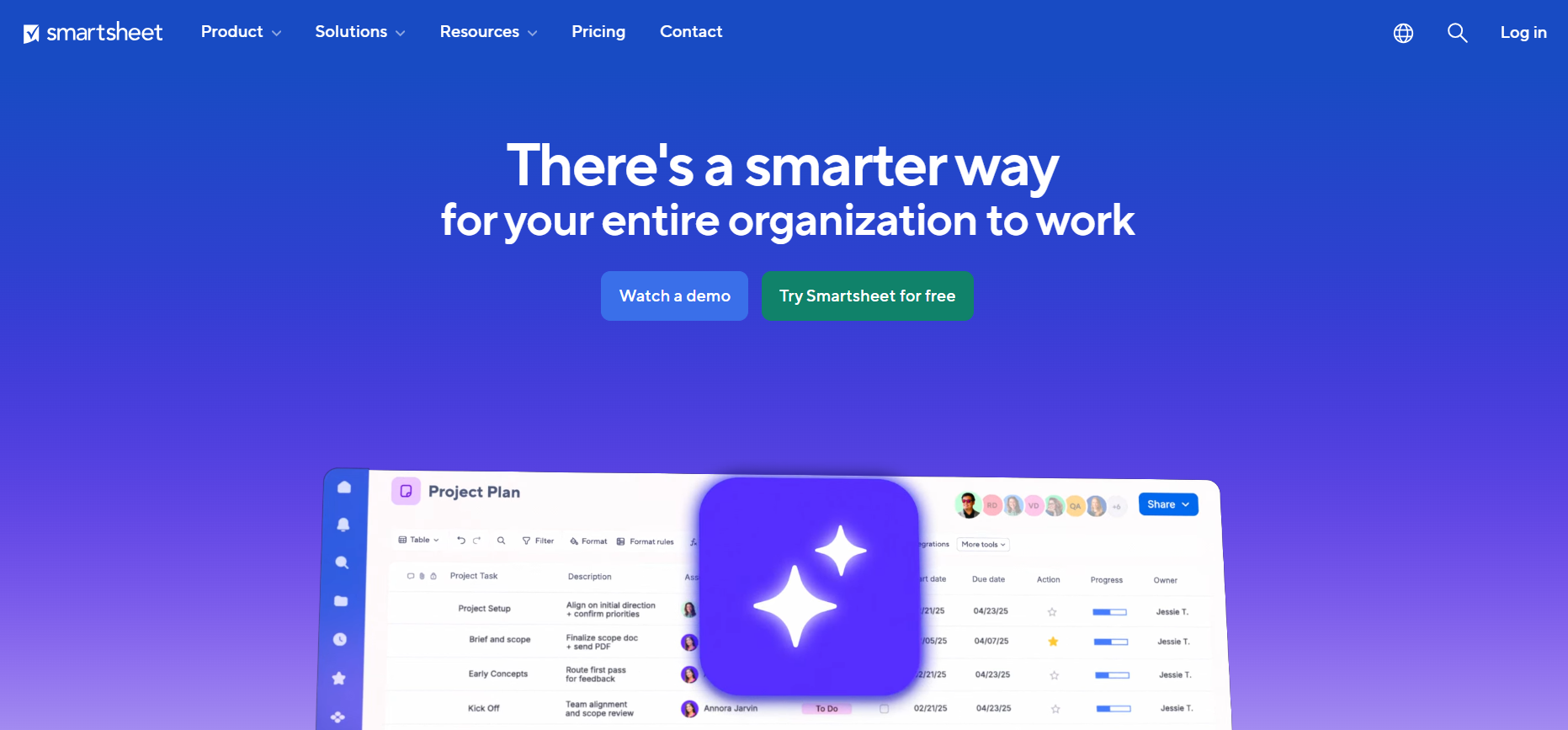
Smartsheet is a management platform designed to bridge the gap between spreadsheets and project management. If your product team instinctively reaches for Excel but you need better collaboration and automation, this tool speaks your language while offering modern product management capabilities.
Key Features:
Pros:
Cons:
Pricing
ClickUp is a comprehensive product management tool that seriously tries to be everything. It is used for task management, docs, goals, chat, time tracking, and more. If you're sick of paying for five different types of product management tools, ClickUp wants to be your one-stop management solution.
Key features:
Pros:
Cons:
Pricing:
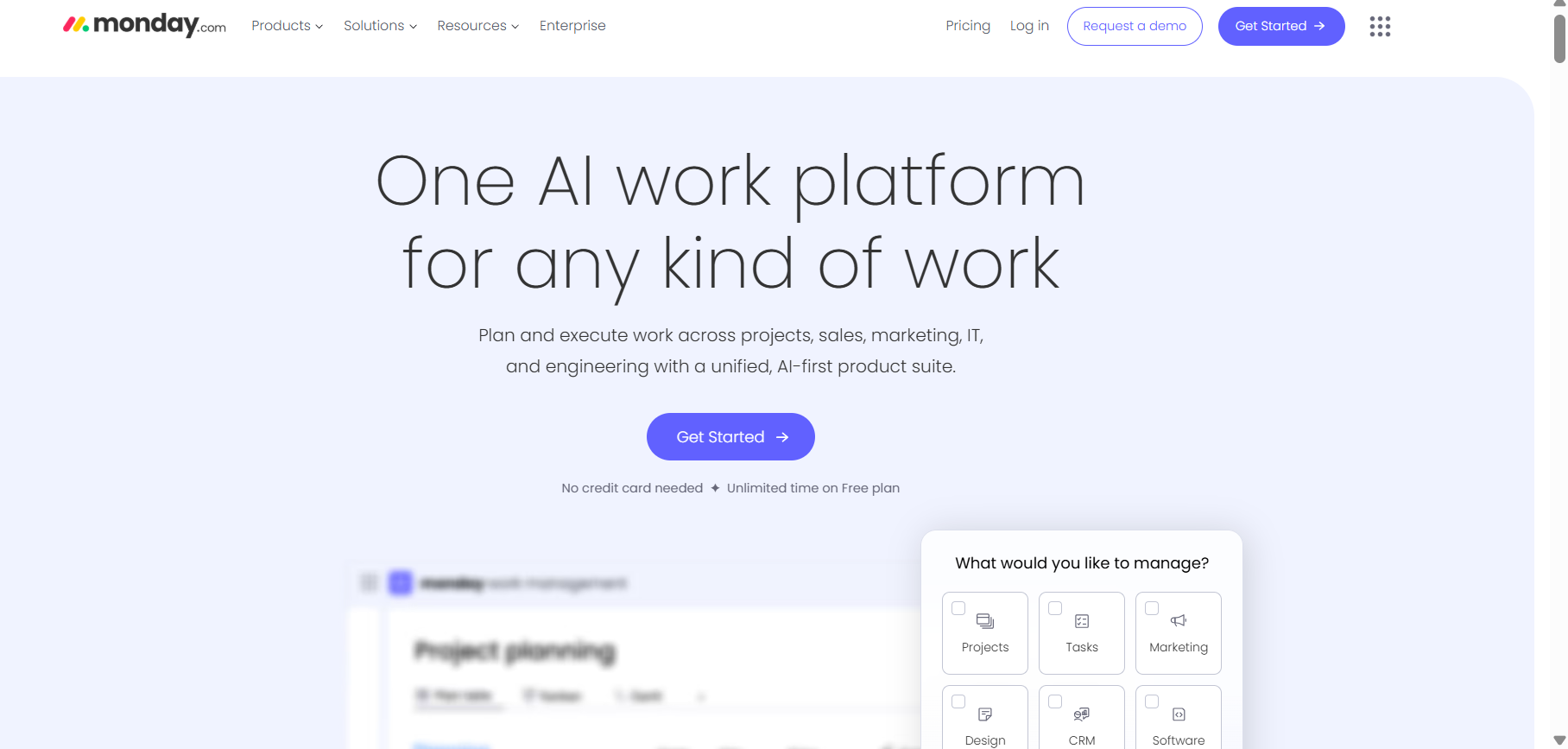
Monday.com is a work management software that makes project management feel less like work. This management tool for visual thinkers helps product teams stay connected and aligned through colorful, intuitive boards.
Key features:
Pros:
Cons:
Pricing:
Free
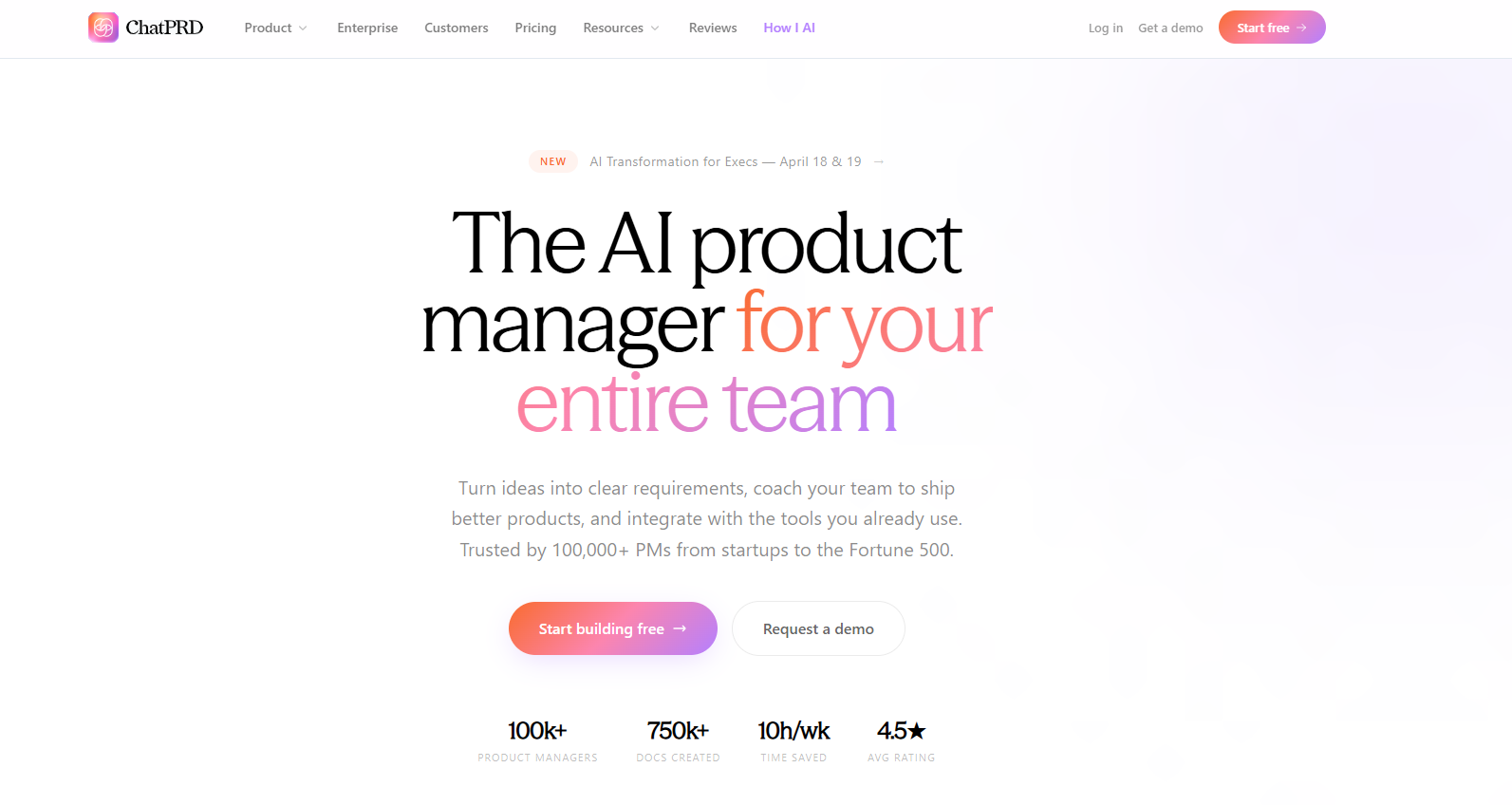
ChatPRD is an AI copilot built specifically for product managers, turning rough ideas, meeting notes, or simple prompts into review-ready Product Requirement Documents in minutes. It's a focused tool, not a full PM suite, so it pairs well with an execution tool like Jira or Linear rather than replacing one.
Key Features:
AI-generated PRDs, user stories, and technical specs from minimal input
AI coaching that gives feedback on plans and strategy
Template library for PRDs, GTM plans, OKRs, and more
Integrations with Slack, Notion, Linear, and GitHub
Pros:
Cuts drafting time significantly compared to writing PRDs from scratch
Built specifically around PM workflows and terminology, unlike general AI chatbots
Strong integrations mean less context-switching between tools
Cons:
No feedback collection, analytics, or roadmap tracking
Free tier is capped at a small number of documents before you hit a paywall
Relies on third-party AI models, which creates some platform dependency
Pricing:
Free (limited documents)
Basic ($8 monthly)
Pro ($15 monthly)
Team ($24-29 per seat monthly)
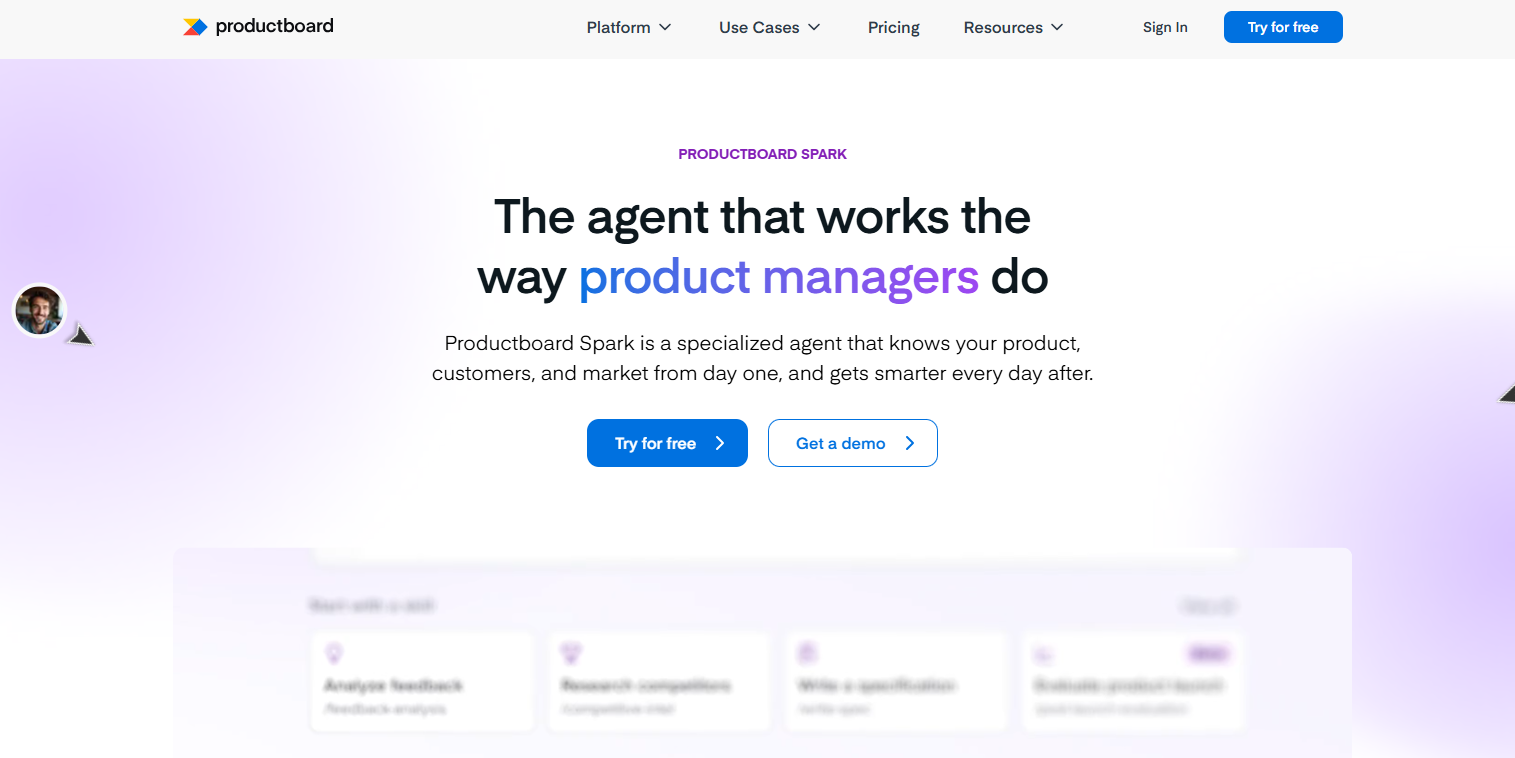
Productboard recently folded its AI features into a single plan called Spark, which uses a monthly credit system to power feedback summarization, semantic search, and auto-generated feature specs. It's a strong fit for teams already drowning in scattered customer feedback who want AI to surface patterns automatically.
Key Features:
AI-generated feature specs drawn from linked customer feedback
Automatic summarization of feedback notes and support conversations
AI-detected topics and themes across large volumes of feedback
Automatic linking of feedback to relevant feature ideas
Pros:
Removes hours of manual feedback-reading and categorization
Context-aware AI that stays consistent across documents
Included as standard on current plans rather than a separate purchase
Cons:
Credit-based usage can run out quickly for teams with high feedback volume
Requires a minimum feedback/notes volume before some AI features activate
Pricing:
Starter (free, limited)
Spark ($15/maker monthly, billed annually; $19/maker monthly)
Enterprise (Custom Price)
So, after all is said and done, here's how all these tools are stacked aganist each other:
Productlogz isn't trying to be Jira, and it's not trying to be Aha! either, so comparing them feature-for-feature kind of misses the point.
Jira is built for the "we know what we're building, now let's ship it" stage. Aha! is built for the "let's map out our strategy for the next two quarters" stage. Productlogz lives earlier than both of those. It's for the messier moment when feedback is flooding in from five different channels and you don't know what to prioritize yet.
If your team's biggest headache is execution, Productlogz won't fix that, and it's not trying to. You'll still want Jira or Linear for that part. But if your headache is "we have way too much customer feedback and no clear read on what actually matters," that's exactly the gap Productlogz is built to close.
So think of it less as a competitor to the tools above and more as the thing that feeds them. That way, you’ll make the right decision when selecting software that helps product teams thrive in 2026 and beyond.
Some of the best product management tools include Jira, Productboard, Aha!, and Productlogz. The right choice depends on your team's size, workflow, and product goals.
Look for features such as roadmap planning, feedback management, task tracking, team collaboration, reporting, and integrations with your existing tools.
Yes. Many tools offer free plans, including Productlogz, Trello, ClickUp, and Asana. Free plans are often suitable for individuals and small teams.
Startups often prefer tools that are affordable and easy to scale, such as Productlogz, or ClickUp. These platforms provide essential product management features without a steep learning curve.
Yes. Many modern product management tools allow teams to collect, organize, and prioritize customer feedback, helping product managers make data-driven decisions.
Project management tools focus on completing tasks and managing workflows, while product management tools help teams plan roadmaps, prioritize features, analyze customer feedback, and guide product strategy.
Jira is one of the most popular choices for agile teams because it supports sprint planning, backlog management, and agile reporting.
Yes. Most product management tools integrate with popular platforms such as Slack, GitHub, Jira, CRM systems, customer support tools, and analytics platforms to streamline workflow
No sales calls. No long setup. Create your workspace and start collecting feedback today.
