

.png)
Are you among those who've opened seventeen tabs comparing product management tools, and they all look the same? These days, everyone claims to be the "complete solution," while your Slack is filling up with notifications from eight different platforms.
Actually, those endless listicles won't tell you that the problem isn't finding the best product management tools, but figuring out which ones are good for your team size and workflow. I've watched teams drown in fancy enterprise software they barely use, while scrappy startups thrive with just three simple tools. So let's cut through the noise and build you a stack that actually makes sense.
Your product team isn't just bigger than it was five years ago; it's more distributed, specialized, and juggling way more complexity. Just think about it for a minute. You have a who needs to track features, a marketing team in dire need of a roadmap or product vision, and customers screaming feedback into five different channels. Without the right tools, you're basically playing telephone with Post-it notes. Tools help product teams stop drowning in Slack threads and come up with the right product strategy.
The real shift in 2026 is that AI-powered tools no longer just store information, but help you make sense of it. We're talking about platforms that can spot patterns in customer feedback, predict which features will move the needle, and even draft your release notes.
Before you start Frankensteining your tech stack, let's understand the three camps:
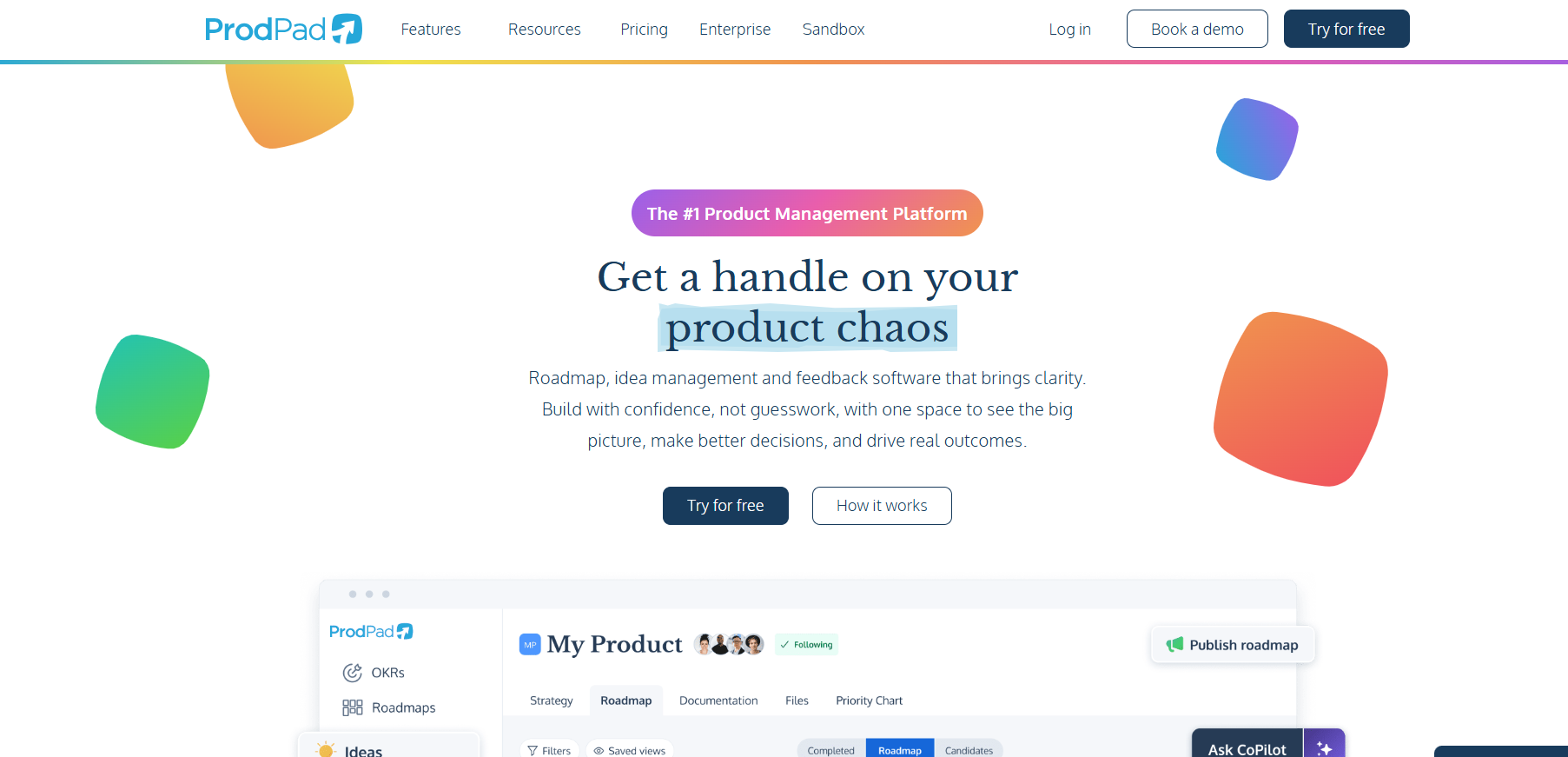
These are your Productboards, Ahas, and ProdPads platforms that handle roadmapping and feedback management in one place. When you're in a roadmap review meeting and someone asks, "Wait, why are we building this feature?", you can click through to the actual customer feedback, see the revenue impact, and pull up the competitive analysis without opening four tabs. That flow is valuable when you're trying to make product decisions under pressure.
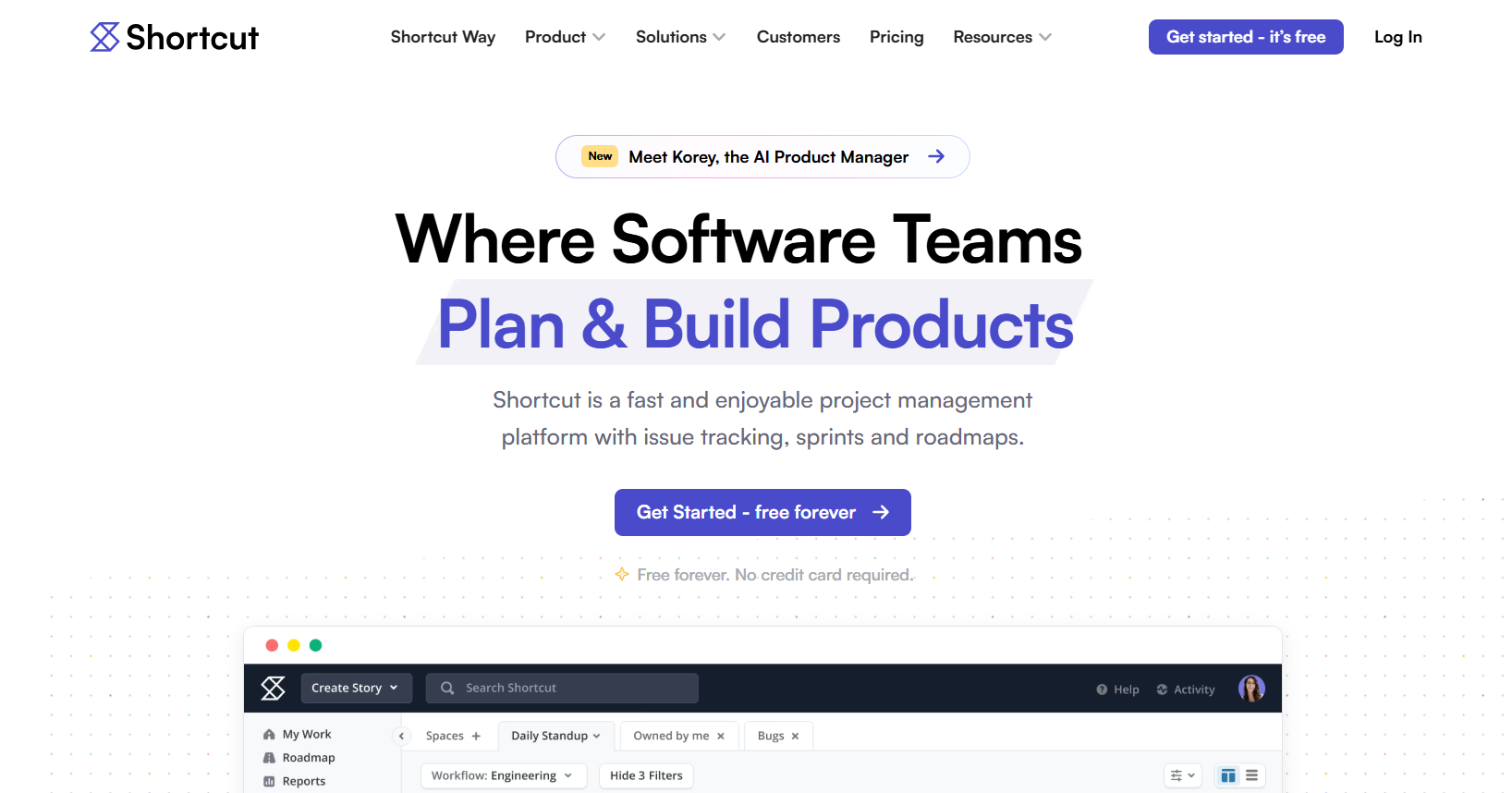
Tools like Jira, Linear, Shortcut, and Azure DevOps started life in engineering teams. They were built to answer questions like "what's blocking this sprint?" and "who broke production?" Then they added PM features on top. The advantage here is that your product development teams are literally working in the same system. When you prioritize something, it flows directly into sprint planning. Also, when a bug gets fixed, the status updates everywhere. There's no translation layer or sync delays.
Some teams build their entire product management platform around Notion, Confluence, Coda, or Airtable. They're essentially treating a flexible database as their operating system. The appeal is infinite customization, often free for small teams, and you can mold it to exactly how you think. I know a Series B company that runs its entire product stack in Notion. They've got databases for features, feedback, customers, competitors, and OKRs, all interconnected with relations. When they want to see which features support Q2 goals and have positive feedback from enterprise customers, they just filter a view.
So which camp wins? Honestly, the successful product teams I've seen usually pick project management tools from one category and supplement with tools from the others.
When you're at an early stage, your biggest enemy is not missing features, rather the complexity that slows you down. That’s why you need exactly three tools:
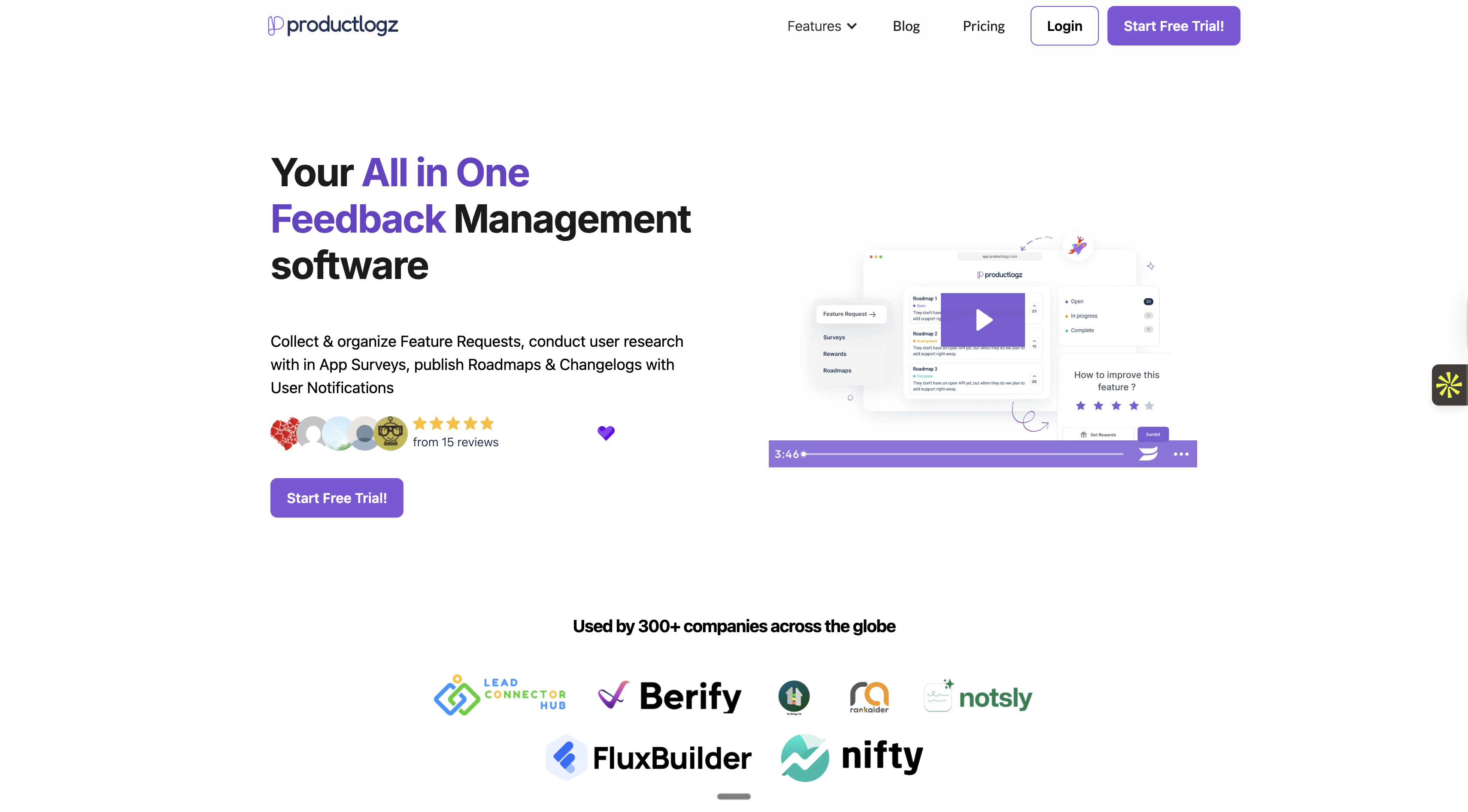
Productlogz is your feedback management system. It's designed to help teams collect and organize customer feedback without the enterprise complexity of expensive platforms. You get a clean board where feedback lives, automatic grouping of similar requests, and voting so you can see what matters most to customers.
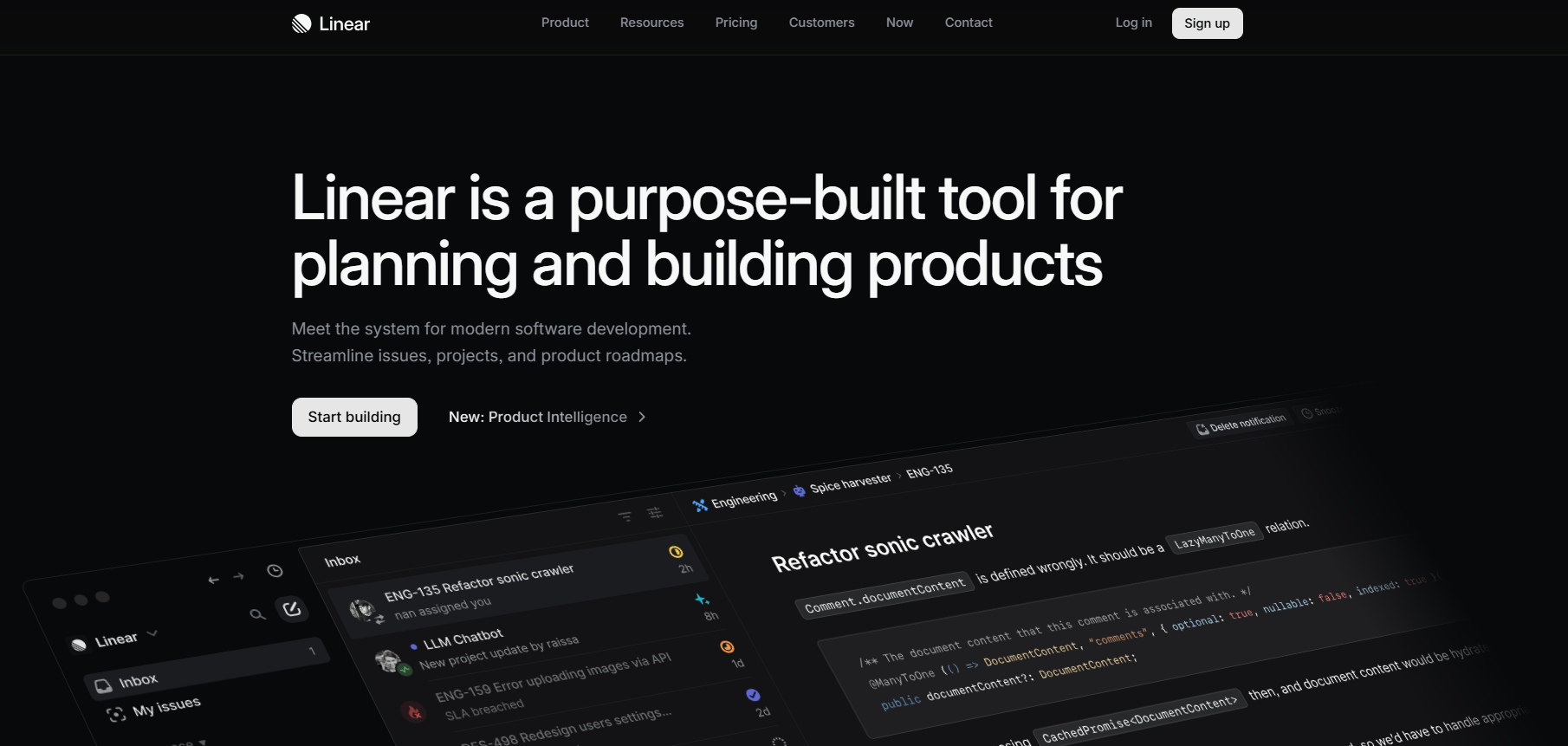
Linear is the best balance of a simple but top product management tool that I've seen for small teams. It's got just enough structure that product teams can manage their work without drowning in fields and workflows.
It's very fast because creating a ticket takes 3 seconds, while updating a status takes 1 second. You can compare that to other tools where you're clicking through five screens and filling out mandatory fields that nobody reads.
Notion is your product roadmap tool. This is where you communicate what you're building and why. Most small teams often use this tool because it forces clarity without unnecessary complexity. The magic is having one single place where anyone can answer "what are we building next?" without asking you.
With 11-50 people, your PM can't be in every conversation anymore. Half the team doesn't know why you're building what you're building. That's when you use these product management platforms:
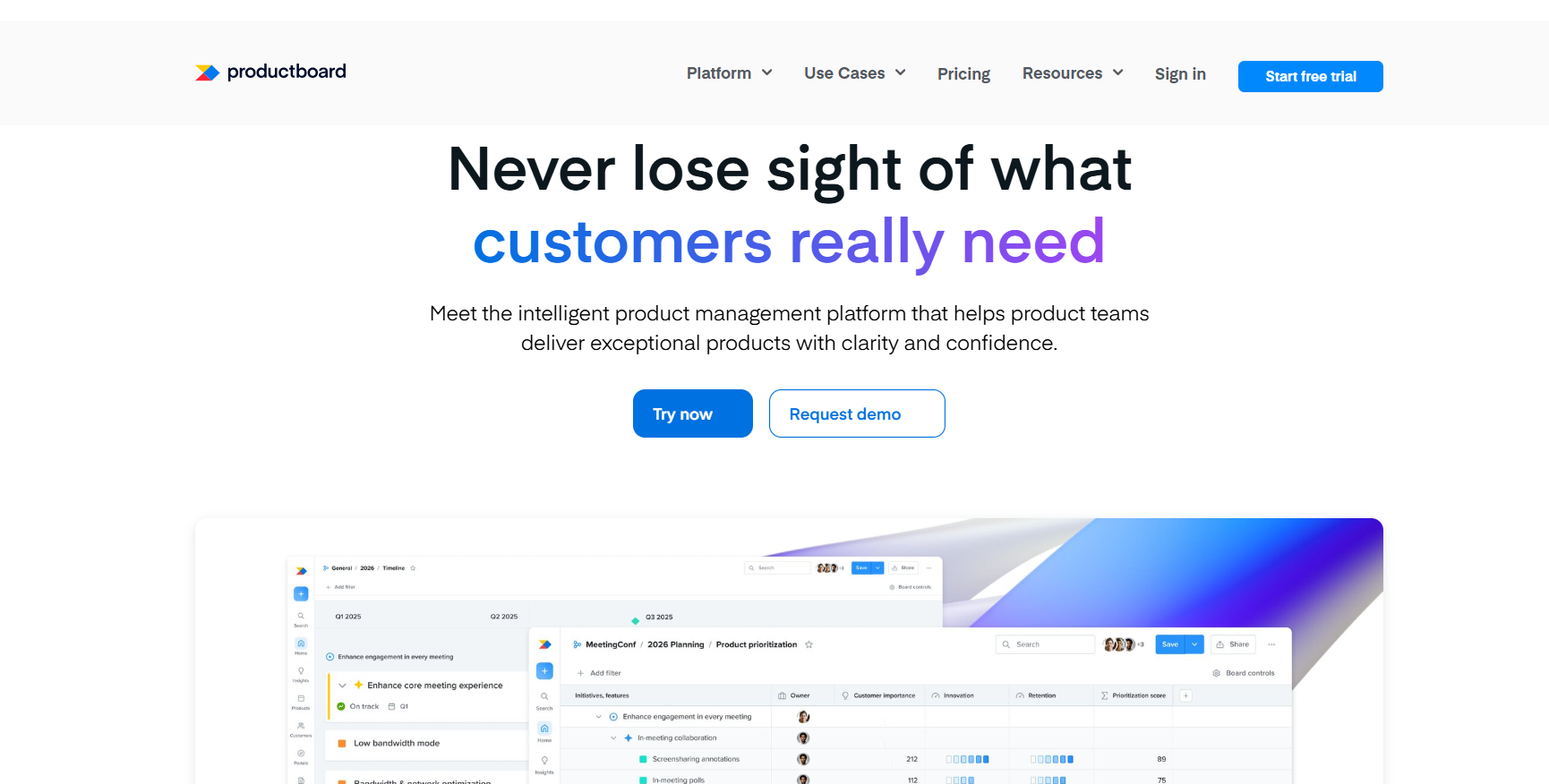
This product management software becomes how you communicate product decisions. When you prioritize something, you link it to the insights that drove it. For instance, if someone asks, "Why aren't we building X?", you point them to the feedback score and explain the trade-off. This sounds basic, but it's the difference between decisions that stick versus constant re-litigation of priorities.
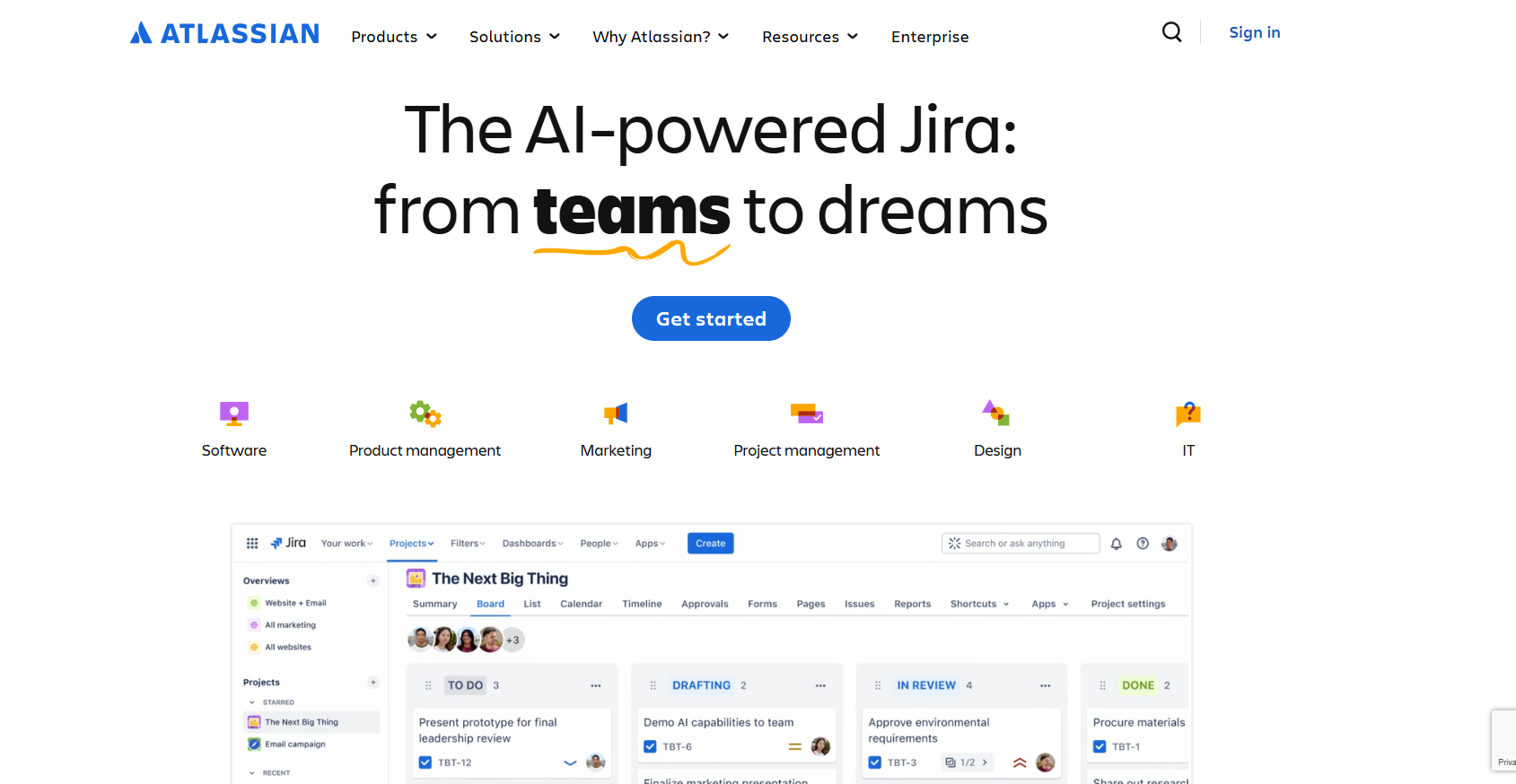
Jira handles backlog management at scale. You've got multiple teams and sprints happening simultaneously, and dependencies between work streams. Its workflow customization lets you model your actual product development process instead of forcing you into rigid states. The key right here is integration with existing tools. Although most people usually complain about the fact that it can get a bit complex. But at the growth stage, you need that power. You're coordinating software development across teams with real dependencies and compliance requirements. The project management software needs to handle that reality.
Real product analytics becomes non-negotiable now at this stage, and Amplitude is the best choice for understanding how customers use your product. You can't rely on customer interviews alone when you have hundreds or thousands of users. This analytics tool shows your product performance. It could be if people are using your new product feature, where they drop off, and what the adoption trend is over time.

Intercom captures what customers are actually struggling with in real-time. When a customer reports a bug or requests a feature through support, that shouldn't live only in your support tool. It automatically creates or upvotes insights in Productboard. This means product feedback from support channels actually influences your roadmap instead of getting trapped in a silo.

When you're prioritizing features, being able to filter by "requested by enterprise customers worth $500K+ ARR" changes the conversation. Salesforce links to Productboard so you can see which features are requested by which customers and how much revenue they represent. It helps product teams make data-driven product decisions tied to business impact. Once it's running, your sales team's intelligence flows directly into product direction without manual spreadsheets.
At enterprise scale, you're not picking tools, but orchestrating an ecosystem. More reasons you need the following tools:
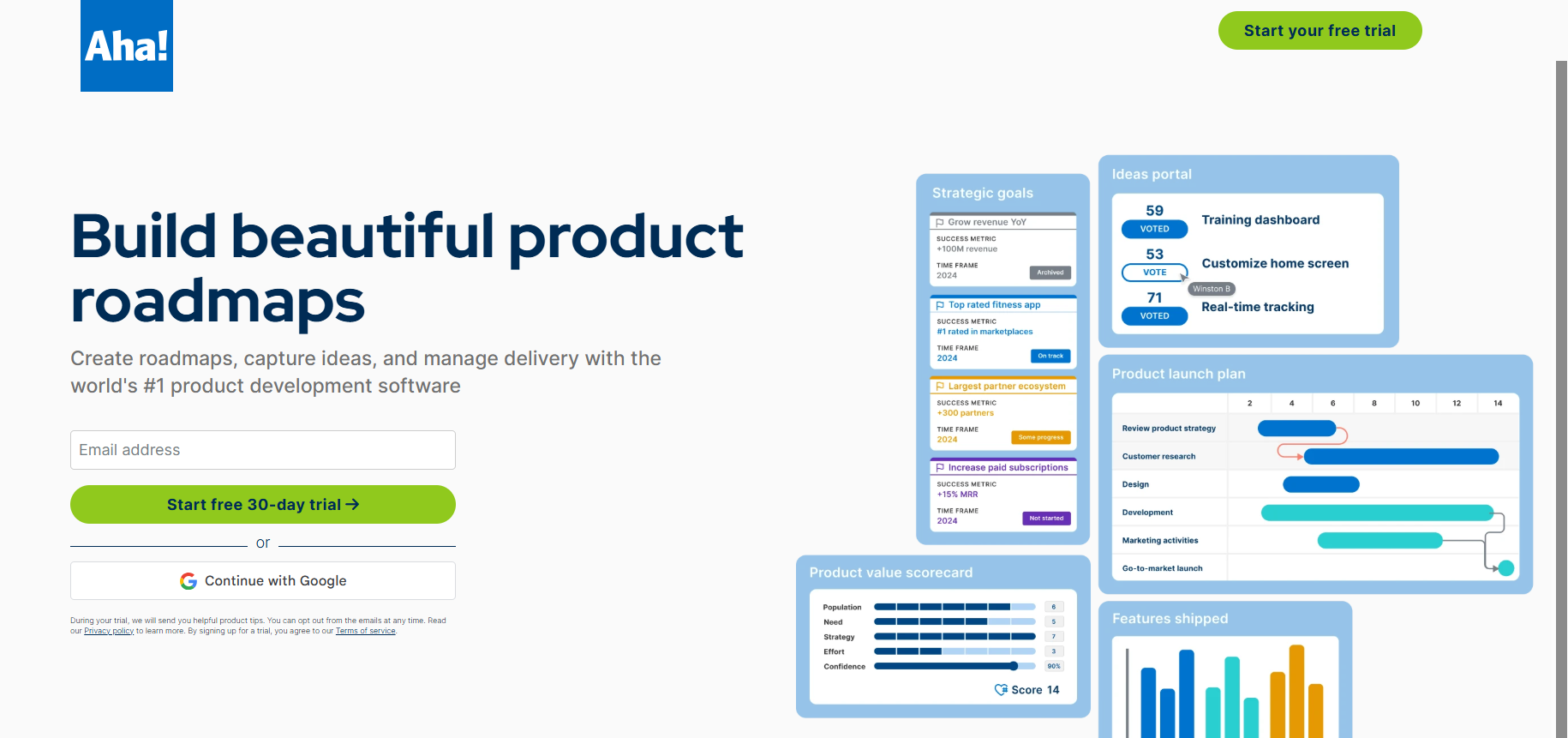
Aha! is purpose-built for large organizations that need to handle every stage of the product lifecycle management across complex structures. It supports complex organizational structures with granular permissions. You'll get enterprise-grade security and compliance that mid-market tools simply can't match.
However, the tool alone solves nothing. You need standards for how to use it. Without someone senior enforcing these standards (usually a VP of Product Ops), you'll have a tool that nobody trusts.
Most enterprises already have these, and they become the and work management foundation.
As a matter of fact, Jira handles backlog management and execution at scale, while Confluence holds documentation, specs, and product feature details. They're deeply integrated, battle-tested, and engineering already knows them.
The major advantage here is reducing vendor sprawl. If you can build your product management features on top of Jira and Confluence, you're not adding another platform for IT to support. For many enterprises, this matters more than having the theoretically "best" tool.
You need both product analytics for usage data and business intelligence for company metrics. In this case, Amplitude tracks how customers use your product over time. This is what product managers prioritize features based on. On the flip side, Tableau pulls from your data warehouse for business metrics. Executives use this to inform product decisions. At the end of the day, the data team needs these connections to build custom dashboards and make sure product over time tracking is consistent across tools.
LaunchDarkly becomes critical for feature management and controlling rollouts at scale. It allows product managers to control releases independently of engineering deploys. You can coordinate feature launches across multiple products, turn features on for beta customers only, or customize experiences for enterprise customers. For successful product management at scale, this de-risks launches and gives product managers actual control over the customer experience.
Pendo helps you see exactly how people use your product, what features they love, what they ignore, and where they get stuck. So instead of guessing, your team makes decisions based on real data. You can also use it to create in-app messages, guides, or tutorials right inside your product. This means users get help instantly, without needing to send a support ticket.
Different roles need different tools, or at least different views of the same data. Here's what each role actually needs:
People who work as product managers need the core stack we've already discussed. For starters, they should get a strong road map that connects decisions to evidence in Productboard. Then, they can use Amplitude to have direct access to product analytics. The goal is to have tools that align teams from insight, decision, and execution without wasting time on manual work.
The focus of product marketing managers is quite different. They care more about launch dates and customer messaging than sprint speed or backlog updates. These guys could rely on competitive intelligence tools like Crayon, GTM planning in Asana, and beta program management.
User Researchers will have to use a specialized research tool like Dovetail and Qualtrics as a survey tool. The most important thing is making sure all those insights move smoothly into Productboard. This way, product managers can easily see the key findings without having to read through long interview notes or transcripts.
Product needs admin access to analytics about tool health, and the ability to build templates and workflows in Aha!. The mistake companies make is giving everyone the same tool access and expecting magic. Different roles need different capabilities. The best practice is making sure your stack empowers product teams by giving each role exactly what they need to do their job well.
Every tool slaps "AI-powered" on its homepage now. Some of it's real, others are just marketing. Here's what actually matters in 2026:
Here's how to know if a tool actually pays for itself:
Here, you'll have to calculate how many hours weekly your team spends on manual reporting, hunting for feedback, updating stakeholders, or syncing data between tools. Then, multiply that by your average hourly cost. If a tool saves even 25% of that time, it likely pays for itself.
Example: Your five-person product team spends 4 hours each week hunting customer feedback across email, support tickets, and sales notes. That's 20 hours weekly, roughly 80 hours monthly. At $75/hour blended rate, that's $6,000 in monthly cost. A feedback management tool at $500/month that cuts this work in half delivers $2,500 monthly return.
Some tools take weeks to set up properly before they help teams to create better working structures. You need to factor that learning curve into your ROI calculation. Once you're invested in a platform with years of data, switching becomes expensive. Pick tools you can grow with.
1. Free tier → Use it until it breaks or you hit real limits
2. $10-100/month → Try for one quarter, kill it if the team isn't using it weekly.
3. $500-2000/month → Needs to save 10+ hours weekly or enable teams to move measurably faster.
4. $2000+/month → Should eliminate an entire category of problems, and you'd better have executive sponsorship.
After all is said and done, the list of the best product tools for your company isn't universal. It depends on your size, complexity, budget, and specific pain points. The right product management software is whatever helps lead product teams ship faster and make smarter decisions without creating overhead. If you're just starting out, Productlogz is here. It gives product teams an affordable way to capture and organize product feedback without the complexity of enterprise platforms. Now stop reading about tools and go build something your customers actually want. You can check out Productlogz pricing to see if it fits your budget.
No sales calls. No long setup. Create your workspace and start collecting feedback today.
