

Nearly 75% of SaaS users abandon a product within the first week. And one of the biggest reasons for this is poor communication. Users do not hate product updates; they hate feeling confused by them. In this guide, you'll learn how to write a product changelog people genuinely want to read, without sounding boring.
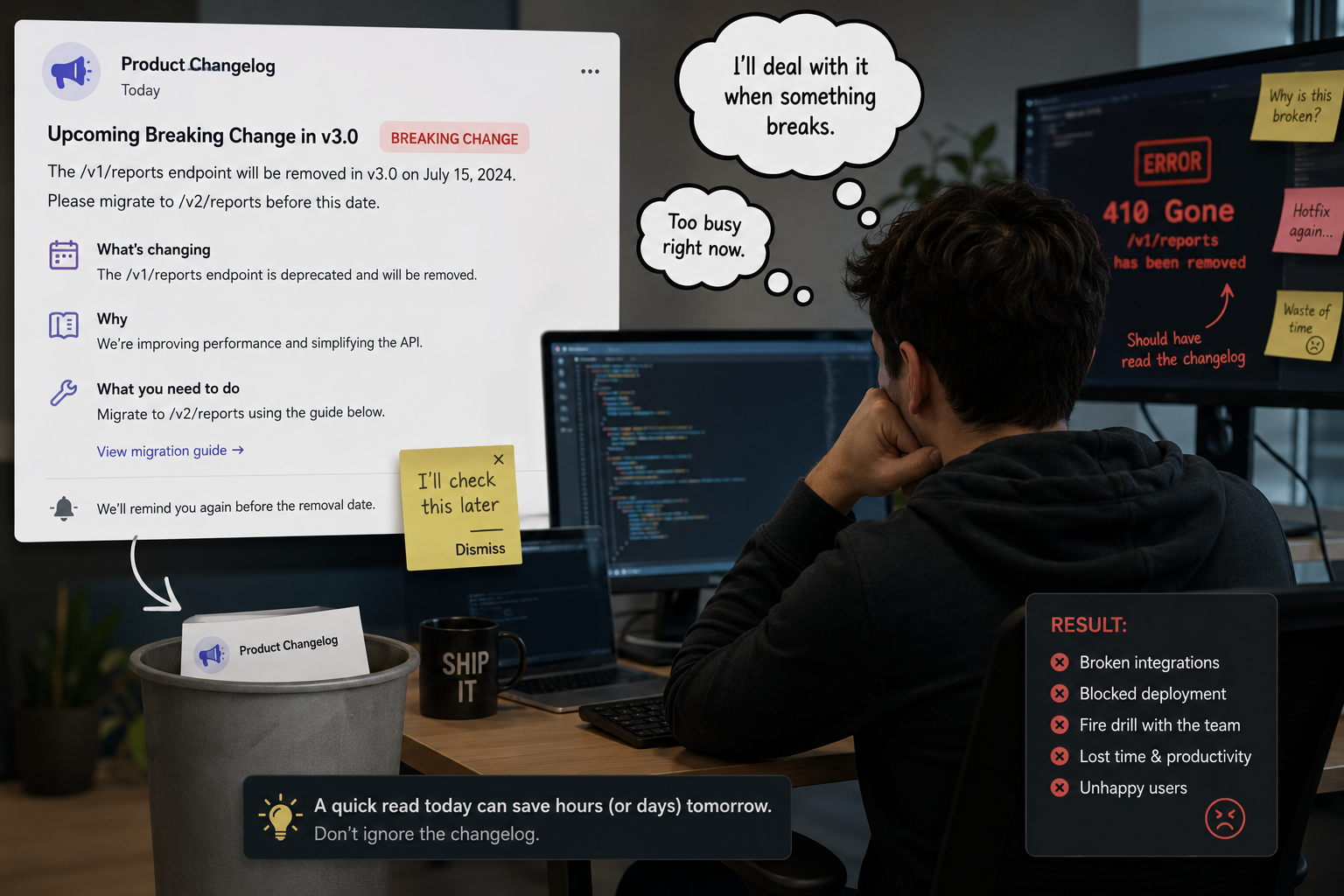
Most product changelogs get neglected because they are written for developers instead of regular users. Many companies simply copy technical update notes, add version numbers, and publish them without clearly explaining what changed or why it matters. To most users, those updates feel confusing, boring, or too technical to read.
That is a bigger problem than many SaaS teams realize. According to Pendo’s Product Benchmarks report, only 6.4% of product features drive 80% of user engagement. This shows that many features fail to get attention or adoption after launch. However, a good changelog eliminates that challenge. It helps users discover new updates, understand their value, and start using them.
Also, a well-written changelog takes heat off your support teams. When users understand what changed, they stop submitting tickets asking why the timezone display looks different or why their dashboard widget moved. Help articles get fewer repeat visits. Everyone wins.
Below are some of the factors that will make users stop and read your changelog:
The single biggest mistake in changelog writing is starting with what you built instead of why you built it. Users do not care that you "added CSV export to the analytics dashboard." They care that they can finally share their data with a client without screenshotting a dozen graphs.
Reframe every entry around the user's problem first. Good changelog entries follow a simple structure: problem, solution, impact. What was painful or missing? What did you build? What can users do now that they could not before?
Here is an example of that structure in action:
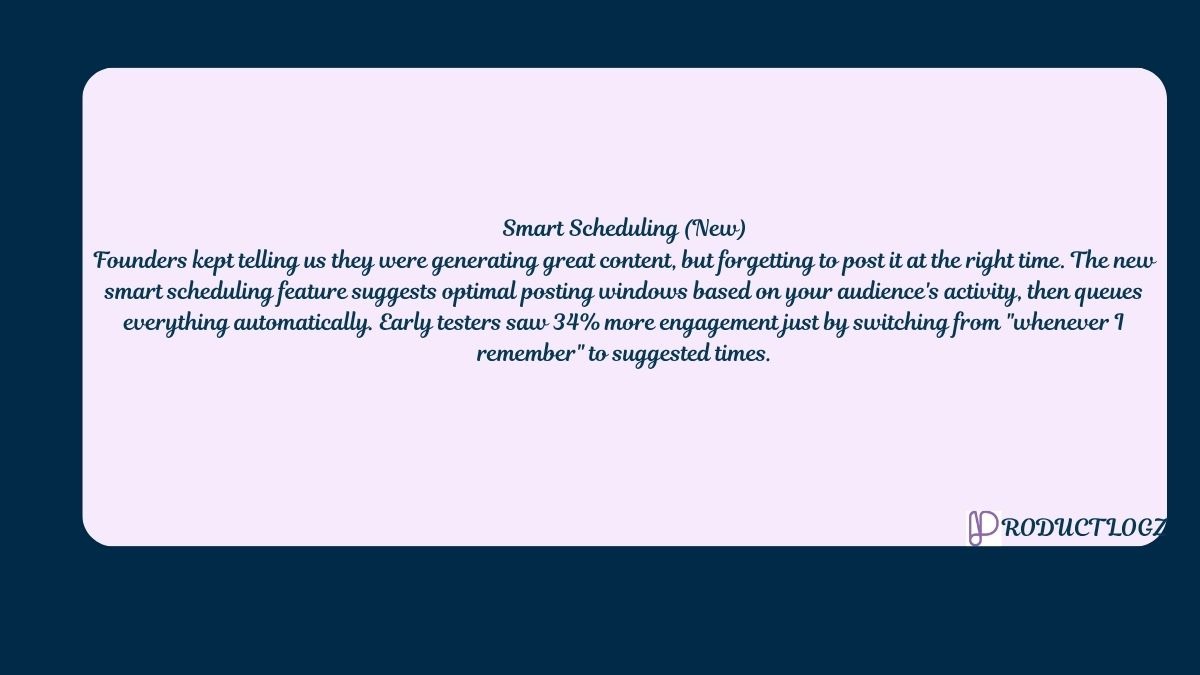
That entry earns its space. It names the problem, explains the solution, and gives readers a reason to try it.
Every changelog entry should feel like it was written by a person, not generated from a Jira ticket. To achieve this, you need to share the why behind decisions. "We debated this feature for three weeks." "Forty-seven founders asked for this one." "We originally built it differently and scrapped it entirely." This kind of transparency is what separates a good changelog from a bland release note.
Tools like Slack and Discord have figured this out. Slack writes changelog entries the way a thoughtful colleague would send an update over, conversational but informative.
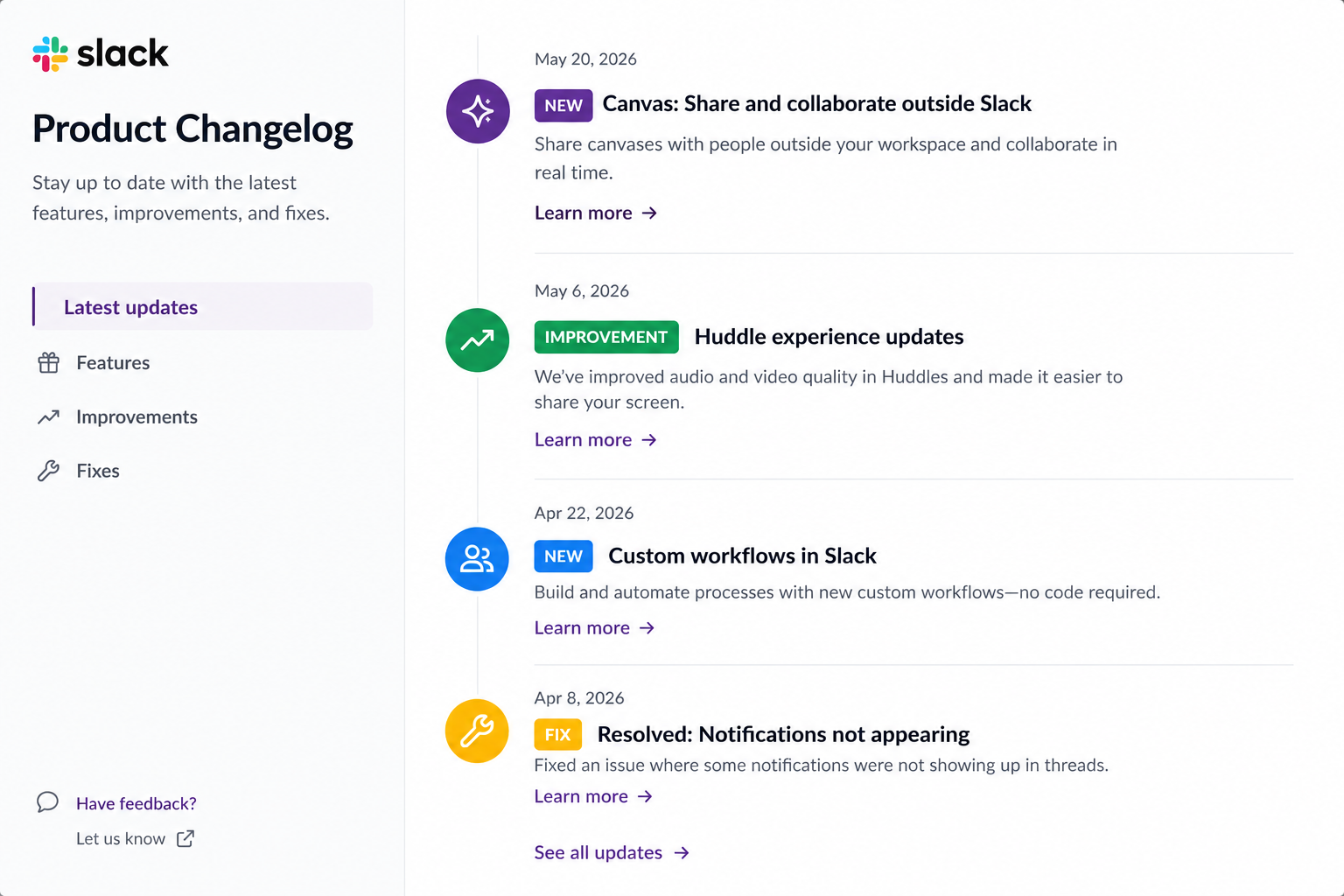
On the other hand, Discord leans into pop culture references and memes.
Technical jargon is the enemy of adoption. Text like "Refactored the authentication middleware to use JWT tokens" means nothing to most of your users. If you fixed a login bug, say login is now more reliable. Always translate every technical change into user impact before it hits the changelog.
This matters especially for B2C products where end users have zero interest in your stack. B2B products can go slightly deeper, since product managers and power users often want context. Even then, lead with plain language and offer technical detail as a linked help article.
The standard grouping, "New Features / Improvements / Bug Fixes," was designed for engineers reading a markdown file in a repo. For users, group by impact instead:
That framing tells users immediately whether a release affects their workflow or just keeps the lights on.
For teams who prefer the formal route, the keepachangelog.com standard organizes entries into six categories:
You need to note that not every release needs all six. Only use what applies. The point is consistency, so users can quickly scan without relearning your format every time.
Semantic versioning, or SemVer, uses a three-part number: MAJOR.MINOR.PATCH. A MAJOR increment signals a breaking change, something users may need to update their workflow or code for. A MINOR increment means new features that are backward-compatible. A PATCH covers small improvements and bug fixes.
So when users see you jump from 2.3.1 to 2.4.0, they know something new has arrived without anything breaking. When you jump to 3.0.0, they know to pay attention.
Another valid approach is Date-based versioning (2026.05.15). This is great for products on a regular release cadence. Whatever you pick, apply it consistently. Vague entries like "version update" with no numbers are a trust killer.
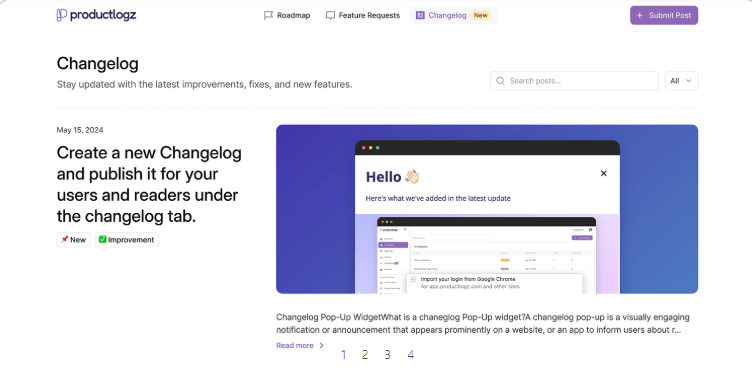
A changelog buried in your footer is practically invisible. Put it somewhere central. It can be in your main navigation, in-app dashboard, or pinned in a sidebar widget. Tools like Productlogz let you surface changelog entries directly inside your product through in-app notification widgets, so users see updates without hunting for a dedicated page.
If your changelog lives as a standalone markdown file in a GitHub repo, great. However, also consider a public-facing version that non-technical users can reach without parsing a diff.
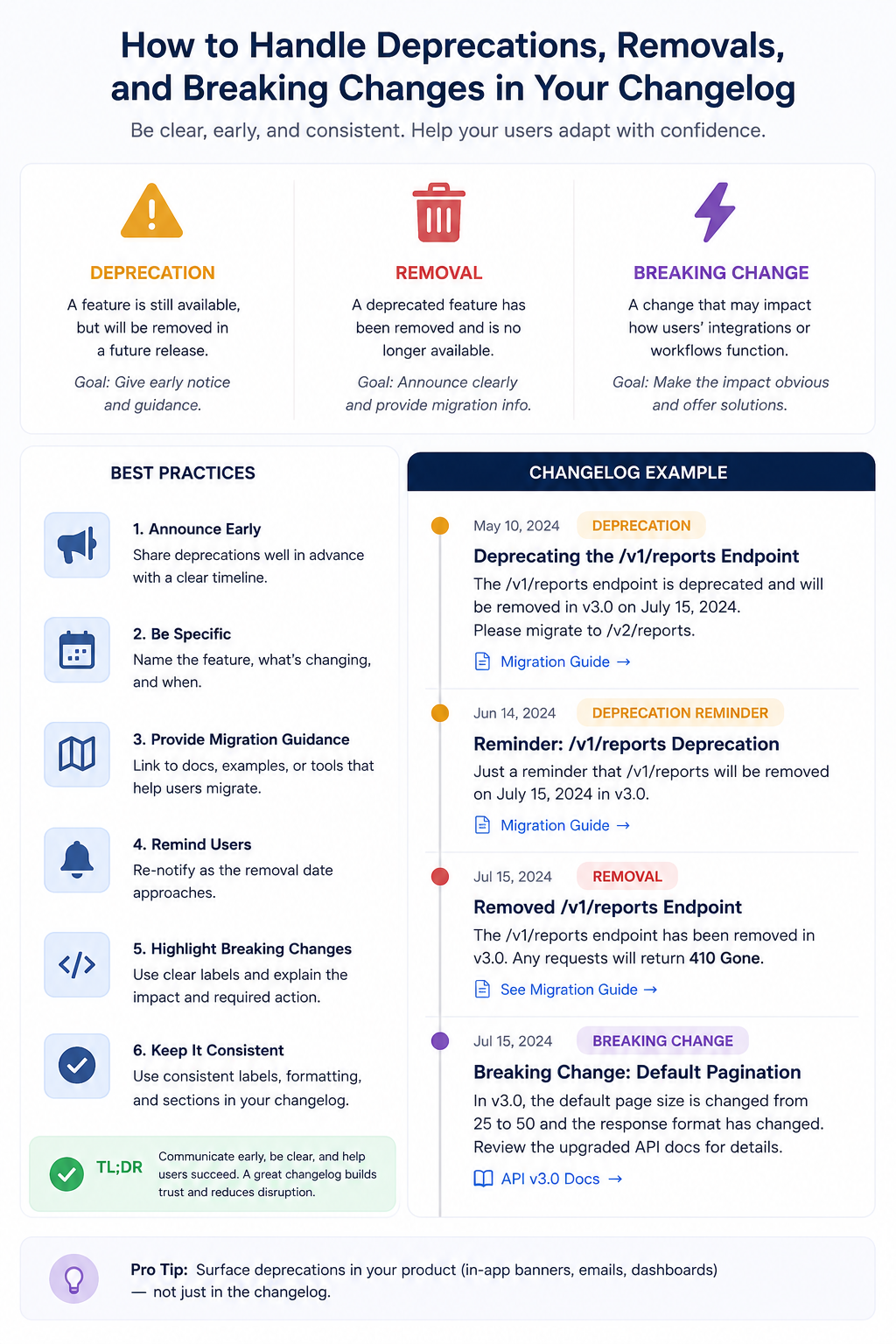
Deprecations and removals are the changelog entries most teams skip. And this is exactly why they create so much user confusion. When you deprecate a feature, say so clearly. Explain why it is being phased out, when it will be gone, and what replaces it. You need to give users enough runway to adapt.
Breaking changes deserve even more care. If a new release changes behavior that users depend on, write a changelog entry that says exactly what broke, what changed, and what users need to do. Do not bury this in a footnote. A brief "heads up, this release changes how X works" in plain language at the top of the entry goes a long way toward keeping trust intact.
Also, the most trusted changelogs acknowledge when things go wrong. "We broke X last week. Here is what happened and what we did about it." That kind of honesty builds more goodwill than a flawless track record ever could.
For individual entries:
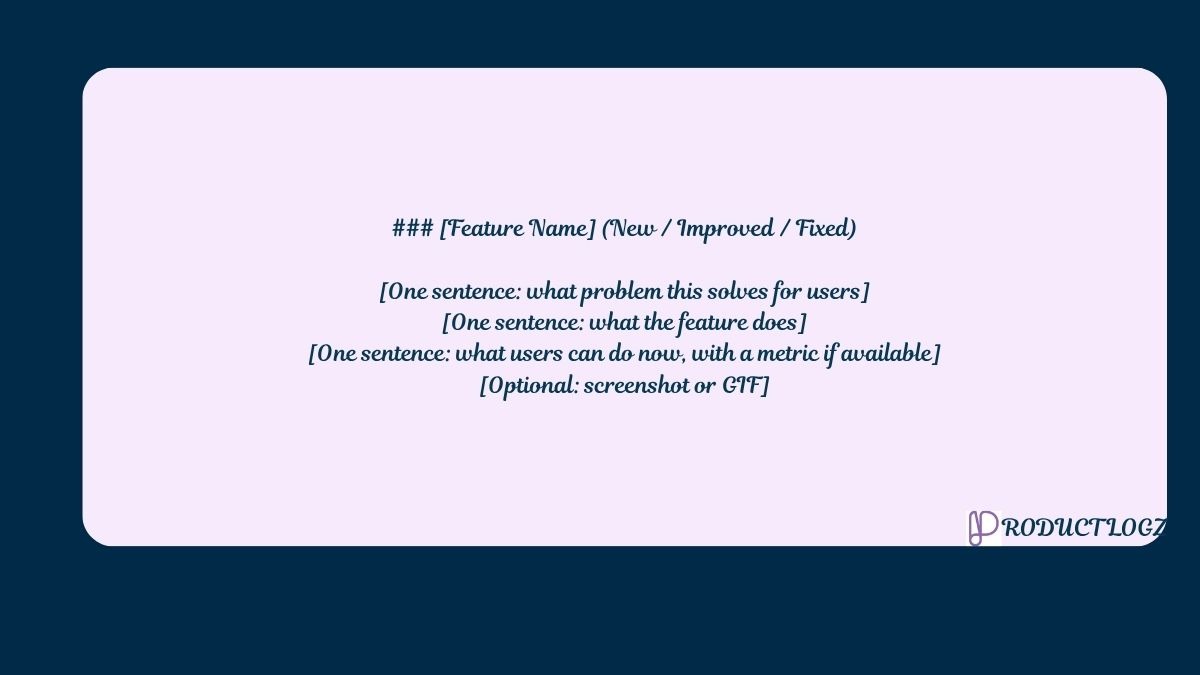
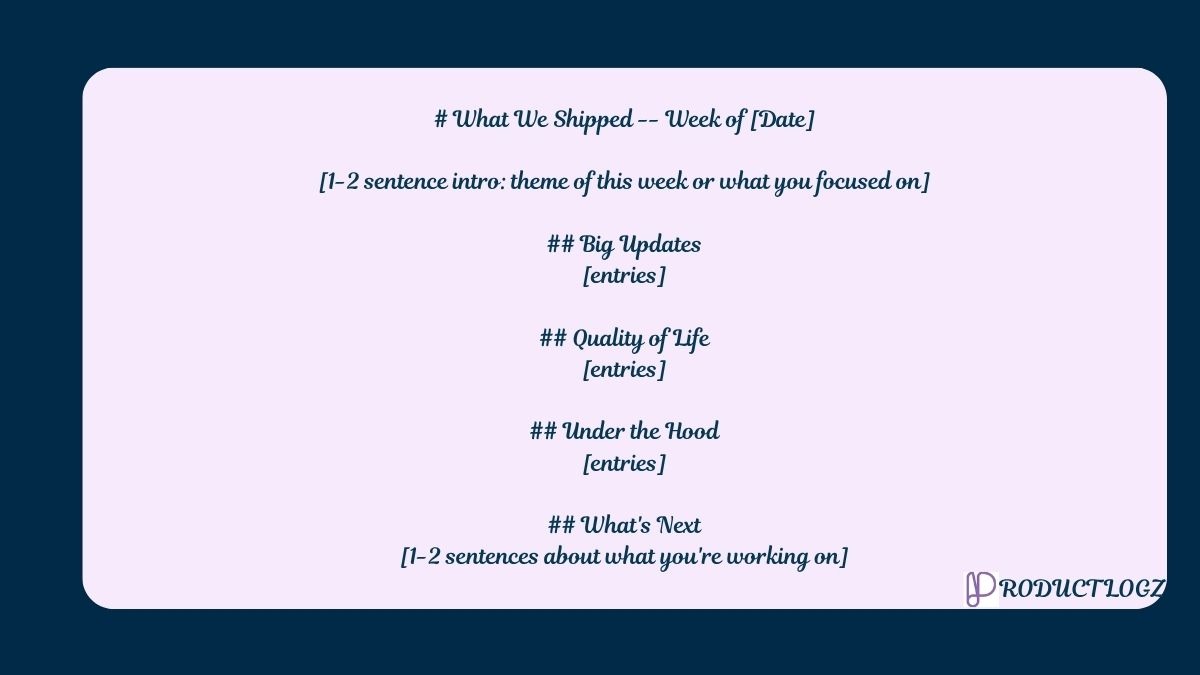
For full changelog posts:
Use GIFs or short screen recordings wherever you can. A three-second clip showing a new dashboard feature communicates more than three paragraphs of description.
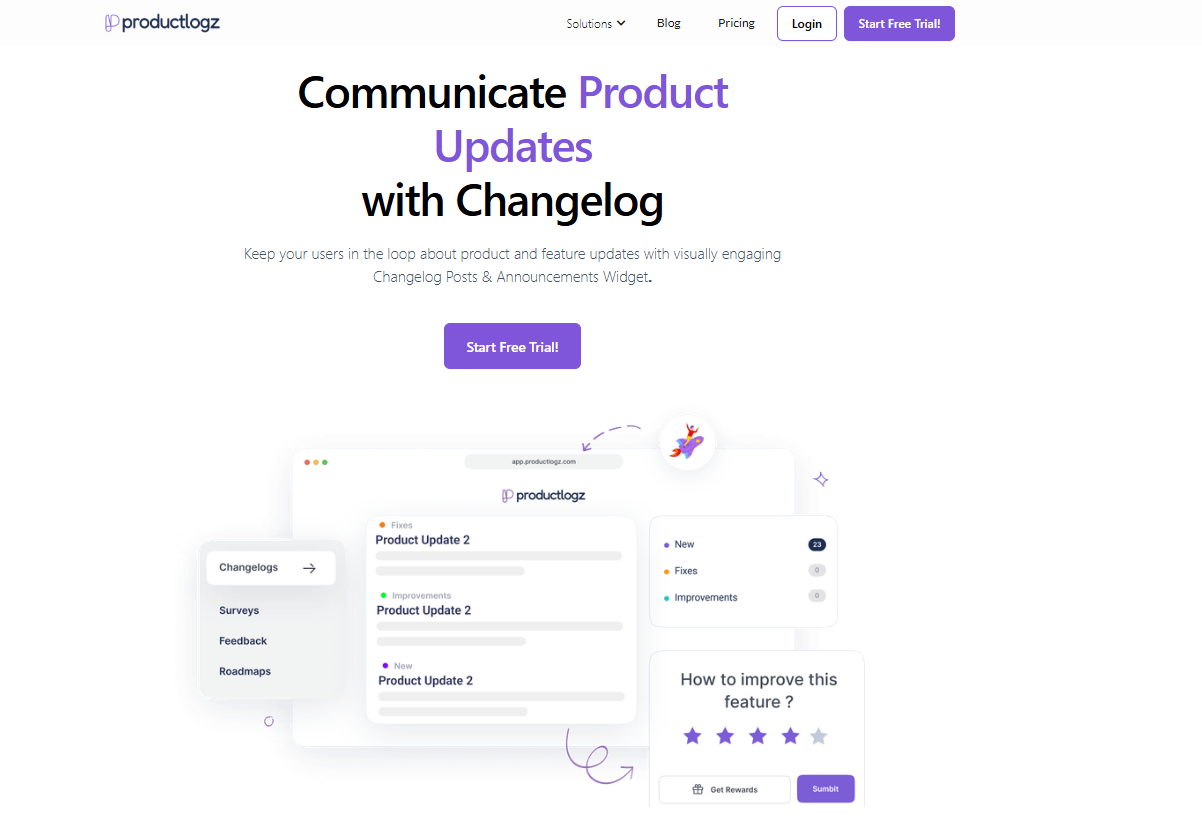
You can follow every tip in this guide and still lose users if your changelog is buried on a page nobody visits. Productlogz fixes that. It is built specifically for SaaS teams who want their changelog to actually reach users, not just exist.
Here is what you get:
Ready to turn your changelog into a genuine growth tool? Sign up on Productlogz and start publishing changelogs that users actually read, right inside your product.
What should a product changelog include?
Each entry should name the feature or fix, explain the user problem it addresses, describe what changed, and ideally show how to use it.
How is a changelog different from release notes?
Release notes are tied to a specific product version and can be more formal and comprehensive. A changelog is a running, cumulative record that grows continuously and stays publicly accessible.
Should you automate changelog generation?
Yes, absolutely. Tools built around Conventional Commits and semantic versioning handle this well.
What are vague entries?
Vague entries like "various bug fixes" or "performance improvements" tell users nothing and signal that you did not think the update was worth explaining.
No sales calls. No long setup. Create your workspace and start collecting feedback today.
