

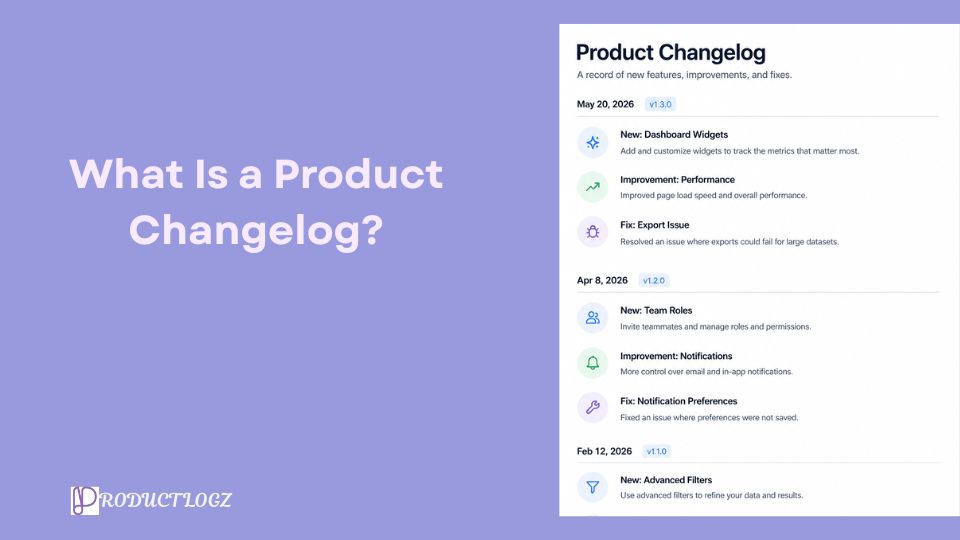
Have you ever launched a new feature on your product only for users to get confused? Well, most SaaS teams build great products but fumble the communication part, and that gap is what a product changelog is designed to close. This guide gives a detailed explanation of what a product changelog is and how you can write one effectively.
A product changelog is a running record of every meaningful change made to your product. It could be new features, bug fixes, improvements, removals, and anything else that affects how users interact with your product.
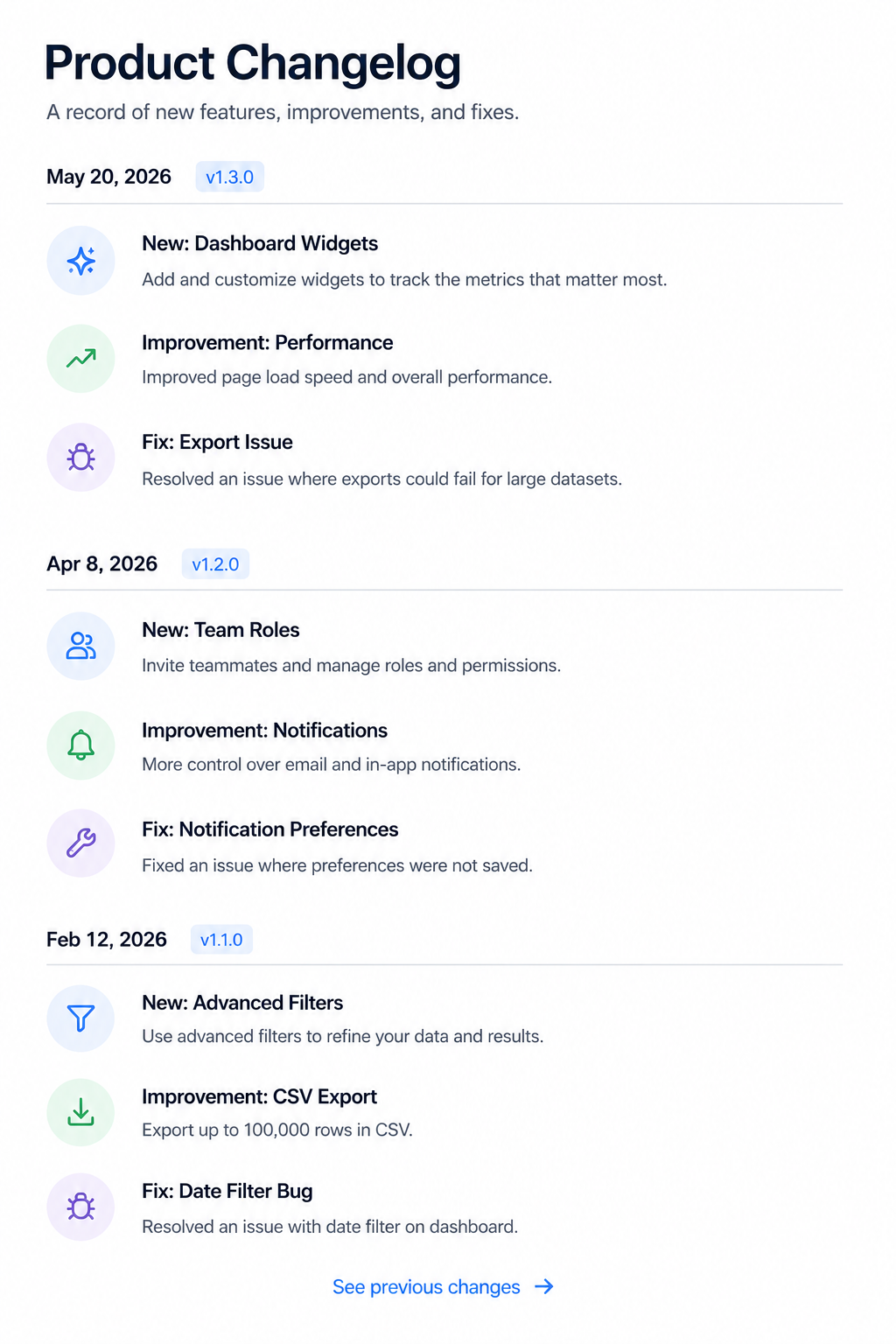
Changelogs go by different names. You can call it release notes, product updates, or what's new pages. All these are variations of the same idea. The format can range from a simple markdown changelog file hosted on GitHub to a beautifully designed public changelog page inside your app. What they all have in common is a list of changes, organized by release date, that tells users what happened and why it matters.
A good changelog entry usually includes:
People use these terms interchangeably, but there's a difference worth knowing. A changelog is the full historical record of every version. On the other hand, Release notes are tied to a specific launch or major update. More like episodes, while a changelog is the whole season.
When comparing changelogs and release notes side by side, release notes tend to go deeper on a single update, explaining context, impact, and even migration steps. A changelog entry is leaner. Both serve different purposes in your communication strategy, and the best SaaS teams use both.
The short version: release notes are what you write when you ship something big. A changelog is what you maintain every single week, forever. Now that you know the differences, why do you even need a product changelog in the first place?
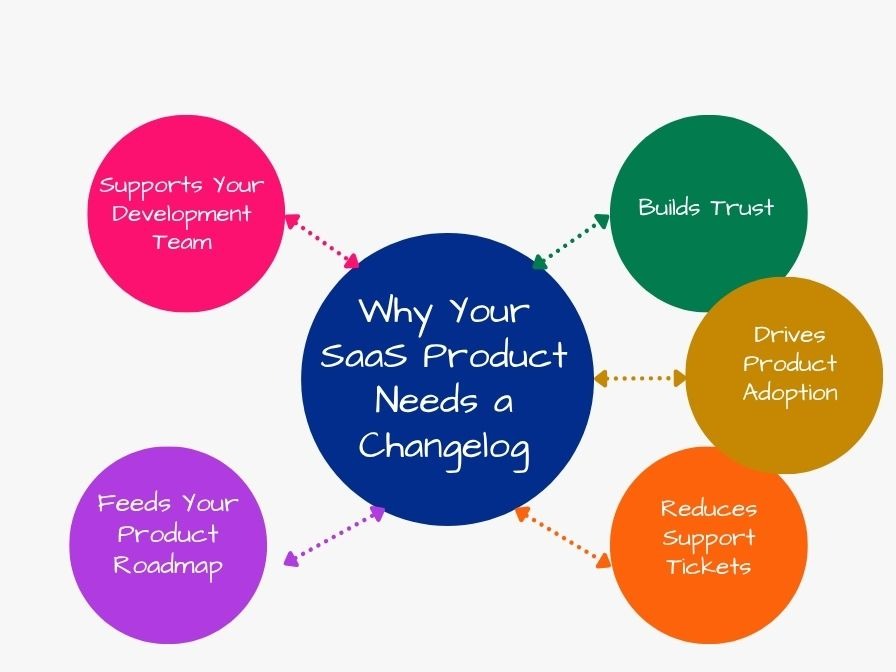
Here's what a good changelog does for your product:
Users who know what changed feel respected. On the flip side, users who discover changes without warning feel tricked. Those are two very different emotional starting points for your support conversation.
Every changelog post is a low-cost announcement. A user who forgot about a feature you shipped three months ago might see it in your changelog today and finally start using it. That's product adoption without running a single ad campaign.
When users can self-serve answers to "why does this look different now?," your support team gets to focus on the stuff that actually needs a human.
If you allow reactions or comments on changelog entries, you get an immediate signal on what users care about. That's better product feedback management than most survey tools.
Internally, a changelog doubles as institutional memory. New engineers can trace why certain decisions were made. Product managers can answer "when did we add X?" without digging through a graveyard of Slack messages.
Here are some best practices that help make changelog entries more useful for users.
Your changelog is not a pull request description. Every entry should be readable by a non-technical user who just wants to know what's new. To do this, you need to avoid jargon, skip acronyms that aren't common knowledge, and write in the active voice.
For instance, "Fixed login error on mobile" beats "Resolved authentication token expiry edge case in iOS Safari" every single time. Unless your users are developers, in which case the second version might be more useful.
A clear changelog format uses categories. The most widely adopted convention comes from the Keep a Changelog project, which groups entries under Added, Changed, Fixed, and Removed. However, some teams add Improved and Deprecated. Just pick a structure and stick to it. Consistency is more valuable than creativity here.
Version numbers and release dates are the backbone of any changelog document. Without them, users can't orient themselves in your product's timeline. If you own a SaaS product without versioned releases, use dates as your primary reference point. A date format of YYYY-MM-DD (ISO 8601) works well and sorts out in any system.
No changelog entry needs to be a long story. One or two sentences per change is great. Nonetheless, if a new feature requires explanation, link to a help article, announcement post, or tutorial.
A public changelog that was last updated eight months ago is worse than no changelog at all. You need to ship updates regularly. If your team releases on a two-week sprint cadence, your changelog should update on the same schedule.
Let's look at some SaaS companies that do changelogs well:
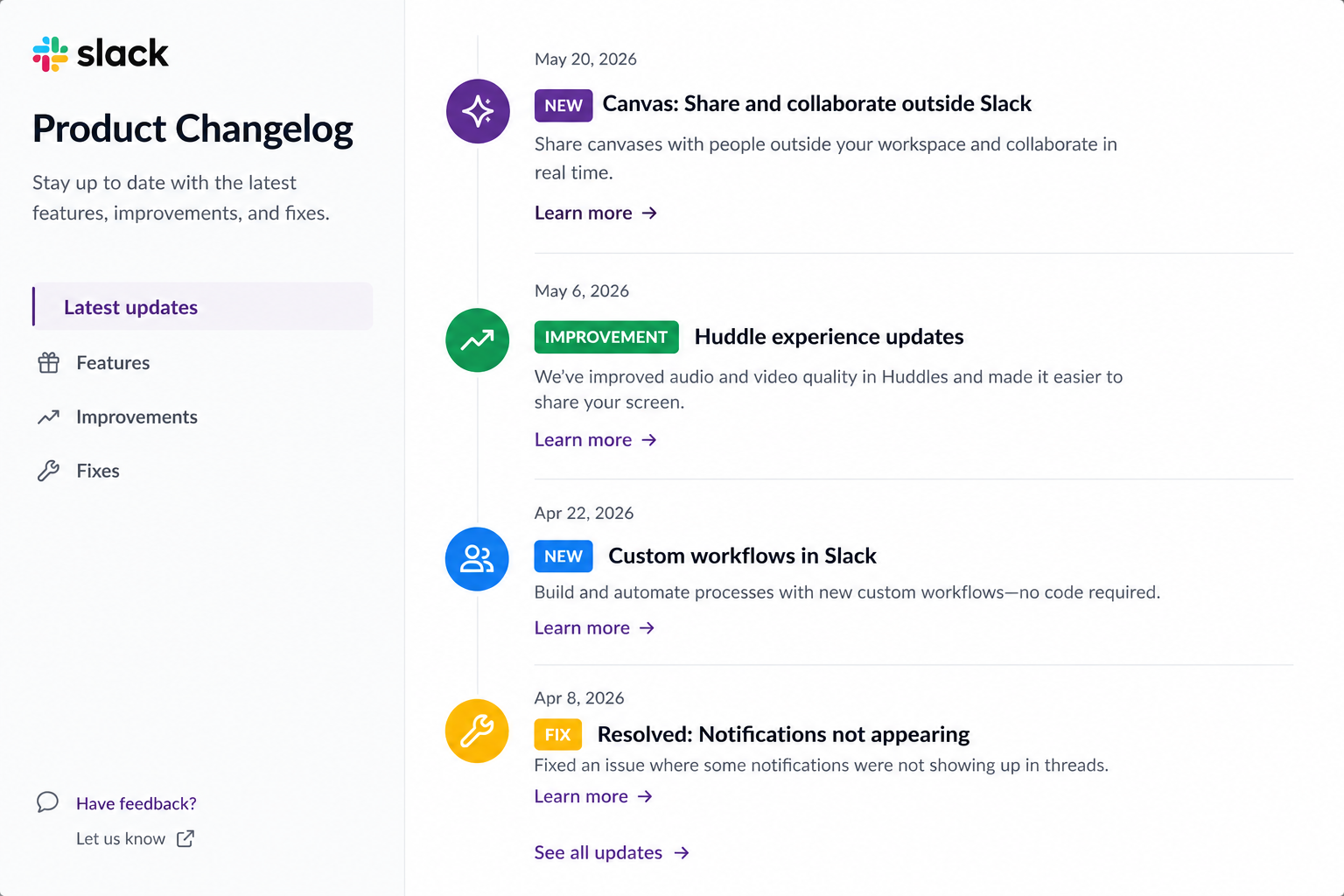
Slack keeps entries short and action-based. Each note starts with a verb, includes a version number, and focuses on what changed for the user.
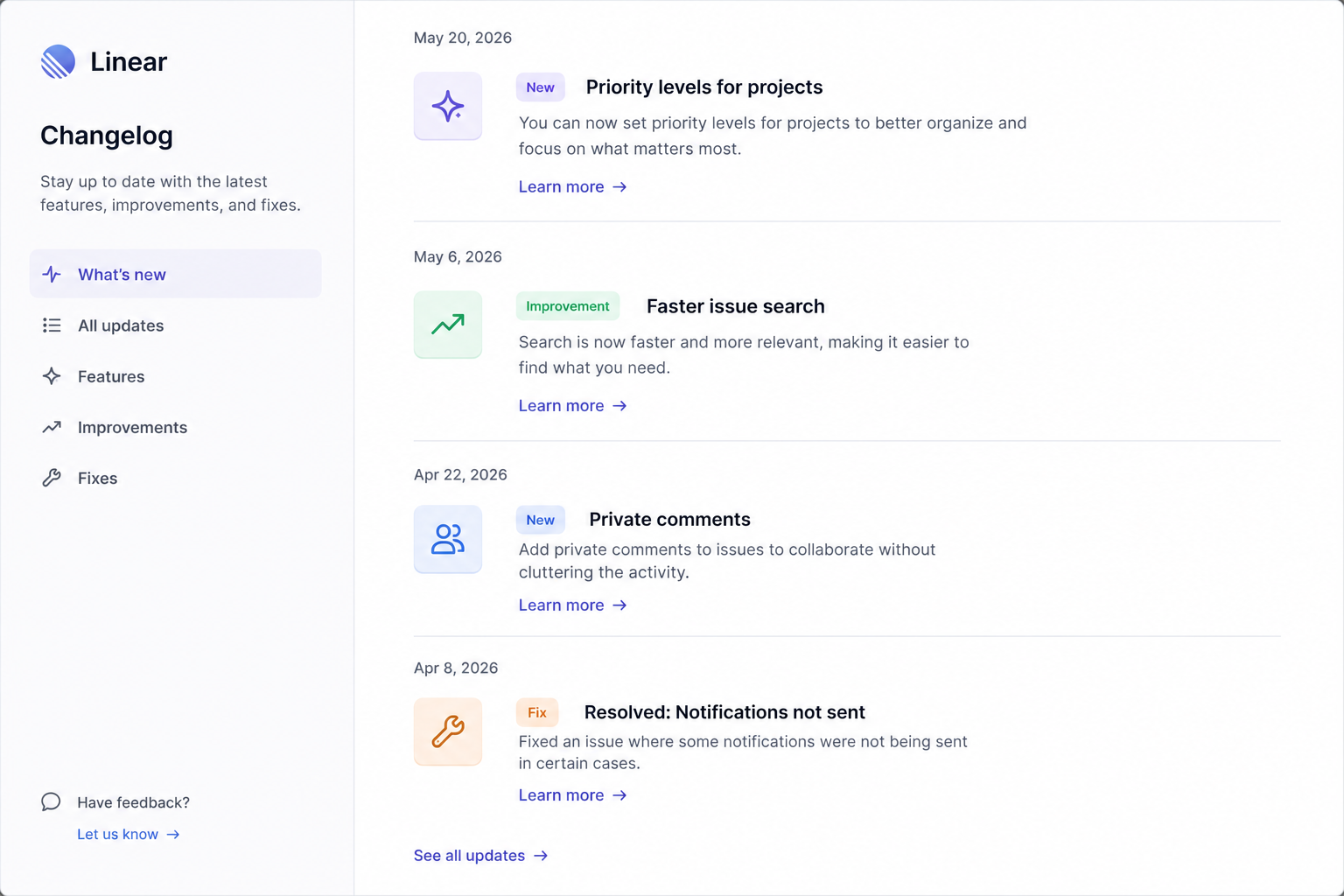
Linear mixes visuals with short explanations. Screenshots and bold headers give their changelog personality without sacrificing clarity. Also, they group changes by feature, which makes navigation straightforward.
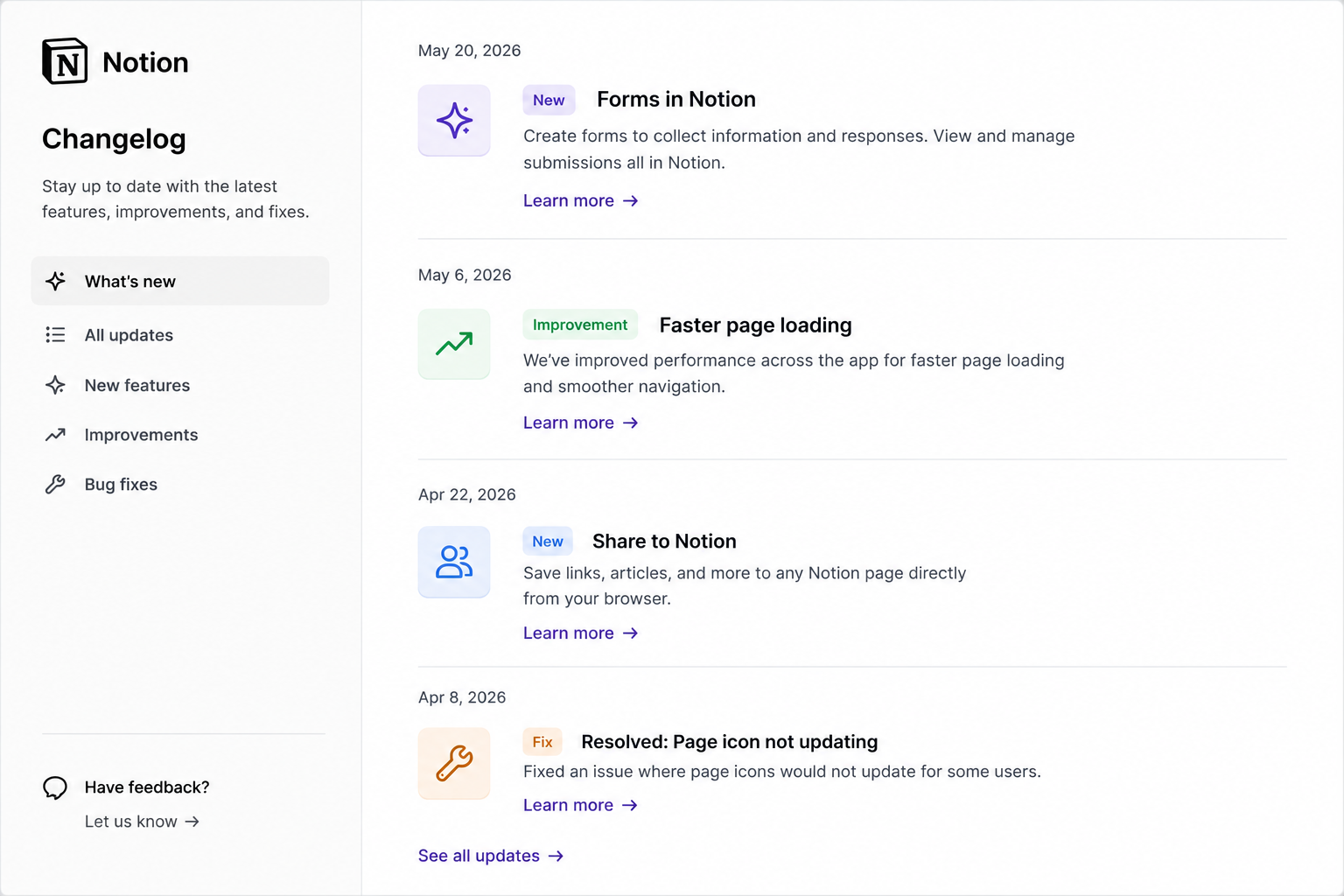
Notion uses a timeline format by release date, with plain language and small visuals. Their changelog reads like something a human wrote, not a machine.
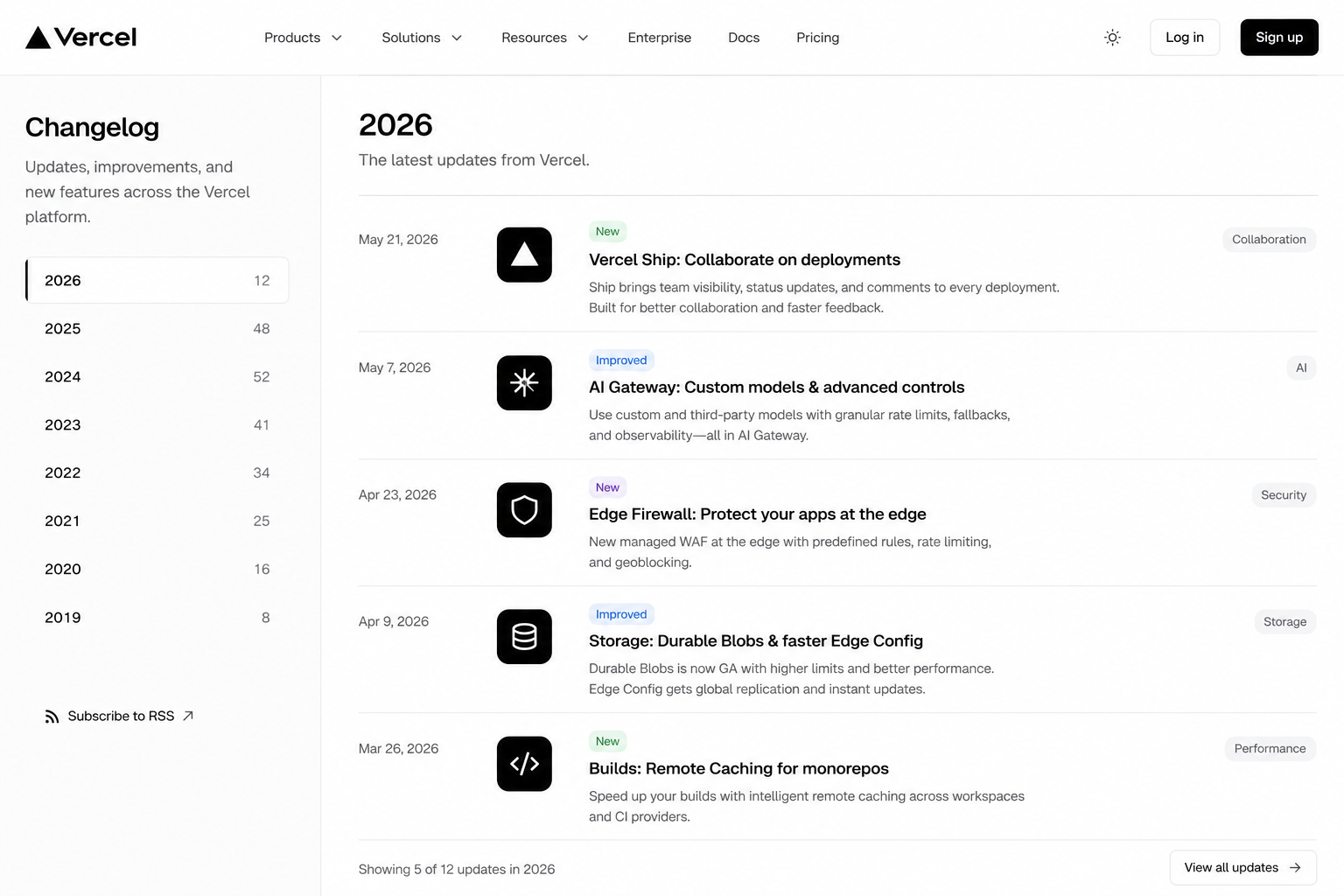
Vercel writes changelogs that feel like product blog posts. Each entry covers one significant change with context, code snippets where helpful, and enough depth that both technical and non-technical users come away understanding what happened.
If you noticed, they all write for their users first, use a consistent format, and publish regularly.
Below are some common ways SaaS teams structure and share product updates:
A CHANGELOG.md file lives in your repository and gets updated with every release. GitHub displays these beautifully, and they're version-controlled by default. If your users are developers, this format feels right at home.
GitHub has a built-in changelog tool that ties release notes directly to tagged commits. Developers can browse changelog documents alongside the code that produced them. It is great for open-source projects and developer tools.
With this, users see updates right where they're working, without having to visit a separate page. While it has high visibility, it requires integration work.
This is a standalone web page, often at something like yourproduct.com/changelog. Works for any audience and doesn't require users to be inside the product to stay informed.
Even with a good format, some changelogs still fail because of avoidable mistakes. Here are some common problems SaaS teams should avoid.
When a developer writes the changelog, it reads like a pull request description. Entries like "refactored authentication middleware" or "resolved edge case in token expiry logic" mean nothing to a customer trying to understand what changed. Most of your users are not engineers, and even the technical ones are reading your changelog as users, not as colleagues.
To fix this, write every entry from the user's perspective. Ask yourself: "What can the user now do, or stop worrying about, because of this change?" That question will get you to the right sentence every time.
Some teams only remember their changelog exists when they're preparing for a big launch or a quarterly review. So they sit down and try to reconstruct three months of changes from memory, commit histories, and Slack threads.
The result is often inaccurate. Instead, update your changelog as part of your release process, not after it. Make it a checklist item before any update goes live, so the habit sticks and the entries stay accurate.
Upgrading a background dependency, tweaking a deployment script, or adjusting internal logging are all things your engineering team cares about, but your users do not.
If the change doesn't affect how a user interacts with your product, leave it out. Save the technical details for your internal documentation.
A changelog without version numbers or release dates is essentially a list with no timeline. Users cannot tell whether they are looking at something from last week or from two years ago, which makes the whole thing useless for troubleshooting or tracking product progress.
Always include both a version number and a release date at the top of every entry. If your product does not use versioned releases, a clear date is enough.
One month, your changelog has categories. The next month, it's a paragraph. The month after that, nobody updated it at all. This kind of inconsistency makes your changelog hard to scan and quietly tells users that no one really owns it.
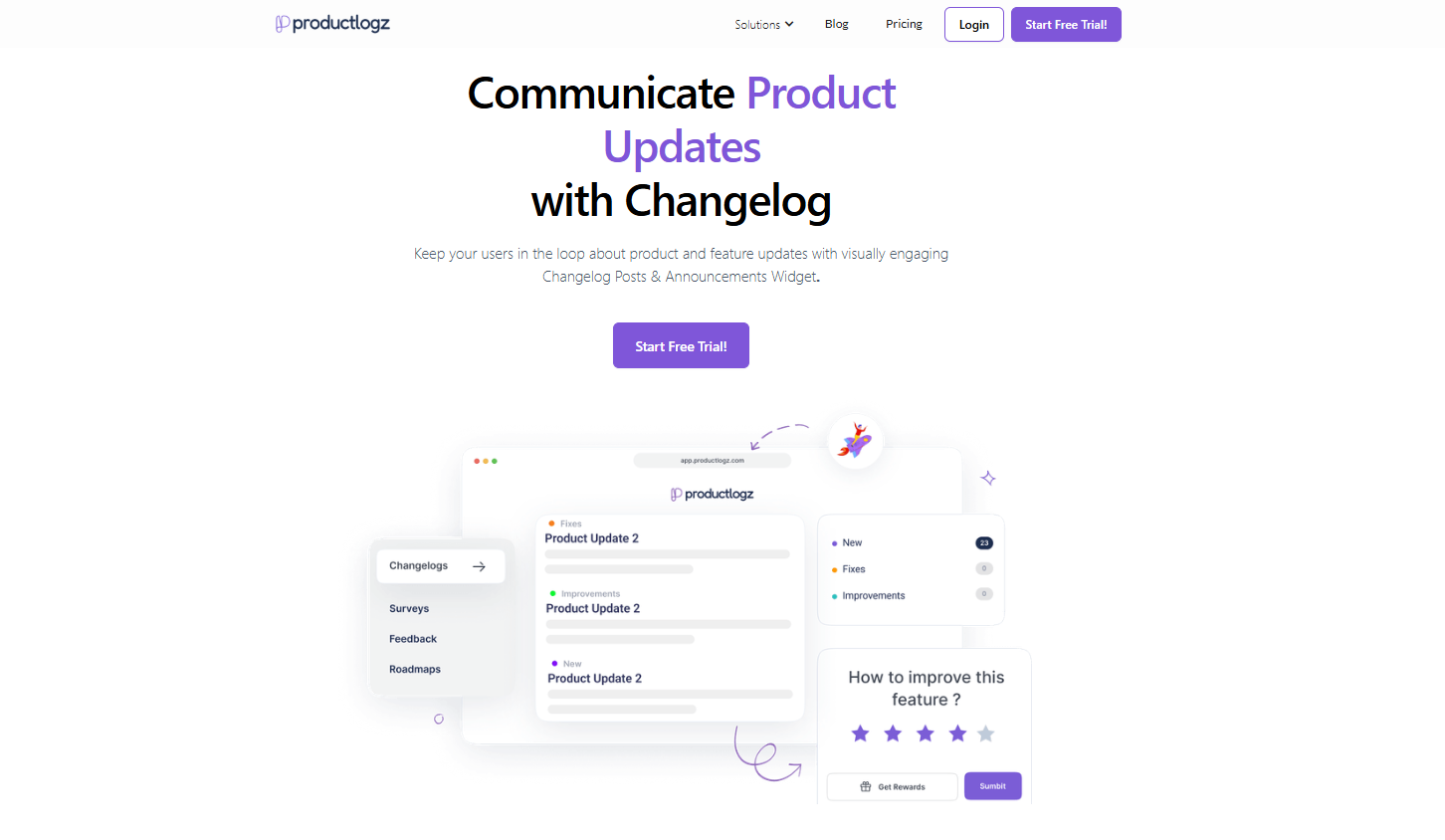
If you've been managing changelog entries in a Google Doc, a random Notion page, or by hand-editing a markdown file, there's a better way.
Productlogz is a dedicated changelog and product management platform built for SaaS product teams. It gives you everything you need to publish, manage, and share product updates without juggling multiple tools.
Here's what you get:
Are you ready to stop treating your changelog like an afterthought and start using it as the product communication asset it should be? Start your free trial on Productlogz today and turn your product updates into a communication channel your users look forward to.
What is the difference between a changelog and release notes?
A changelog is a continuous log of all product changes across every version, while release notes are written for a specific release and go deeper into context and impact.
How often should I update my product changelog?
Update your changelog on the same cadence your team ships. For most SaaS teams, that means weekly or bi-weekly updates rather than logging every small commit in real time.
What should a good changelog entry include?
Every entry needs a version number or release date, a change type (Added, Fixed, Improved, Removed), and a short plain-language description of what changed. A link to documentation or an announcement post is a nice bonus.
Should my changelog be public?
Yes, for most SaaS products. A public changelog builds trust with current users and signals active development to prospects. If your product handles sensitive data, a private changelog for logged-in users is a reasonable alternative.
What is the best format for a changelog?
The Keep a Changelog format, which organizes entries under Added, Changed, Fixed, Removed, Deprecated, and Security, is the most widely adopted standard. Pair each entry with a version number and release date, and you have a solid, scannable structure.
Do non-technical users read changelogs?
More than most teams expect. Non-technical users care about changes that affect their workflow. Writing entries in plain language rather than developer speak is what makes the difference between a changelog users actually read and one they ignore.
No sales calls. No long setup. Create your workspace and start collecting feedback today.
