


Do you know that the gap between what teams build and what users want is one of the most persistent problems in product development? Funnily enough, it’s largely avoidable. In-app feedback has become one of the most reliable ways to close that gap.
This guide is for product managers and product teams who want to move beyond guesswork. We’ll walk through why in-app feedback works, the different types worth collecting, and the best channels and tools for gathering.
Traditional feedback collection has always had a timing problem. This is because people forget details, reframe their experience, and often skip the survey entirely. App store reviews, while valuable for social proof, only capture the loudest voices.
Whereas the quiet majority, including users who are mildly frustrated or slipping toward churn, rarely show up there. In-app feedback solves the timing problem by capturing input in the moment. When a user completes a task, hits an error, or abandons a flow, that’s exactly when their feedback is richest. Product teams that collect feedback this way consistently report more specific insights that are easier to act on.
Also, there’s a relationship dimension that’s easy to overlook. When you ask users for input inside your product, you’re signaling that you care about their experience, and these users notice. And when users see that their feedback actually changes something, like a friction point gets fixed or a requested feature appears, the feedback loop reinforces itself.
Knowing you want to collect feedback and knowing the ways to collect it effectively are two different things. Here are the main approaches product teams use, along with what makes each one work.
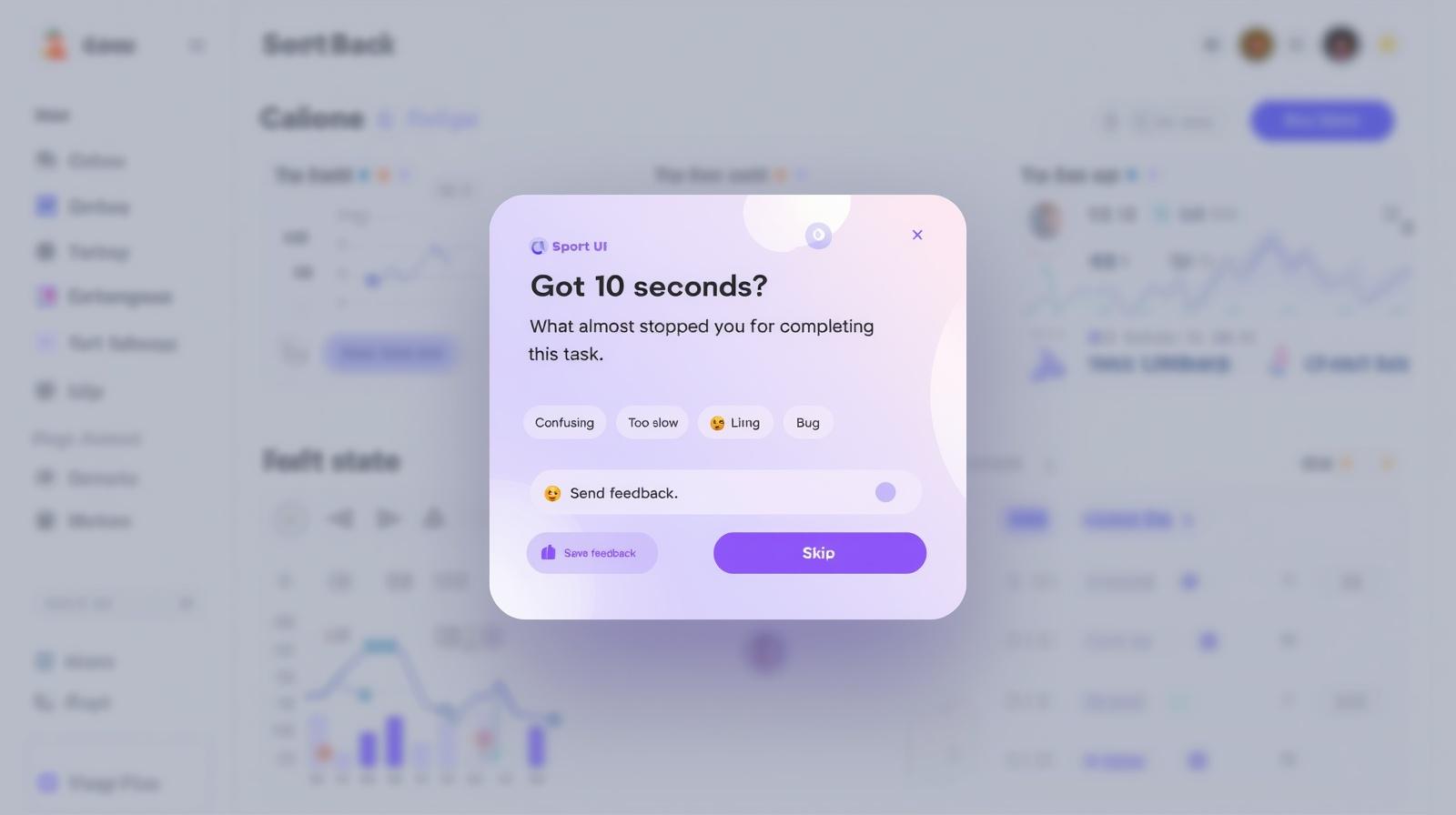
Feedback widgets are persistent elements embedded directly in the product interface. It is usually a small button or tab that users can click anytime to share a thought. The key advantage is that they reduce friction to near zero.
This is because users don’t have to navigate away from what they’re doing or search for a way to reach you. The feedback lives in the moment, alongside the experience it’s about. Over time, widget data accumulates into a rich stream of user sentiment that’s easy to mine for patterns.
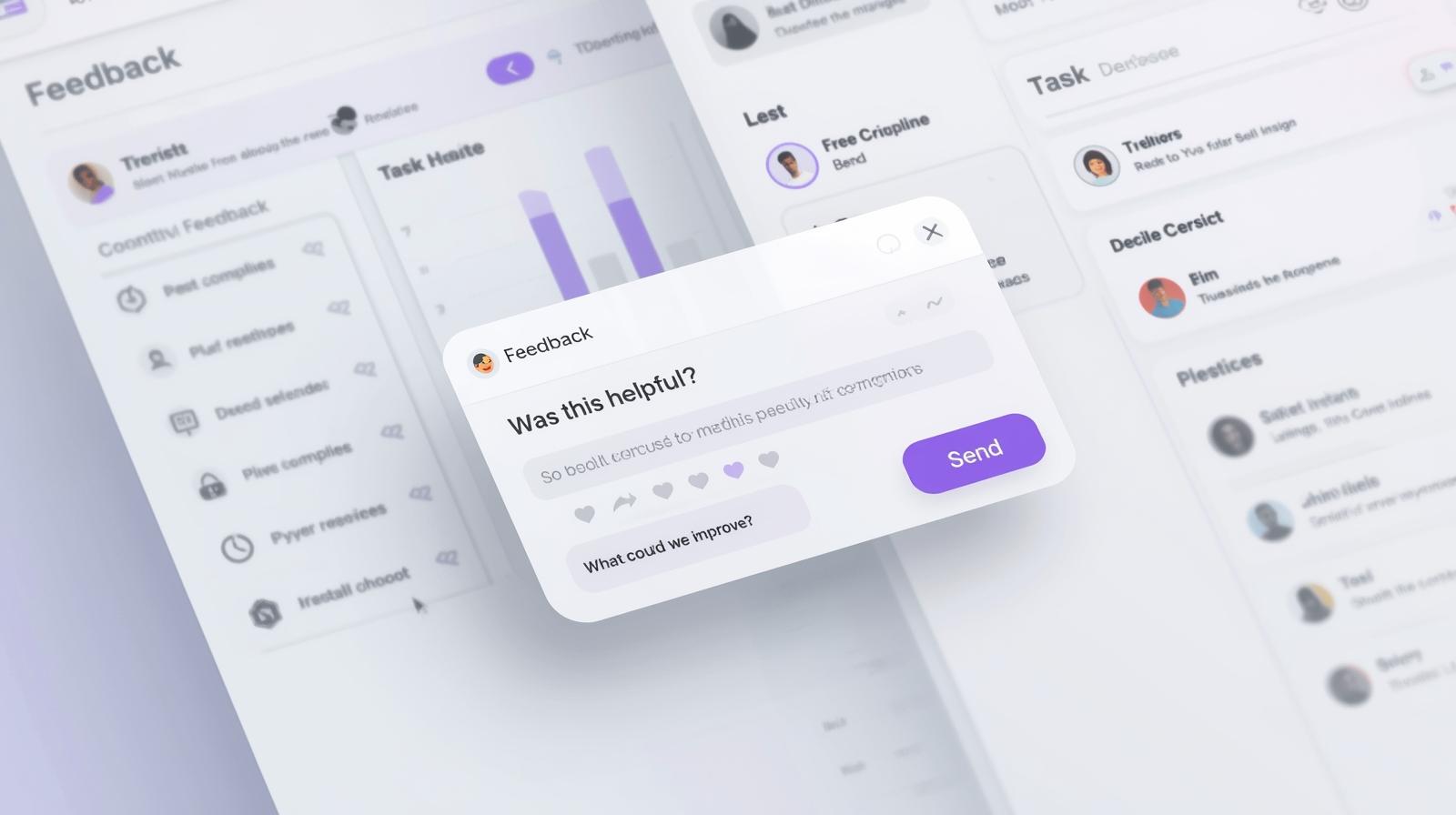
Contextual prompts are triggered by specific user behaviors. These behaviors include completing a checkout, finishing onboarding, using a new feature for the first time, or abandoning a flow midway. Because they’re tied to a real moment, the feedback they generate tends to be actionable.
For example, a question like “What made that step confusing?” asked immediately after a user stumbles is worth far more than the same question asked in a weekly digest email.
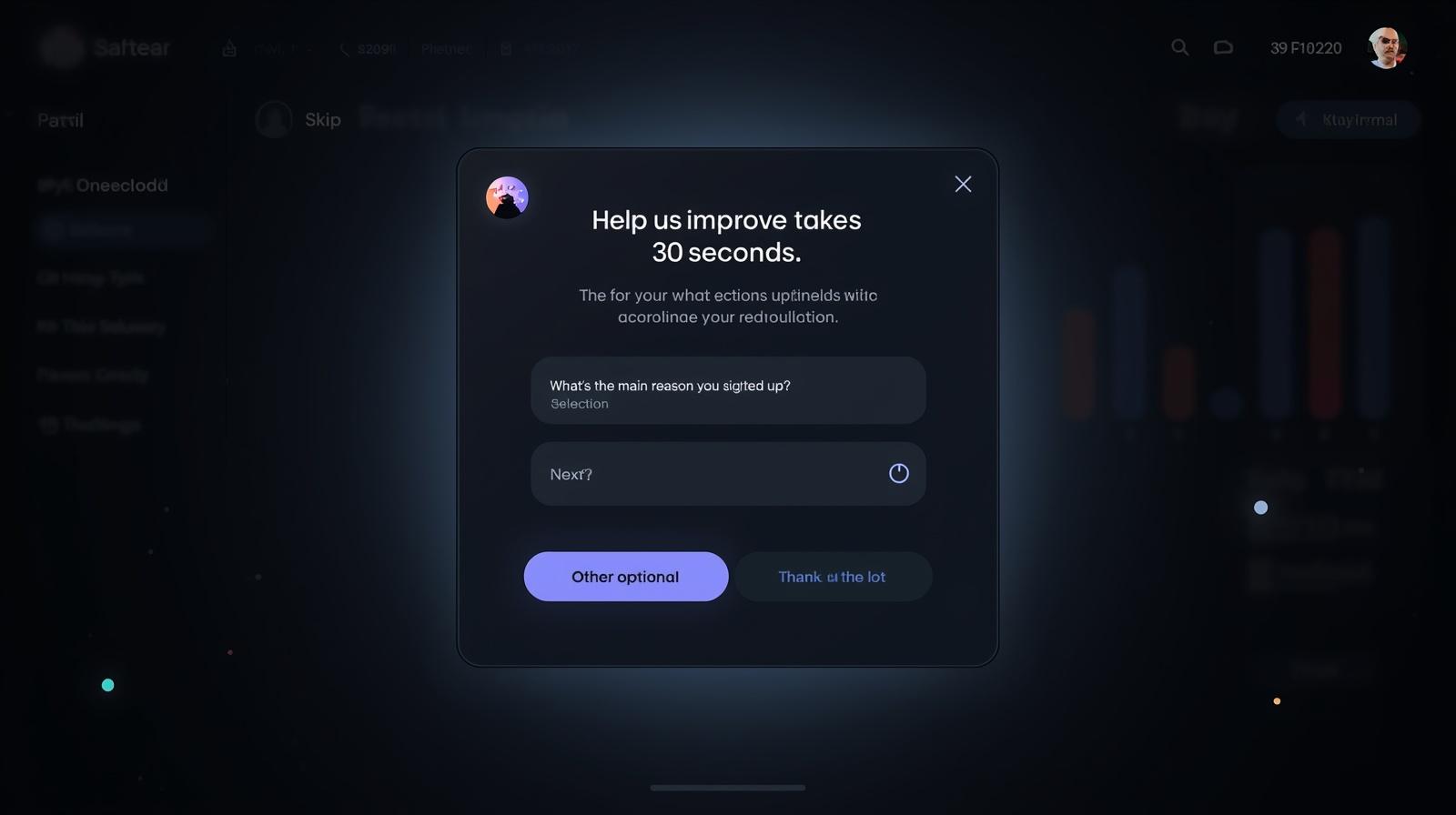
A well-designed in-app survey is one of the most powerful tools in a product manager’s feedback toolkit. Amazingly, it is one of the most easily misused. The cardinal rule here is brevity. A survey that takes more than two minutes to complete will see dramatically lower completion rates and more rushed, lower-quality responses.
Furthermore, mobile-optimized surveys that ask three to five targeted questions outperform longer alternatives nearly every time. Then, segmenting your users and delivering personalized surveys improves both response rates and the quality of what you learn. For example, new users asked about onboarding, and power users asked about advanced features.
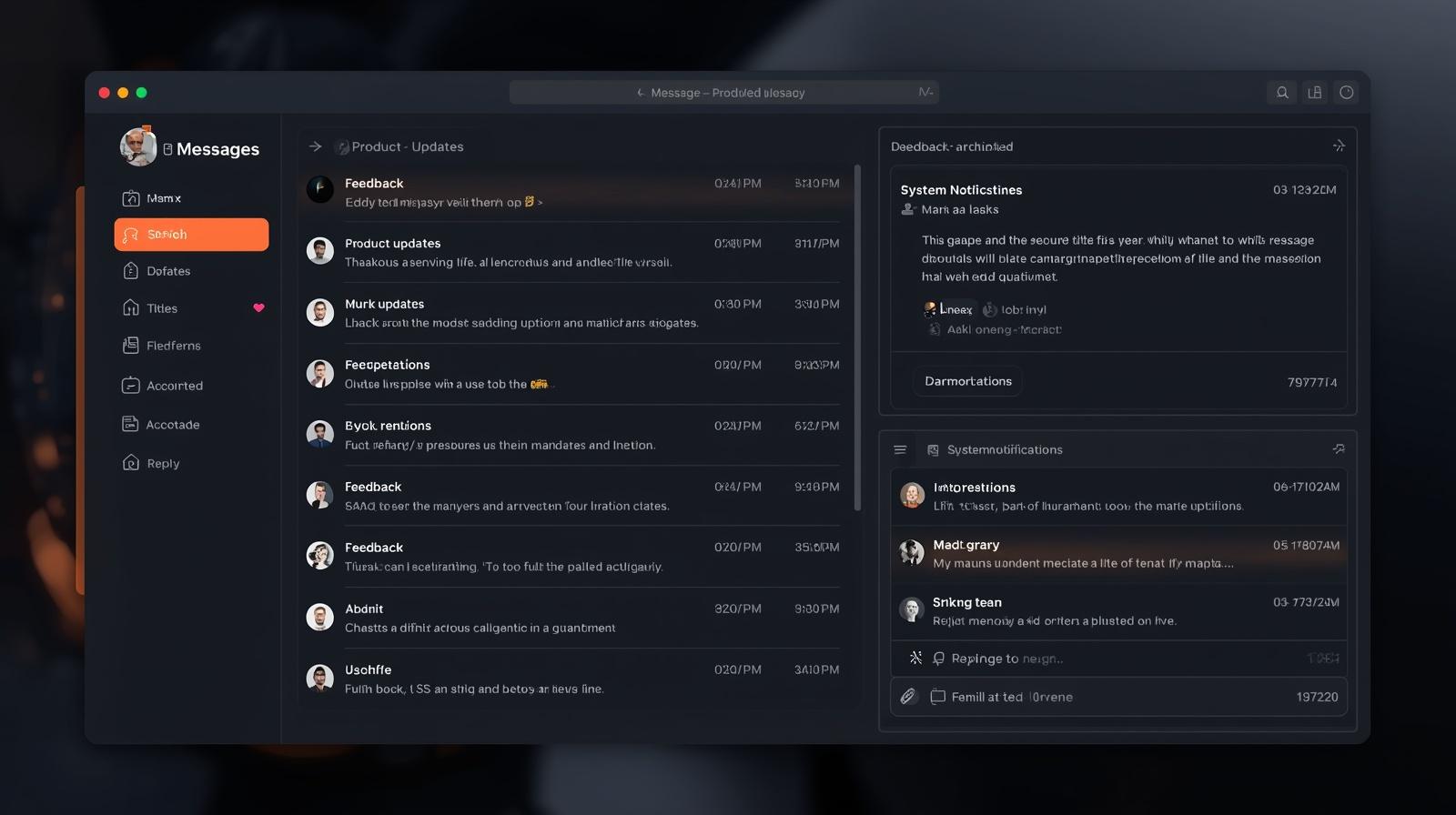
Now, a message center is more than a feedback channel. It’s a direct line between users and your team. When users can ask questions, flag issues, or share frustrations in a dedicated space inside your app, two things happen. Unhappy users are less likely to take their frustration directly to the app store, and your team gets early warning on issues before they scale.
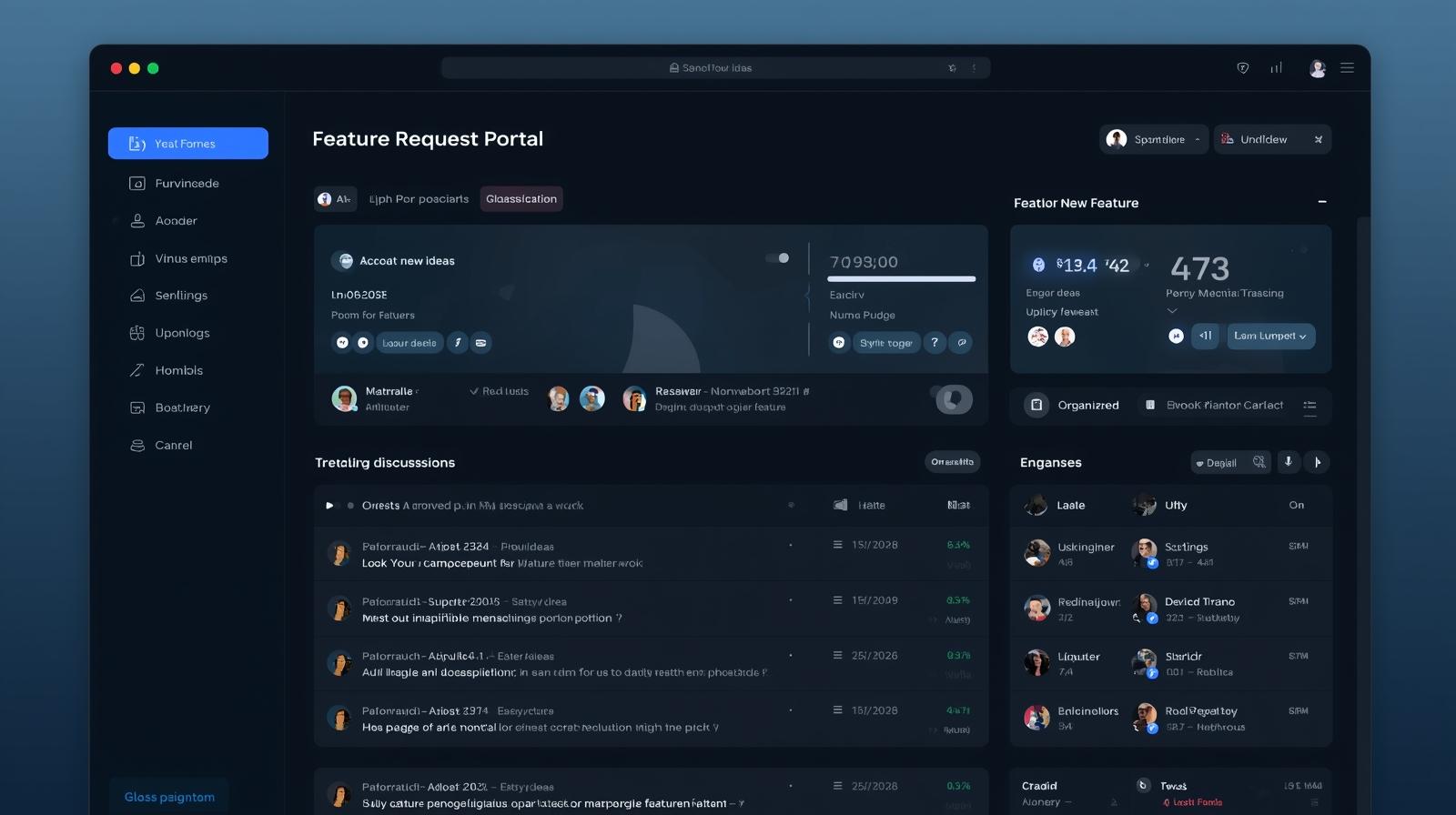
Giving users a structured way to submit feature ideas and to upvote ideas others have submitted transforms individual requests into quantifiable demand data. Instead of relying on qualitative impressions or support ticket volume, product managers can see directly which capabilities users are asking for.
This doesn’t mean building everything that gets upvoted, but it does mean prioritization conversations become grounded in evidence rather than assumption.
Once you’ve set up ways to collect feedback, the next challenge is making sure it leads to real action. Here are the best practices you can use:
A feedback prompt that feels like a homework assignment will get dismissed. One that asks a specific question about the experience they just had takes seconds to answer and delivers far more signal.
Specificity is the differentiator between feedback that’s vague and feedback that drives decisions. If you can’t articulate exactly what decision the feedback will inform, reconsider whether you need to ask it at all.
Feedback that requires a user to navigate to a separate form, open a new tab, or interrupt their flow sees dramatically lower response rates than feedback that appears naturally within the interface.
Embedding feedback mechanisms directly into the product as overlays, online prompts, or persistent widgets keeps users in context and makes the act of sharing input feel effortless rather than burdensome.
No single feedback method captures the full picture. Widgets catch issues you didn’t know to ask about. Surveys generate structured and comparable data. On the other hand, feature requests reveal unmet demand.
Using these in combination gives you a multi-dimensional view of user experience that’s richer than any single channel could produce.
This is where many feedback programs stall. Teams collect feedback, it goes into a spreadsheet or a tool, and it doesn’t noticeably influence what gets built. The antidote is building a regular rhythm of feedback review, not a one-time audit. Rather, a recurring process that brings the data into roadmap discussions, sprint planning, and design reviews.
Also, sharing feedback insights across the team helps everyone have context that makes a piece of feedback click in ways it wouldn’t in isolation.
Closing the feedback loop means letting users know that their input had an impact. This doesn’t require individually responding to every piece of feedback. It can be as simple as a changelog note that says “Based on your feedback, we made X faster,” or an in-app message acknowledging a common request is on the roadmap.
When users see that feedback produces visible results, their willingness to share more increases.
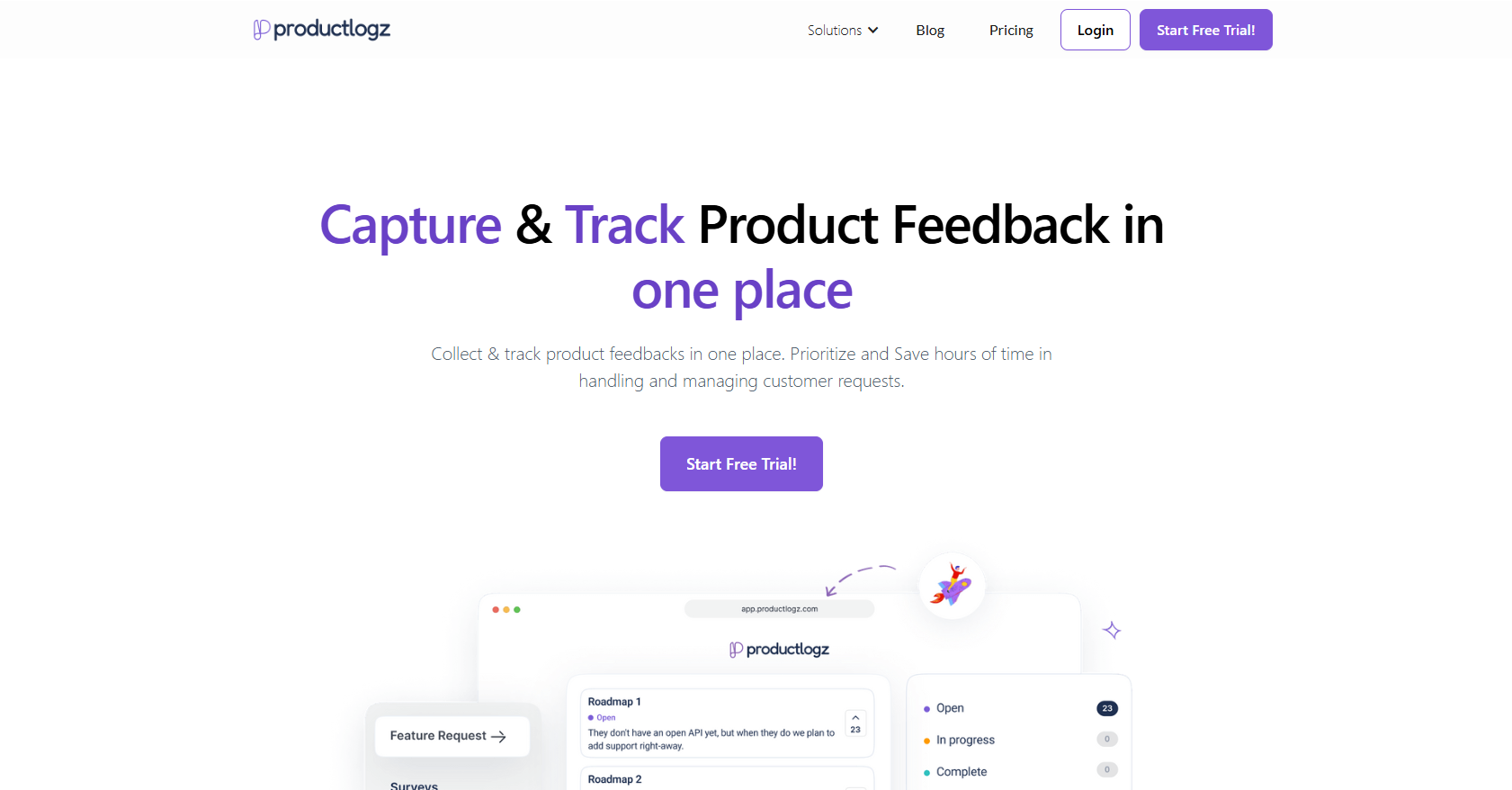
We all know that managing multiple feedback channels, widgets, surveys, prompts, and feature requests can be difficult without the right infrastructure.
Fortunately, tools like Productlogz make this easy by helping you gather, understand, and act on feedback in one place. The best part is you can start for free.
Rather than struggling between separate tools or manually sorting out responses from different sources, product teams get a unified view of user behavior and requests.
Try Productlogz today and turn your user feedback into real product improvements.
1. What is in-app feedback?
In-app feedback is user feedback collected directly within the app while users are actively engaging with your product.
2. What are the different types of in-app feedback?
There are several types of in-app feedback, including general feedback, product feedback, feature requests, ratings and reviews, and feedback prompts.
3. How can I gather in-app feedback effectively?
You can gather in-app feedback through in-app feedback widgets, surveys, message centers, feedback prompts, and platforms like Productlogz.
4. How should product teams act on in-app feedback?
After collecting feedback, product teams should analyze the feedback data, integrate insights into the product roadmap, and implement improvements.
5. Can in-app feedback improve app store ratings?
Yes, it can. By using in-app feedback tools, you can redirect unhappy users to feedback channels instead of the app store.
No sales calls. No long setup. Create your workspace and start collecting feedback today.
