

Did you know you can sit through a Pendo demo and walk away shocked by the price? What starts as a product experience tool often turns into a $15,000 to $140,000+ annual commitment, based on Vendr data.
For many startups, that price is enough to start looking elsewhere. Luckily, there are Pendo alternatives that offer product analytics, in-app guidance, and user feedback tools at a more affordable cost. In this article, you’ll discover the best Pendo alternatives for startups in 2026, what each tool does well, and how to choose the right one for your team.
Pendo is a digital adoption platform built for companies managing multiple products, large user bases, and analytics teams. For that audience, it works well. However, for a 20-person SaaS startup still figuring things out, it can be very expensive.

Aside from being so expensive, here are other reasons some startups are opting for Pendo competitors:
That said, Pendo earns its price for the right company, especially when needs are complex. If you're managing several products and need deep analytics across web and mobile apps, its features become a real advantage. However, this level of setup is mostly seen in Series C+ companies, not early-stage startups.
The table below gives a quick overview of key decision dimensions and how each Pendo alternative fares when compared to the others:
Below are the best Pendo alternatives for startups that want affordable onboarding, product analytics, feedback collection, and in-app guidance tools.
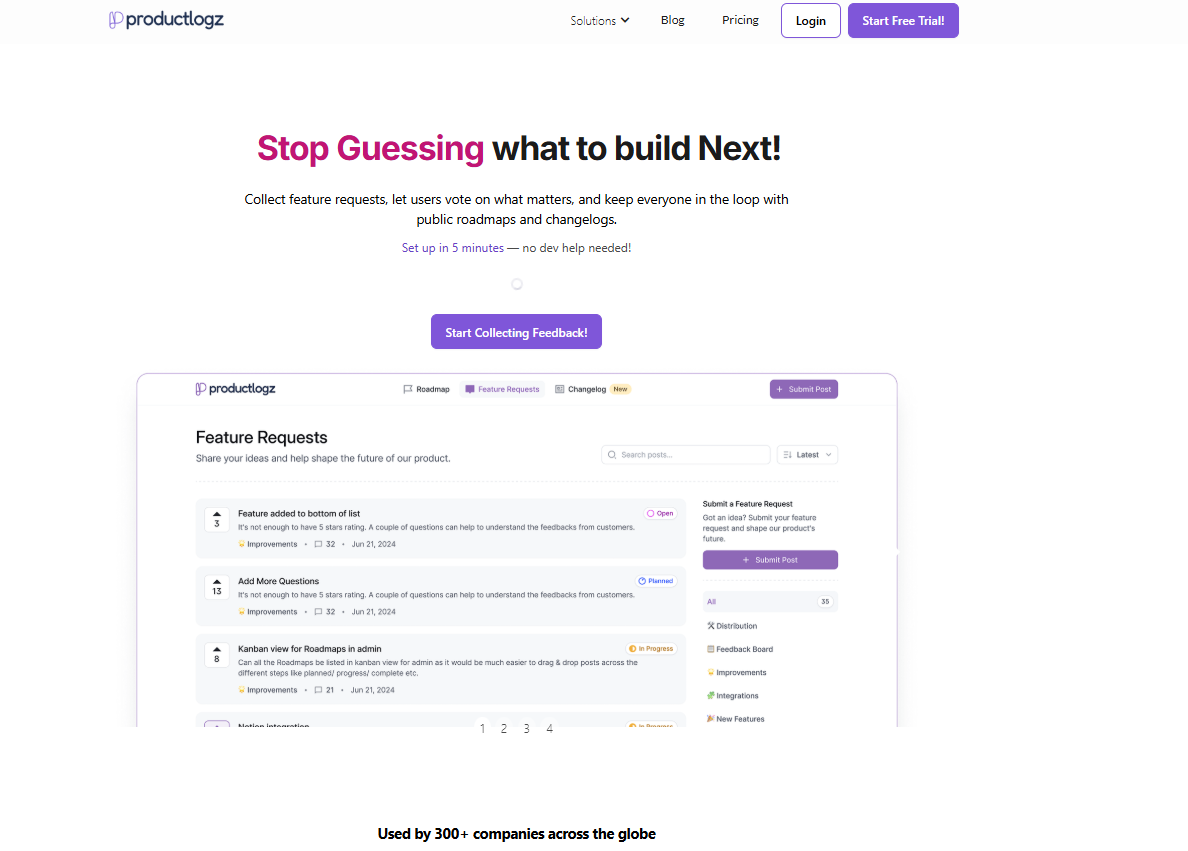
Productlogz is the rare tool that feels like it was built by people who've actually worked inside a product. It combines AI-powered survey creation, feedback collection, roadmap integration, and in-app widgets into one platform at a price that won't require CFO approval.
Where most tools make you choose between collecting user feedback and acting on it, Productlogz connects the two. You can run NPS, CSAT, and custom surveys, then route insights directly into your product roadmap without switching tabs or exporting CSVs.
Key Features:
Pros:
Cons:
Best for: Early-stage to growth-stage SaaS product teams that want feedback collection, roadmapping, and user communication in one place.
Pricing: Free plan available. Paid plans from $17/month.

Canny is a customer feedback management platform designed to help product teams collect, organise, and prioritise feature requests. It's known for its user-friendly interface and straightforward feedback workflow. Users submit ideas, vote on what matters most, and get notified when features ship.
Key Features:
Pros:
Cons:
Best for: Startups and mid-market SaaS teams that want a focused, customer-facing feedback board with roadmap and changelog.
Pricing: Free plan available. Starter from $79/month.
G2 rating: 4.6/5
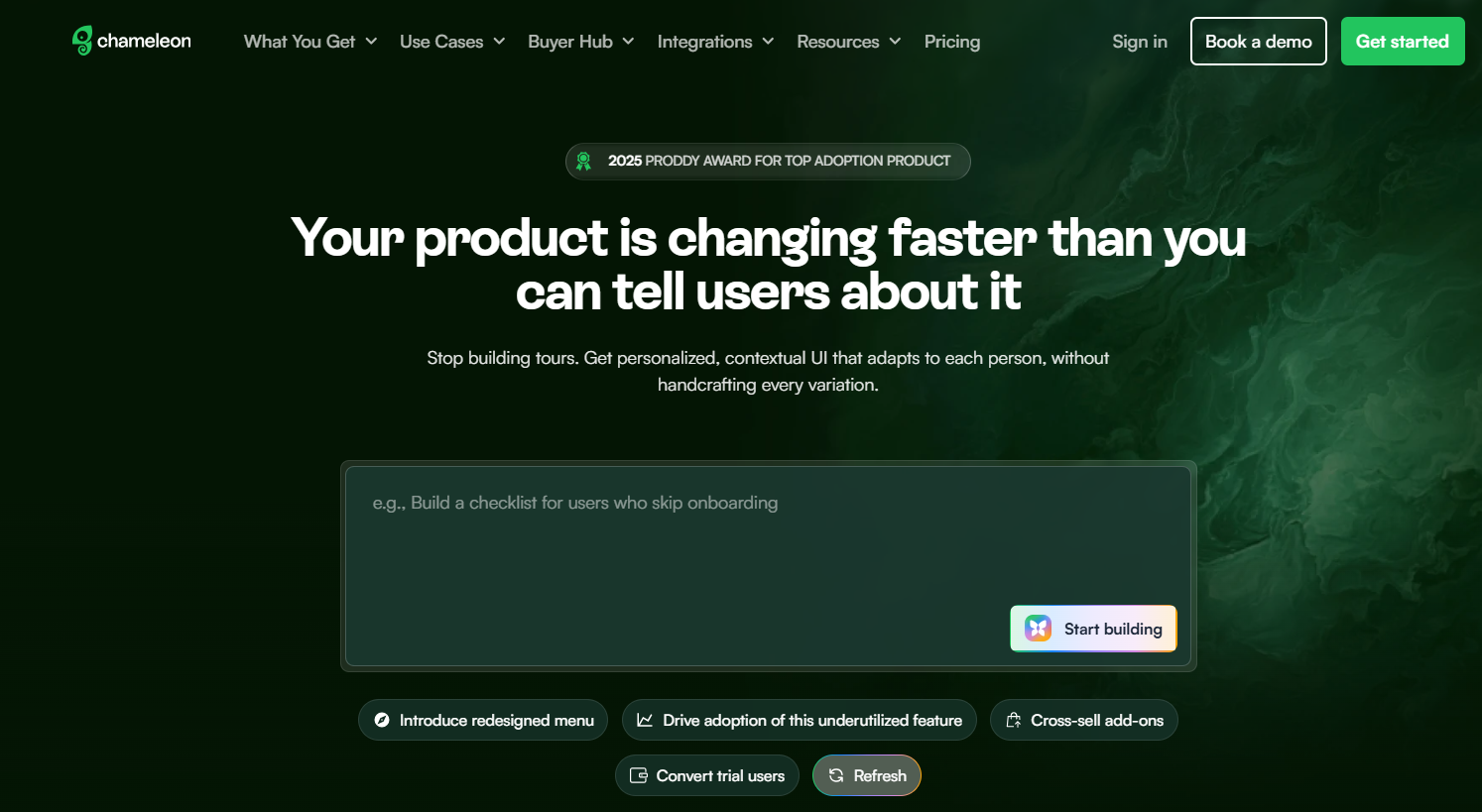
Chameleon takes in-app guidance seriously. Tours, tooltips, checklists, modals, and launchers are all built with a no-code editor. This still gives developers CSS-level control when they want it. If your product has a specific design system and you're tired of in-app guides that look bolted on from a different decade, Chameleon is worth a close look.
Key Features:
Pros:
Cons:
Best for: Series B+ SaaS teams with some technical resources who care about design quality and want to drive feature adoption.
Pricing: Startup plan at $279/month. Growth from $1,250/month (billed annually).
G2 rating: 4.4/5
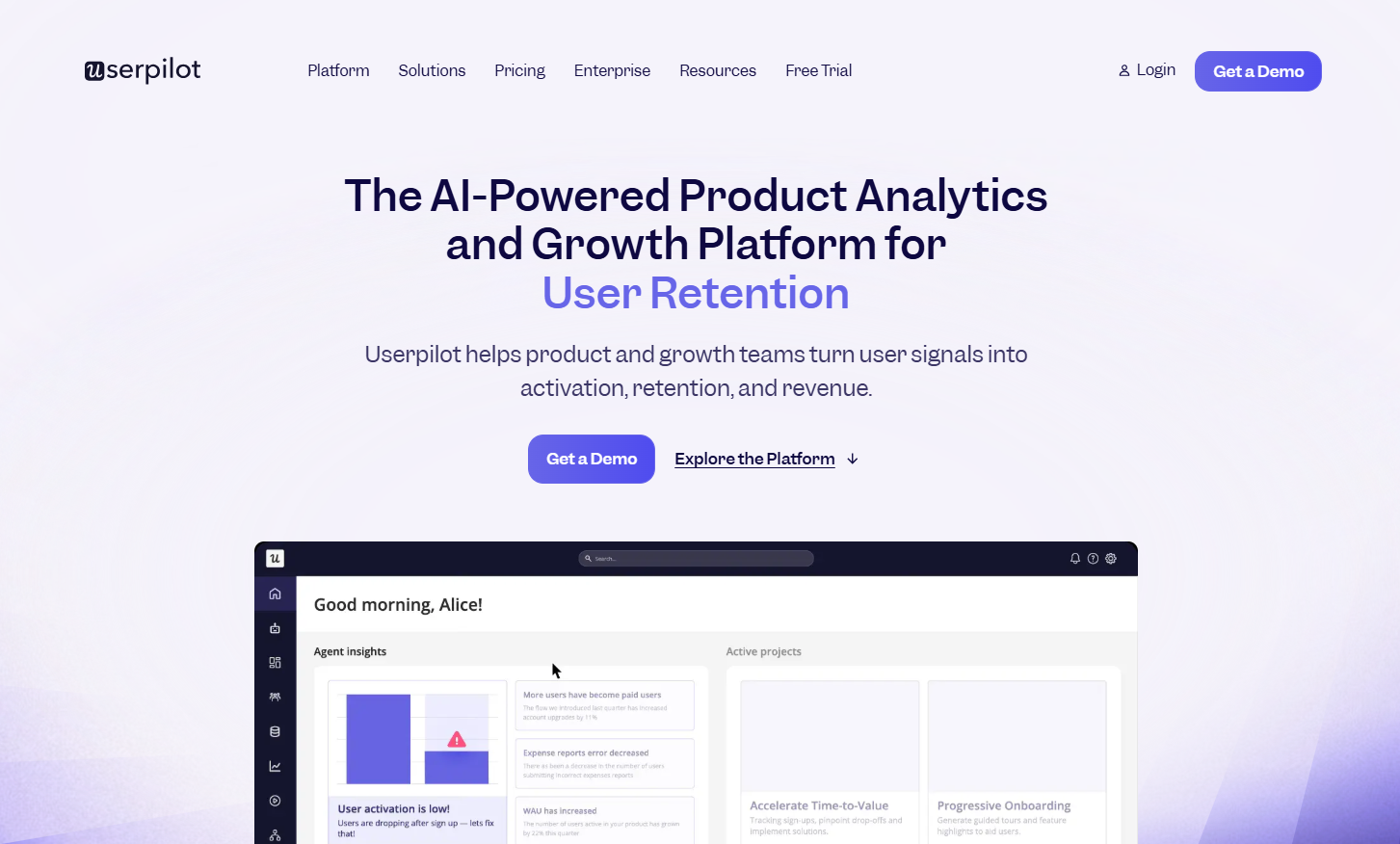
Userpilot threads a needle that most tools don't even attempt. It combines in-app onboarding with built-in product analytics. For product-led growth teams without a separate analytics stack, this is genuinely useful. You get funnel analysis, retention tracking, user segmentation, and feature adoption data.
Key Features:
Pros:
Cons:
Best for: PLG SaaS companies that want onboarding and usage analytics without paying for two separate platforms.
Pricing: Starter at $299/month. Growth and Enterprise are custom.
G2 rating: 4.6/5
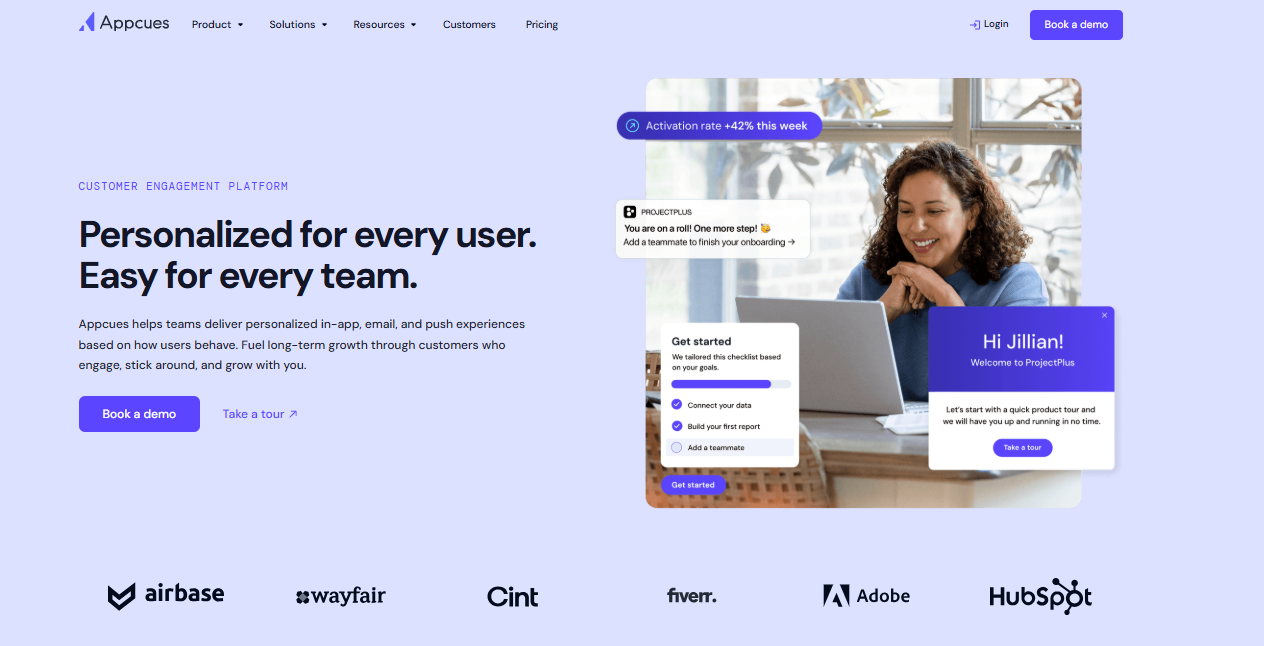
Appcues built its reputation on one thing: making in-app onboarding accessible to people who don't code. If your product team is tired of waiting on engineering to update a tooltip, this is the answer. The template library is solid, setup is fast, and the learning curve is about as flat as it gets in this category. What it does not do is sophisticated analytics. For that, you'll need a separate product analytics platform alongside it.
Key Features:
Pros:
Cons:
Best for: Non-technical product and marketing teams that need to launch user onboarding quickly without engineering bottlenecks.
Pricing: Custom.
G2 rating: 4.6/5 (310+ reviews)
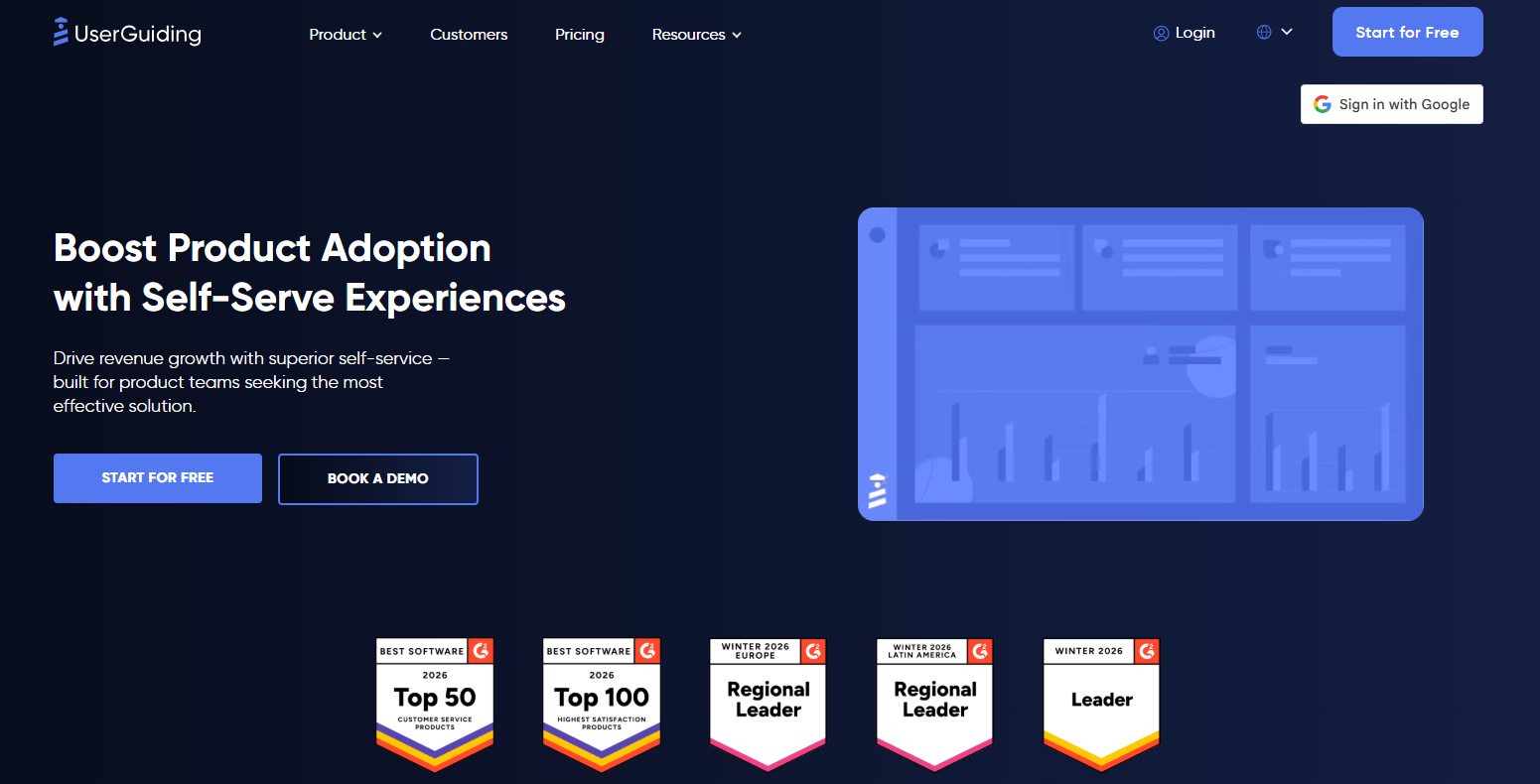
UserGuiding is for startups where the budget conversation starts and ends with "how much does it actually cost?" It covers product tours, tooltips, hotspots, onboarding checklists, and basic NPS surveys. Nothing flashy, nothing that requires an implementation consultant. But if you're a team of five trying to reduce time-to-value for new users, UserGuiding gets the job done.
Key Features:
Pros:
Cons:
Best for: Startups and small SaaS companies (under 50 employees) with limited budgets that need in-app guidance.
Pricing: Starter $174/month (billed annually). Growth from $349/month.
G2 rating: 4.6/5

Amplitude sits in a different lane from most tools on this list. It's a product analytics platform first, with in-app guidance capabilities via its CommandAI acquisition. If understanding user behavior in granular detail is the priority.
Key Features:
Pros:
Cons:
Best for: Data-driven product teams that already have onboarding covered and need product usage analytics.
Pricing: Plus plans $61/month. Growth and Enterprise custom.
G2 rating: 4.5/5

Heap's core proposition is simple: stop manually tagging events. It automatically captures every user interaction across your web and mobile apps. This means you can analyse product usage retroactively without defining what to track upfront. For early-stage teams that don't know what questions they'll want to answer in six months, that retroactive capability is needed.
Key Features:
Pros:
Cons:
Best for: Teams that want actionable insights from user behavior without the overhead of manual event instrumentation.
Pricing: Free (10K sessions/month). Growth, Pro, and Premier are custom.
G2 rating: 4.4/5

Mixpanel is the developer-friendly analytics option in this list. You'd find real-time event tracking, transparent usage-based pricing, and a free tier covering up to 20 million events per month. It won't replace an onboarding tool, but as a product analytics platform, it's hard to beat on value at this price range.
Key Features:
Pros:
Cons:
Best for: Developer-friendly teams that want accessible product analytics without complexity or cost.
Pricing: Free (20M events/month). Custom paid plans.
G2 rating: 4.6/5
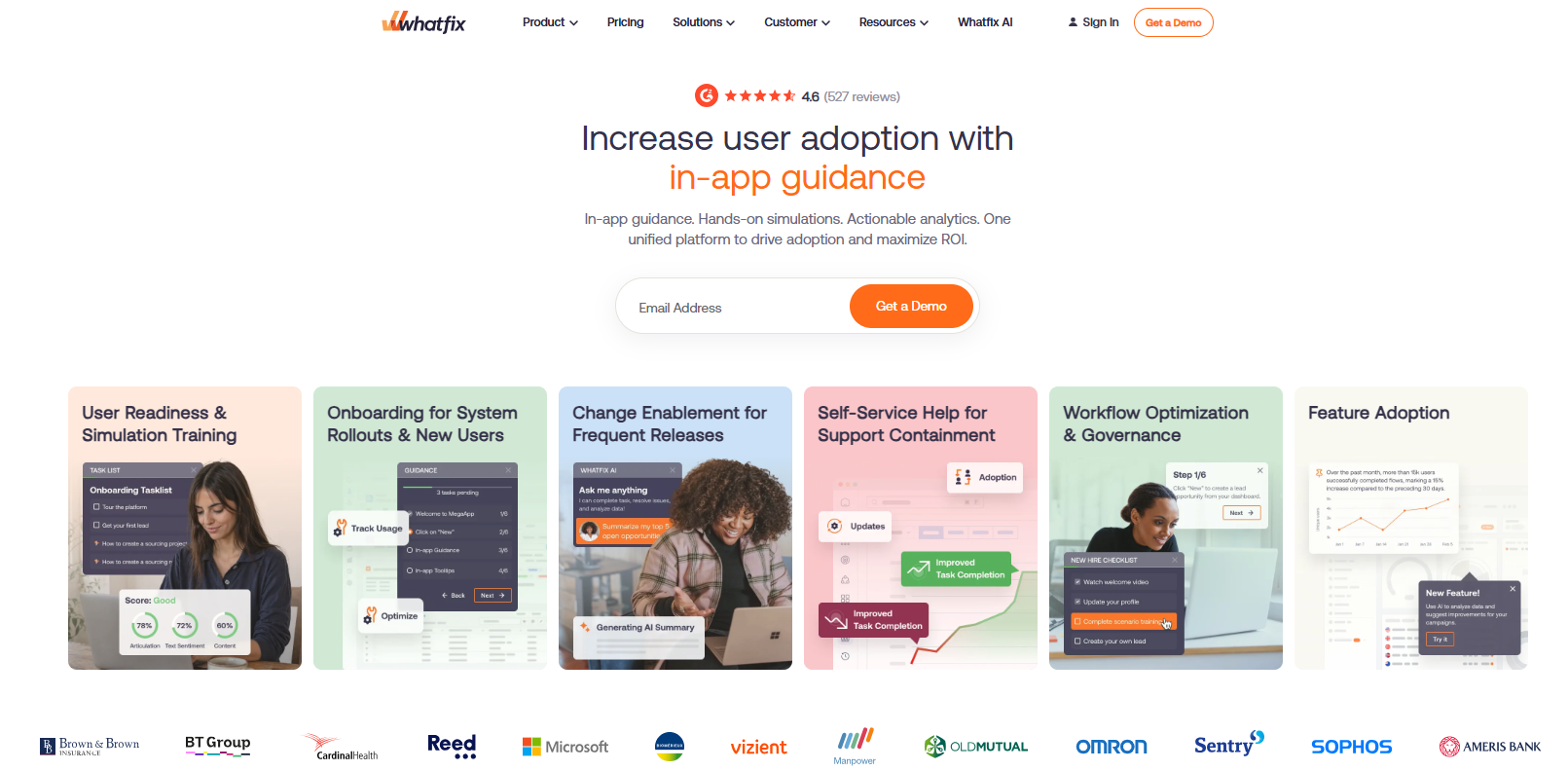
Whatfix covers web, mobile, and desktop applications. It handles customer-facing product onboarding alongside employee training. For startups building B2B products that need consistent digital experiences across multiple platforms, Whatfix is worth evaluating at Series B+ when budget allows.
Key Features:
Pros:
Cons:
Best for: Mid-market to enterprise companies needing digital adoption across multiple platforms, covering both employee and customer onboarding.
Pricing: Custom.
G2 rating: 4.6/5
Before you start booking demos, it's worth getting clear on what you actually need:
The tools in this category are broadly split into collecting and acting on user feedback, guiding users through your product with in-app experiences, and understanding user behaviour through analytics. Some tools do one well. A few attempt two. Almost none do all three equally well. Know which job is most urgent before you evaluate anything.
Some tools require engineering involvement for initial setup, ongoing event instrumentation, or customization work. Others are genuinely no-code. If your engineering team is heads-down on the product and can't spare cycles for tooling, that constraint should eliminate half your shortlist before you even look at pricing.
If you're trying to solve an activation problem before your next board meeting, the six-to-twelve-week tools aren't options, regardless of how good they are.
Many platforms in this space use modular pricing. This is where the advertised number doesn't include session replay, advanced analytics, A/B testing, or multi-app support. Before you commit, get a quote that reflects the features you need, and ask what happens to pricing as your MAU count grows.
Undeniably, Pendo is a powerful tool. However, "powerful" and "right for your stage" are two different things. For most startups, Productlogz is the right starting point. It combines AI-powered surveys, feature voting, roadmap integration, and in-app communication in one platform.
Sign up for Productlogz free today and start turning feedback into decisions.
What is the best free alternative to Pendo?
For feedback collection and roadmapping, Productlogz and Canny both offer free plans. Heap offers a free tier capped at 10,000 sessions per month.
Is Pendo worth the investment for a startup?
Generally, no. Pendo's pricing model makes the most sense for companies managing multiple products with dedicated analytics and customer success teams.
Can I migrate my data from Pendo to another tool?
Yes. Most feedback data and user segment definitions can be exported from Pendo before switching. The standard recommendation is to run your new tool in parallel with Pendo for 30 days to build a fresh baseline before fully cutting over.
What is the fastest Pendo alternative to implement?
UserGuiding, Appcues, and Productlogz are all live within one to two weeks. Chameleon also sits in that range for most teams.
Does Pendo have a free plan?
Yes, Pendo has a free tier capped at 500 monthly active users. Beyond that limit, guide creation is restricted.
No sales calls. No long setup. Create your workspace and start collecting feedback today.
