SurveyMonkey's free plan caps you at 10 questions, 25 viewable responses, and won't let you export data without upgrading.
Many alternatives offer better pricing, more flexibility, and genuinely useful free tiers without forcing upgrades.
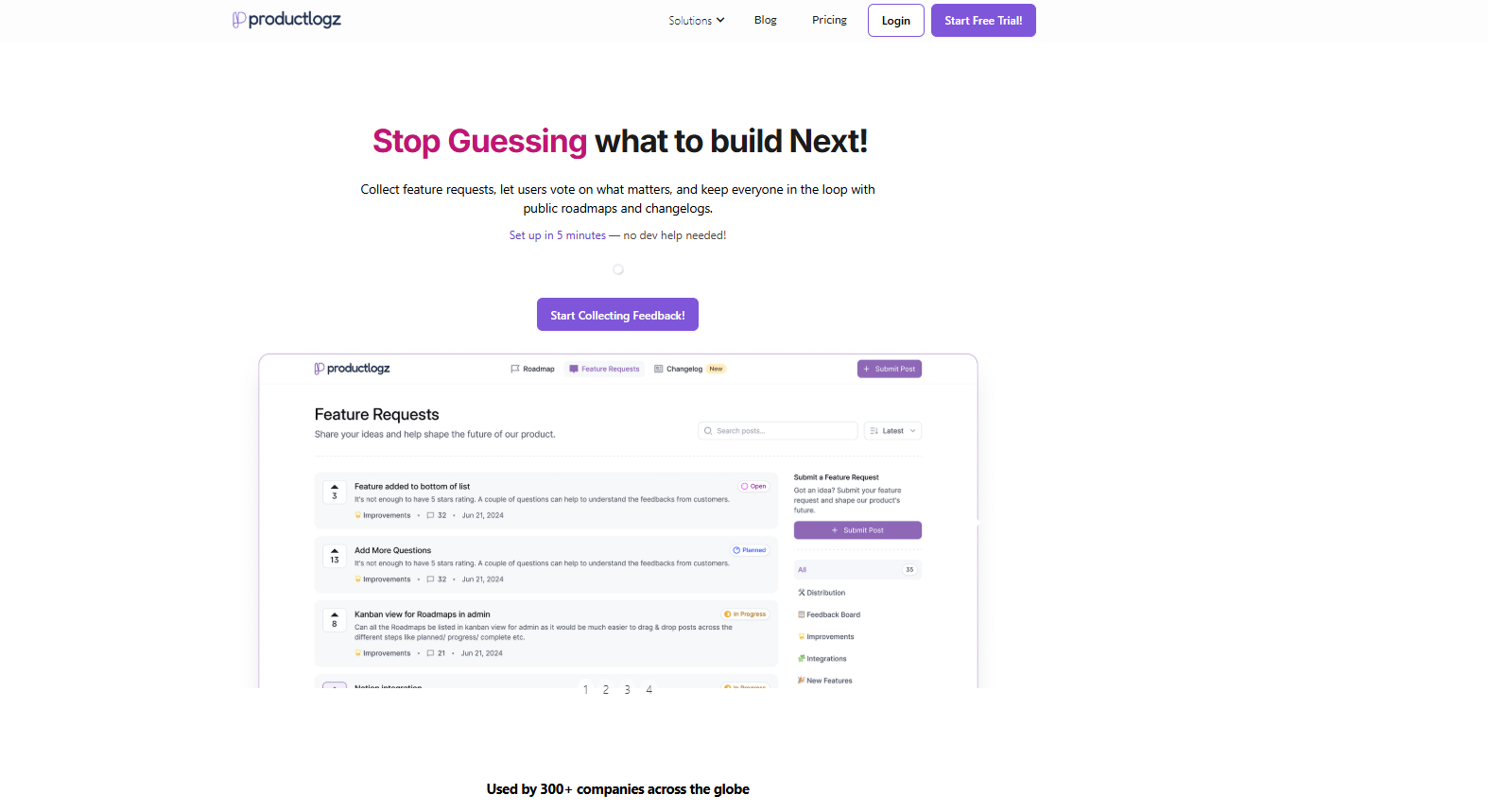
Productlogz stands out as the best option due to its AI survey features, feedback analysis, and roadmap integration
The best tool depends on your use case, but modern, affordable options far outperform SurveyMonkey for most teams.
If SurveyMonkey's 25-response cap or $34/month price tag is pushing you to look elsewhere, you're not alone. As a Product Manager or marketer, you've probably used or at least come across SurveyMonkey. But many teams find themselves exploring SurveyMonkey alternatives and competitors as their feedback needs grow. Let's look at the best ones.
Updated July 2026: All competitor pricing below was checked directly against each provider's current pricing page. Zoho Survey's individual pricing has increased since this article was first published, and Microsoft Forms have also raised prices. Everything else was confirmed accurate
Why Look for a SurveyMonkey Alternative?
SurveyMonkey built its reputation over two decades, but reputation alone doesn't make it the best fit for every team. The most common frustrations are pricing and restrictive free plan limits.
On the free plan, you can only view up to 25 responses per survey; anything over that is hidden until you upgrade. You also can't export your data to Excel.
Then, at $34/month for an individual paid plan, it's hard to justify when many SurveyMonkey competitors offer the same or better features at a fraction of the cost, or even for free.
Beyond pricing, there's also the issue of flexibility. Customization options feel outdated, and features like skip logic, custom branding, and data exports are locked behind higher-tier plans. That's time and money most teams simply don't have to spare.
Quick Comparison: Top 15 free SurveyMonkey alternatives
Tool
Best for
Free Plan
Paid From
G2 / Notable Rating
Productlogz
Product teams, AI-driven feedback
Yes
$17/mo
★ Rising
SurveySparrow
Conversational surveys, CX teams
Yes
$19/mo
★★★★½ G2
Google Forms
Free, simple, Google Workspace
Yes — Unlimited
Free
★★★★ Widely Used
Microsoft Forms
Microsoft 365 users
Yes
$7/user/mo (M365)
★★★★ Widely Used
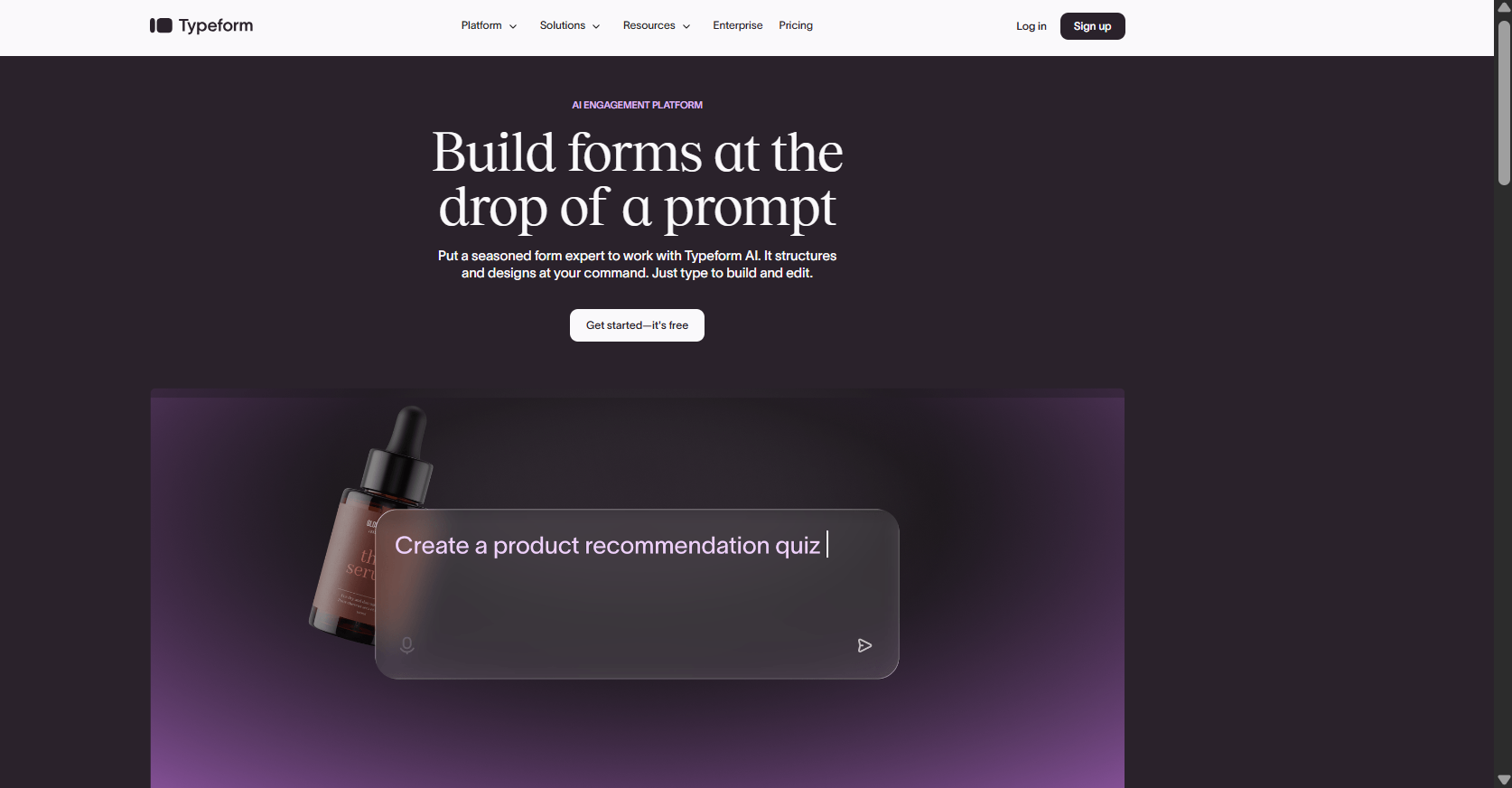
Typeform
High-engagement, branded surveys
Yes (Limited)
$25/mo
★★★★½ G2
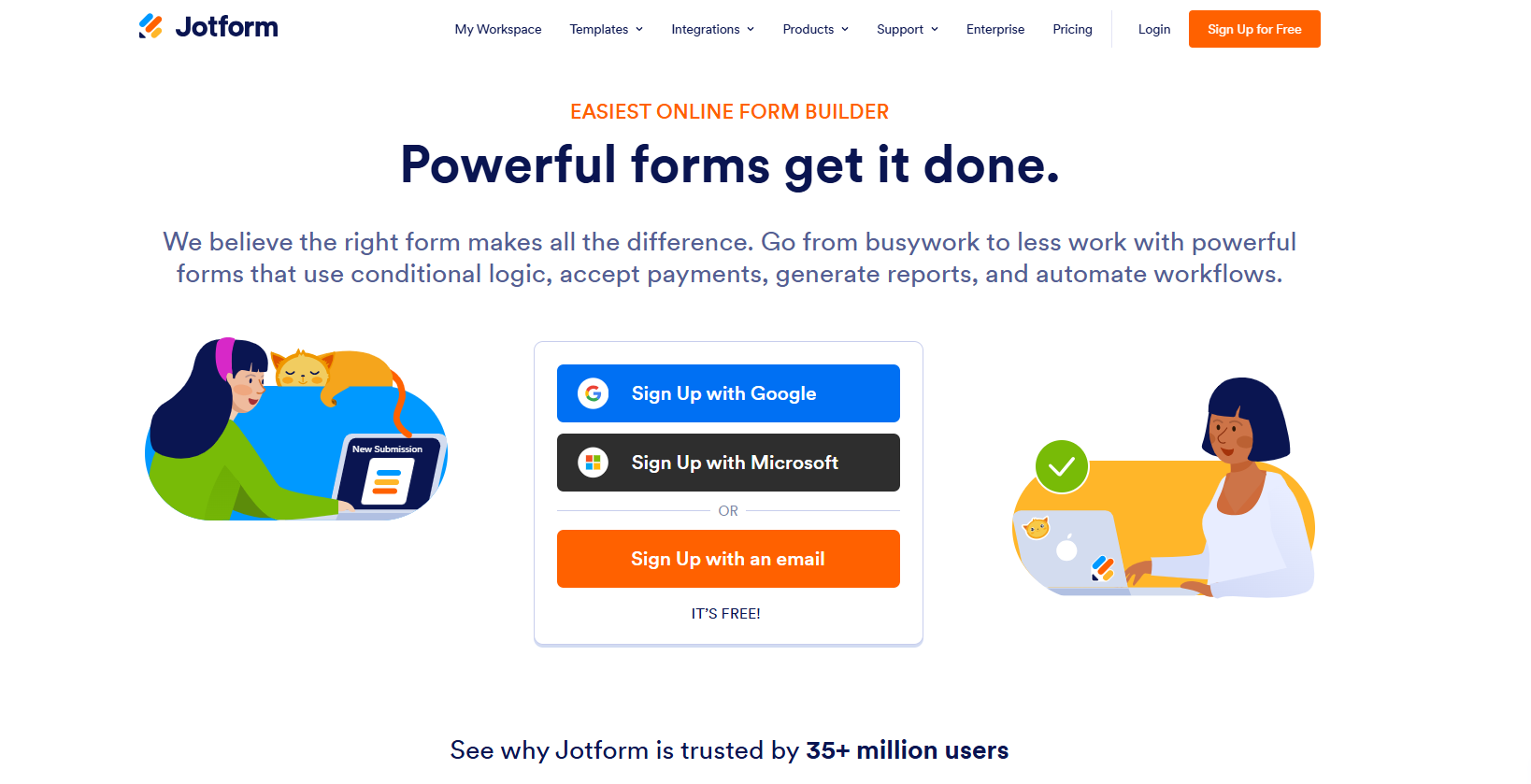
Jotform
No-code forms, payments
Yes (5 forms)
$34/mo
★★★★½ G2
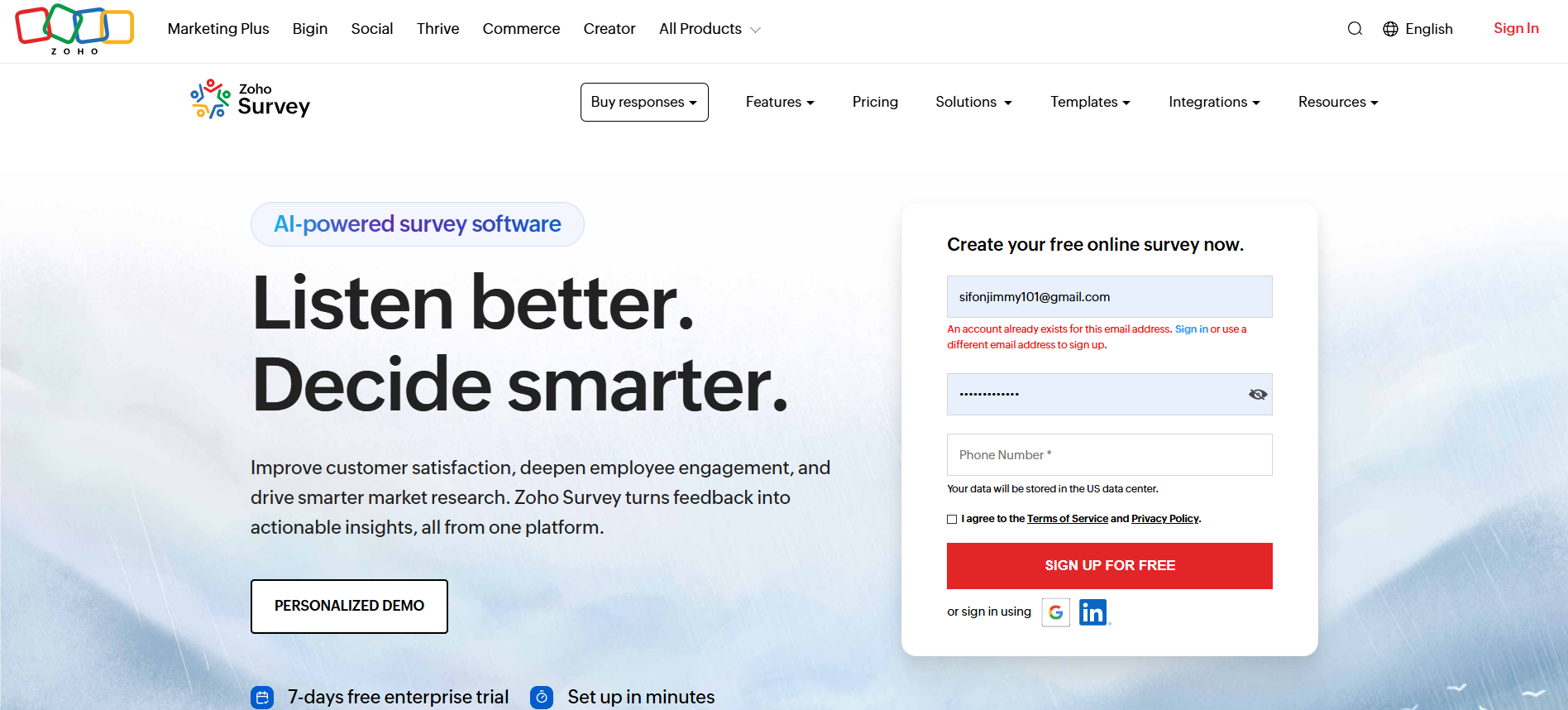
Zoho Survey
Zoho ecosystem users
Yes
$35/mo
★★★★ G2
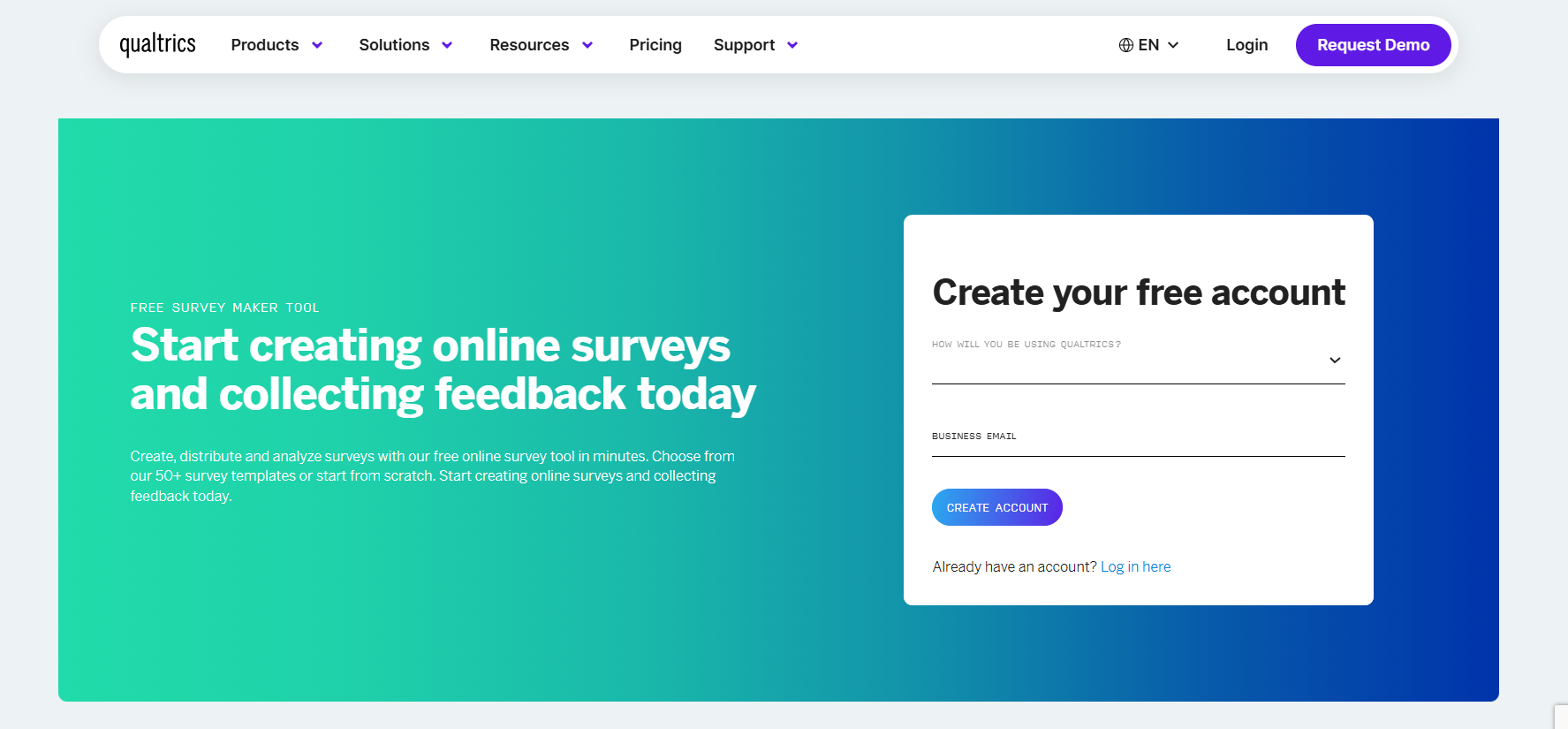
Qualtrics
Enterprise & academic research
Limited
Custom
★★★★½ G2
Alchemer
Mid-market research teams
Trial Only
Custom
★★★★ G2
QuestionPro
Researchers, nonprofits
Yes — Unlimited Surveys
$99/mo
★★★★½ Capterra
Survicate
Behavior-triggered in-app surveys
Yes (25 responses)
$89/mo
★★★★ G2
Formbricks
Privacy-first, self-hosted
Yes — Open Source
Custom
★★★★½ G2
Zonka Feedback
Omnichannel CX feedback
Trial Only
On Request
★★★★½ G2
Pollfish
Reaching external audiences fast
No
$0.95/response
★★★★ G2
Tripetto
Conversational forms, unlimited use
Yes — Unlimited
Paid plans unlock more features
★★★★½ G2
Top 15 Free SurveyMonkey Alternatives in 2026
Below are 15 product survey tools that you can use in place of SurveyMonkey:
Best for: Product managers and customer-focused teams who want AI-powered surveys, feedback analysis, and roadmap integration in one platform.
Productlogz is a modern, AI-powered feedback platform built specifically for product teams. It goes beyond basic survey creation by combining smart feedback collection with intelligent analysis and roadmap integration. A product team can go from "we need NPS feedback" to a deployed, branded survey in under 3 minutes.
Key Features:
AI Survey Builder: You just need to describe your goal, and Productlogz automatically generates the survey questions for you. No starting from scratch, and no guesswork.
Smart Feedback Analysis: Automatically surfaces patterns and themes from responses using AI, so you spend time acting on insights, not reading raw data
Feature Voting & Roadmap Integration: Collects feature requests and connects them directly to your product roadmap. This is great for teams who want to close the loop between user feedback and product decisions.
Customizable Survey Templates: Ready-made NPS, CSAT, and CES templates personalized to match your brand.
Real-Time Dashboard: Monitor responses as they come in with a clear, intuitive dashboard.
Third-Party Integrations: Connects you with your existing tools to keep your workflow smooth.
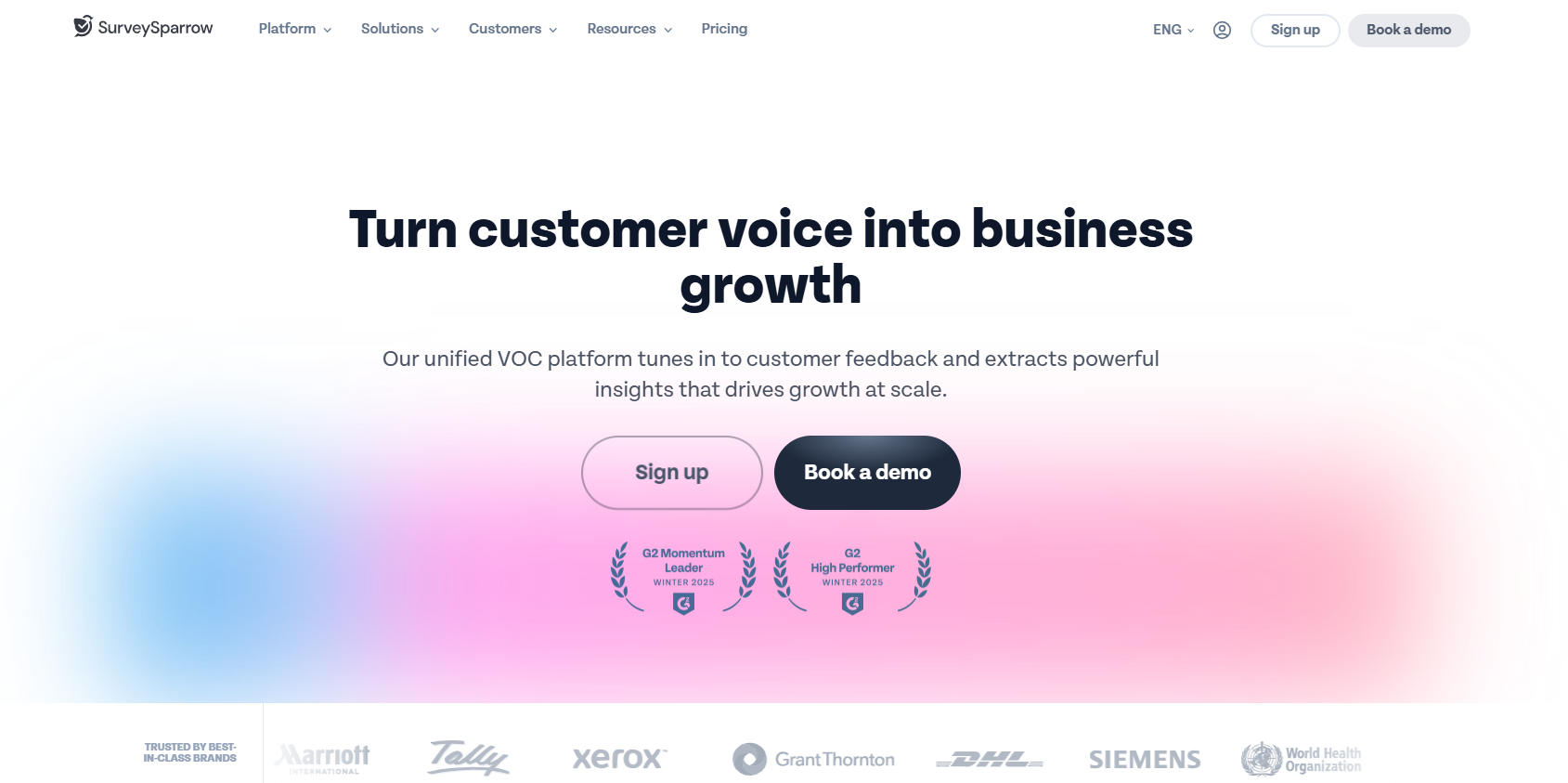
Best for: Teams that want higher survey completion rates through a chat-like experience and need strong CX and employee feedback capabilities.
SurveySparrow takes a refreshingly different approach. Instead of a long list of questions, it turns the experience into a back-and-forth conversation, and the results show. SurveySparrow reports a 40% higher completion rate compared to traditional form-style surveys, making it one of the most compelling SurveyMonkey competitors for customer-facing use cases. It's also fully AI-powered, so you can describe what you need and get a complete survey in seconds.
Key Features:
Conversational, chat-like survey format
1,000+ templates covering CX, employee engagement, and market research
Executive dashboard for real-time analytics
Offline surveys with automatic sync on reconnection
Omnichannel distribution via email, SMS, and in-app
Pros:
Reported 40% higher completion rate vs. traditional surveys
Easy-to-use builder with a well-documented API
Conversational format meaningfully improves engagement compared to traditional form-style surveys
Supports 65+ languages and offers white-labeling capabilities for brand consistency
Strong compliance coverage, including HIPAA, GDPR, and ISO standards
Cons:
Automation setup can be time-consuming
Cross-tabulations are more basic than expected
White-label options are locked behind higher-tier plans
No PayPal integration
Pricing: Forever free plan available. Paid plans start at $19/month
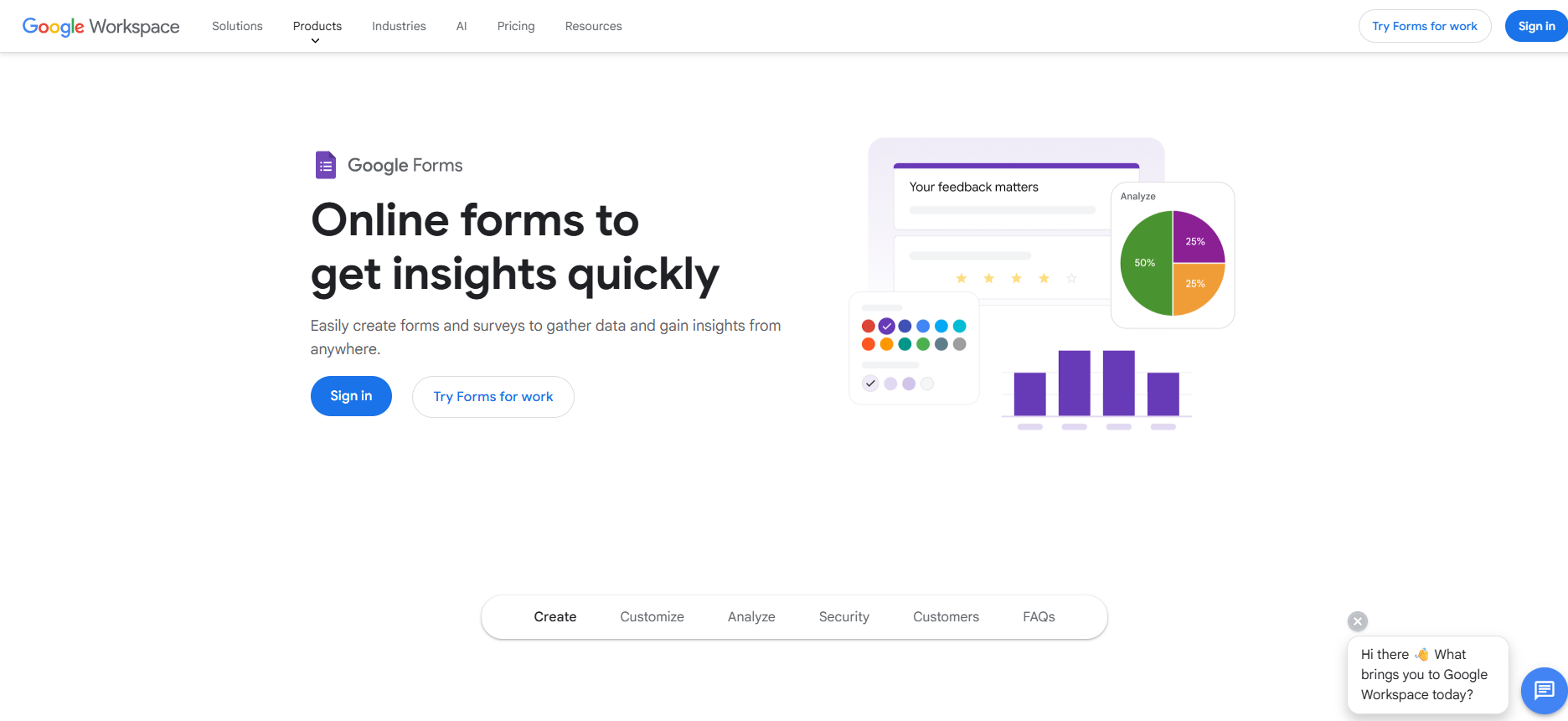
Best for: Anyone who needs a genuinely free, no-limit survey tool and already uses Google Workspace.
When it comes to completely free survey tools, nothing comes close to Google Forms. There are no caps on questions, no limits on responses, and no hidden upgrade prompts. All you need is a Google account, and you're ready to go.
Key Features:
Direct integration with Google Sheets for automatic, real-time data analysis
Real-time collaboration so multiple team members can build and edit surveys together
Multi-language support for teams working across different regions
Simple, minimal interface with virtually no learning curve
Pros:
Fast, free, and familiar to almost everyone
No response caps, hidden tiers, or setup required beyond a Google account
Responses flow directly into Google Sheets for easy analysis
Real-time collaboration makes it easy for teams to build surveys together
Cons:
Design customization is minimal, limited to color themes and a header image
Relies heavily on the Google ecosystem with limited third-party integrations
Analytics are basic and not suited for deeper research
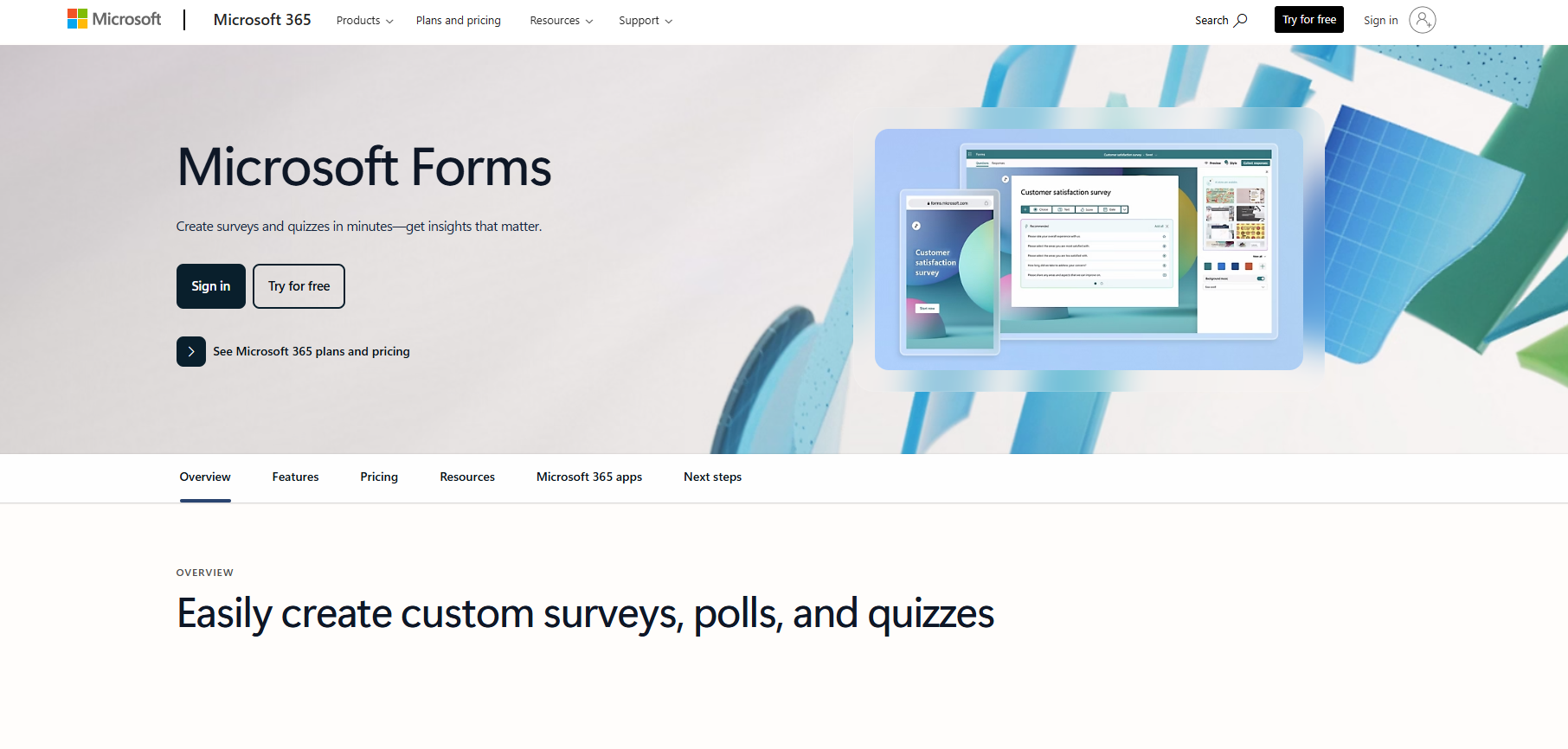
Best for: Organizations already running on Microsoft 365 who want a zero-setup survey tool that flows naturally into Excel and Teams.
Microsoft Forms is the natural survey solution for any organization already running on Microsoft 365. It comes bundled with your Microsoft account at no extra cost, and the integration with tools like Excel, Teams, and SharePoint is seamless.
Key Features:
Free with any Microsoft account and included across all Microsoft 365 subscriptions
Real-time response tracking with visual charts and summaries built in
Native integration with Excel, Teams, SharePoint, and Power Automate
27+ pre-built templates for feedback, assessments, and satisfaction surveys
Pros:
Zero setup for existing Microsoft users
Integrates beautifully within the Microsoft suite
GDPR compliance is built in with no extra configuration
Suitable for non-technical users with no learning curve
Cons:
Limited advanced customization and mobile survey experience
Limited value for teams outside the Microsoft ecosystem
Not suitable for professional, client-facing survey work without custom branding
Pricing: Free with a Microsoft account. Premium features are accessible through Microsoft 365 Business Basic, which increased from $6 to $7 per user per month effective July 1, 2026.
Best for: Teams where brand experience matters and survey completion rates are a priority
Typeform built its entire identity around one idea: surveys shouldn't feel like surveys. Its signature one-question format creates a conversational experience that respondents actually enjoy completing. The result is higher engagement and better completion rates across the board.
Key Features:
Advanced conditional logic that adapts the survey path based on previous answers
Extensive design customization, including custom fonts, colors, and background images
Wide library of templates for lead generation, market research, employee feedback, and more
Integrates with Zapier, Slack, HubSpot, Mailchimp, and Google Sheets
Pros:
Design quality is among the best in the category
The conversational interface creates notably higher completion rates for surveys and lead capture forms
Beginner-friendly while still supporting sophisticated conditional logic for more complex surveys
Strong integration ecosystem
Cons:
More expensive than most alternatives.
Free tier limits each form to 10 questions and 10 responses per month
Not ideal for high-volume research or deep analytics
Pricing: Free plan available. Paid plans start at $28/month.
Best for: Non-technical users who need a wide range of templates, payment collection, and workflow automation without writing a line of code.
Jotform is the go-to tool when you need a survey or form built fast, without any technical knowledge. With over 10,000 templates spanning healthcare, education, legal, events, and more, there's almost certainly a starting point that fits your use case.
Key Features:
10,000+ ready-made templates across a huge range of industries and use cases
Intuitive drag-and-drop form builder requiring zero coding knowledge
Native payment integration with PayPal, Stripe, and Square
Integrates with Salesforce, Google Sheets, Slack, Mailchimp, and Zoom
Jotform AI Agents for automated data collection and workflow management
Pros:
One of the most flexible tools available for non-technical users
Supports HIPAA compliance for healthcare use cases
Strong integration ecosystem with 100+ native connections
Cons:
Team collaboration is not available on any plan below Enterprise
Pricing jumps significantly between mid-tier plans
Can feel overwhelming for users who only need basic survey functionality
Pricing: Free plan includes 5 forms and 100 monthly submissions. Paid plans start at $39/month billed annually, or $39/month billed monthly.
Best for: Businesses already using Zoho CRM, Zoho Desk, or other Zoho products who want survey data flowing directly into their existing workflows.
Zoho Survey has been a reliable survey platform for over a decade, especially if your business is already built on Zoho's ecosystem. The native integrations with Zoho CRM, Zoho Desk, and Zoho Analytics mean your survey data connects directly with your existing customer records and workflows.
Key Features:
250+ expert-designed templates across customer feedback, HR, marketing, and more
Native integration with Zoho CRM, Zoho Desk, Zoho Analytics, and Zoho Sheets
Multilingual survey support across 70+ languages for global audiences
Built-in respondent panel for targeted market research
Real-time reporting with advanced filtering for detailed audience segmentation
Pros:
Strong compliance coverage across multiple regulatory frameworks
Excellent multilingual support, making it a solid choice for global teams
Deep integration within the Zoho suite
Competitive pricing with a functional free plan
Cons:
Template selection can feel limited in certain categories
The user interface can be challenging for first-time users unfamiliar with Zoho's design conventions
If your team doesn't use other Zoho products, the platform's primary advantage doesn't fully apply
Pricing: Free plan available. Paid plans starts with Plus at $35/mo, Pro at $49/mo, Enterprise at $109/mo.
Best for: Large enterprises, universities, and government organizations that need advanced research capabilities, complex logic, and AI-powered text analysis.
Qualtrics isn't just a survey tool; it's a full-scale experience management platform used by large enterprises, universities, and government organizations. Where other tools stop at data collection, Qualtrics combines customer experience, employee engagement, brand tracking, and advanced research capabilities into one integrated system.
Key Features:
Advanced research capabilities, including experimental design, complex sampling, and statistical analysis
Sophisticated branching and logic for highly customized and adaptive surveys
Covers customer experience, employee experience, and market research in a single platform
Integrates with Salesforce, SAP, and Tableau for enterprise workflows
Pros:
Industry standard for enterprise research, used by over 13,000 brands globally
Covers the full experience management spectrum in one platform
Extensive compliance and security features for regulated industries
Cons:
Expensive and not accessible for small businesses or startups
Pricing is non-transparent and requires a direct sales conversation
Pricing: Free account available. Full pricing is custom and requires a direct quote from the Qualtrics sales team.
Best for: Teams that have outgrown lightweight survey tools but don't need the full complexity or price of enterprise platforms.
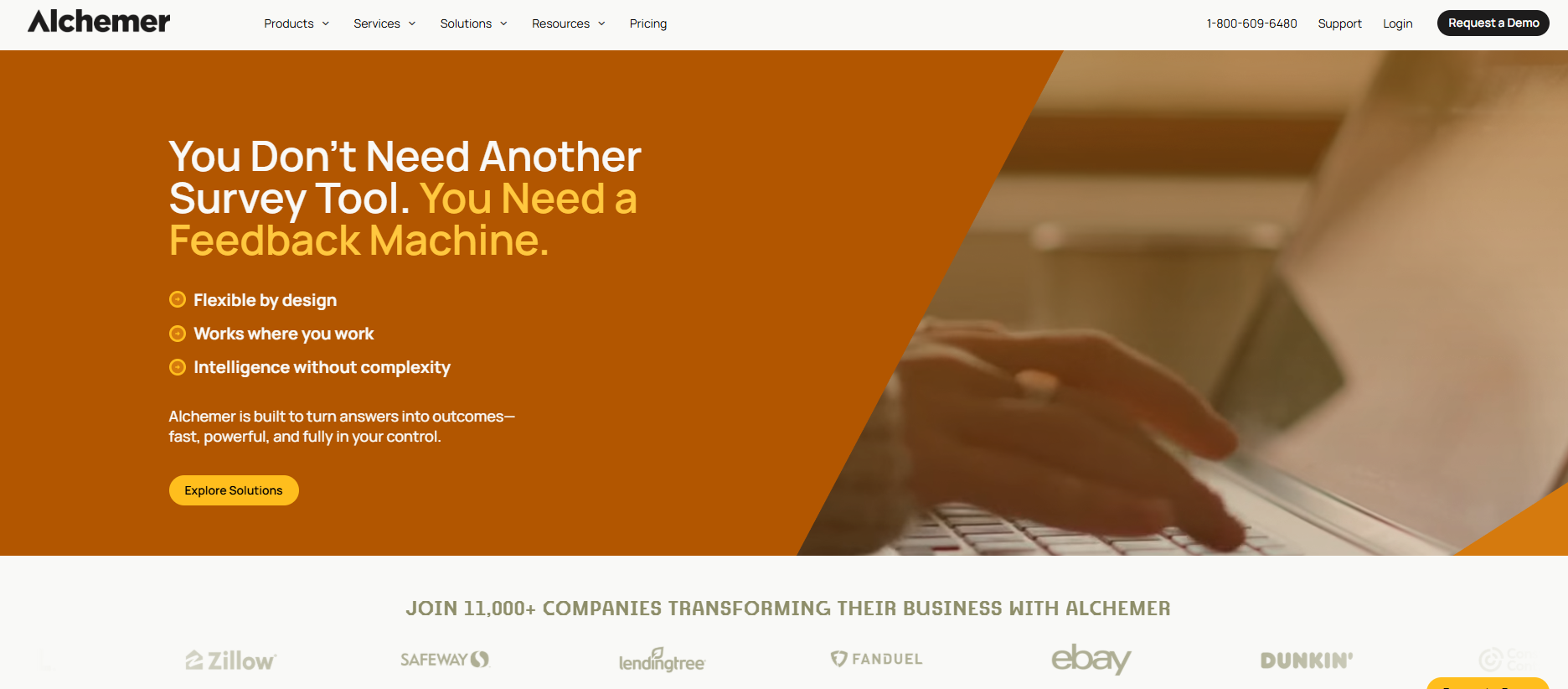
Alchemer sits comfortably in the middle ground between lightweight survey tools and heavy enterprise platforms. And that's exactly what makes it appealing. It offers advanced logic, branching, and reporting capabilities that serious researchers need, without the complexity or price tag of tools like SurveyMonkey.
Key Features:
Extensive customization, including custom themes, branding, and full white-labeling options
Robust reporting with cross-tabulation, filtering, and shareable stakeholder reports
Audience segmentation and panel services for targeted research
Best for: Researchers, academics, and nonprofits who need advanced methodologies like conjoint analysis and MaxDiff
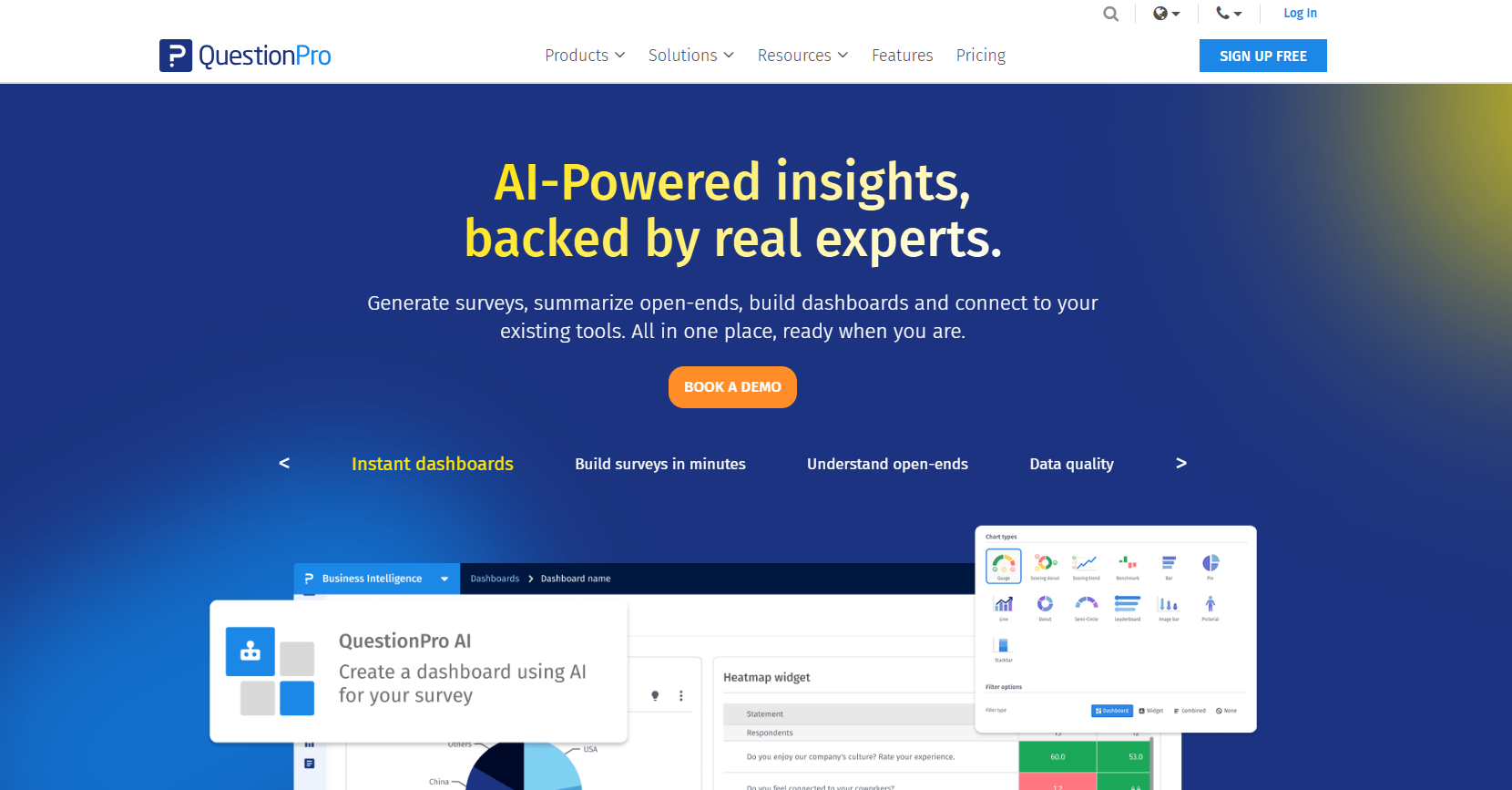
QuestionPro is built for researchers who need capabilities that go beyond what most survey tools offer. It's one of the few platforms that includes advanced question types like conjoint analysis and MaxDiff. These are the kind of methodologies you'd normally only find in expensive research software.
50+ question types to cover a wide range of research requirements
Access to 22 million+ panelists across 32 countries for market research studies
24/7 live chat support from staff with research methodology expertise
Integrates with Salesforce, HubSpot, and Tableau
Pros:
Generous free plan
Advanced research methodologies rare at this price point
Excellent value for nonprofits with discounted pricing
Strong analytics and reporting are praised by users consistently
Cons:
The depth of features creates a steeper learning curve for non-researchers
Some users report occasional slow loading times during high-traffic periods
Pricing: Free plan available. The Advanced plan starts at $99/month billed annually. Team Edition, priced separately at $83 per user per month, requires a 5-user minimum.
11. Survicate
Best for: Product and marketing teams who want to trigger surveys based on actual user behavior
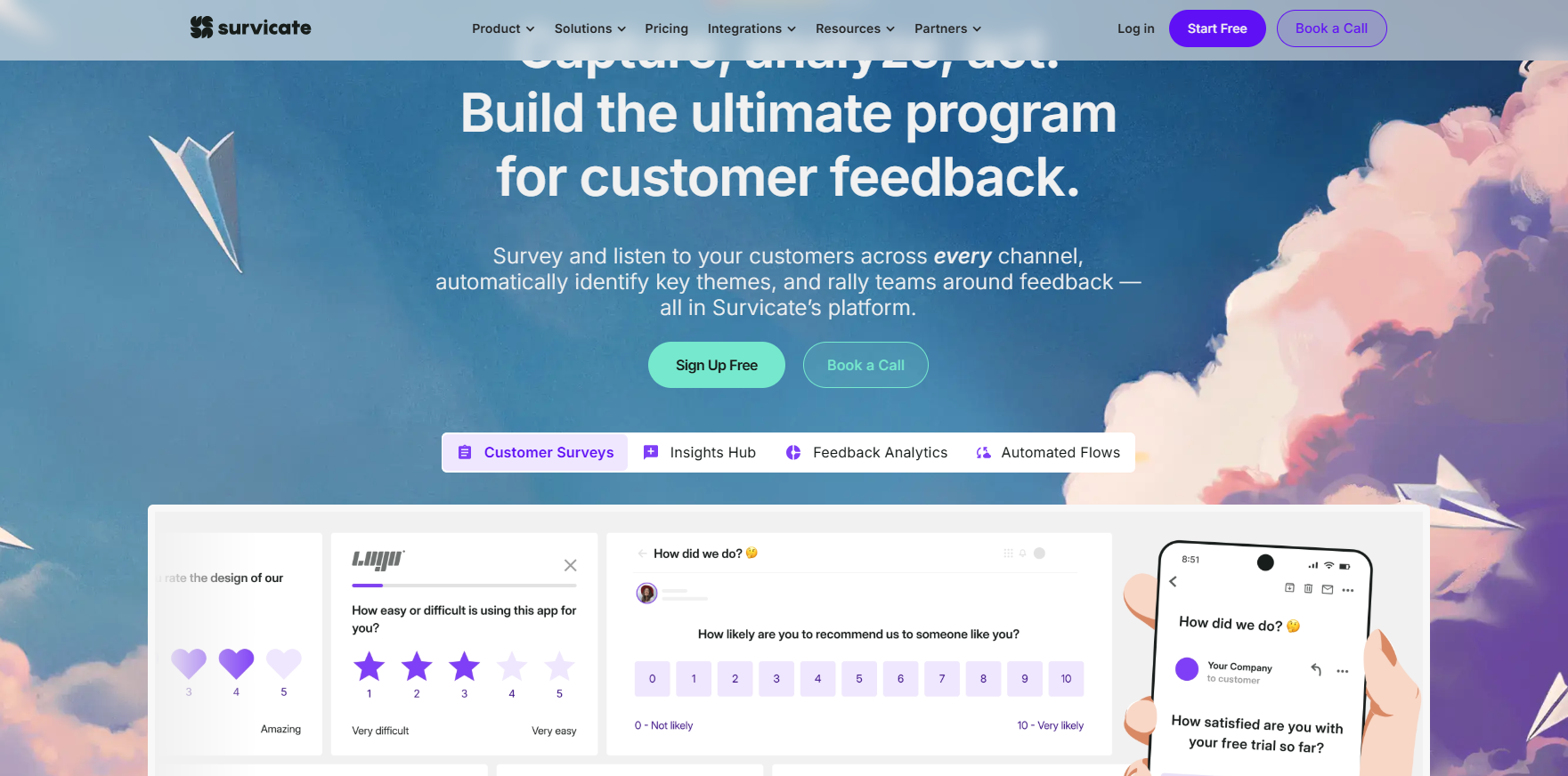
Instead of sending a generic email survey after the fact, Survicate triggers questions based on real user behavior like page views, scroll depth, custom events, or exit intent. That kind of targeting means you're asking the right person the right question at exactly the right moment, which dramatically improves response quality. And you don't need a developer to set it up.
Key Features:
Behavior-triggered surveys based on user actions, page views, scroll depth, or custom events
Pre-built NPS, CSAT, and CES templates ready to deploy in minutes
AI analysis to automatically surface patterns from open-ended responses
Integrates with HubSpot, Intercom, Slack, and Google Analytics
No developer involvement required for setup or deployment
Pros:
Precise targeting options by URL, scroll depth, time on page, and exit intent
Native integrations with popular CRM and analytics tools
AI analysis makes open-ended response review faster and more actionable
Cons:
The free plan is limited to just 25 responses per month, which is restrictive for most real use cases
Pricing: Free plan includes 25 responses/month. Paid plans start at $89/month.
Best for: Organizations where data sovereignty is non-negotiable, or any team that can't send data to a third-party server.
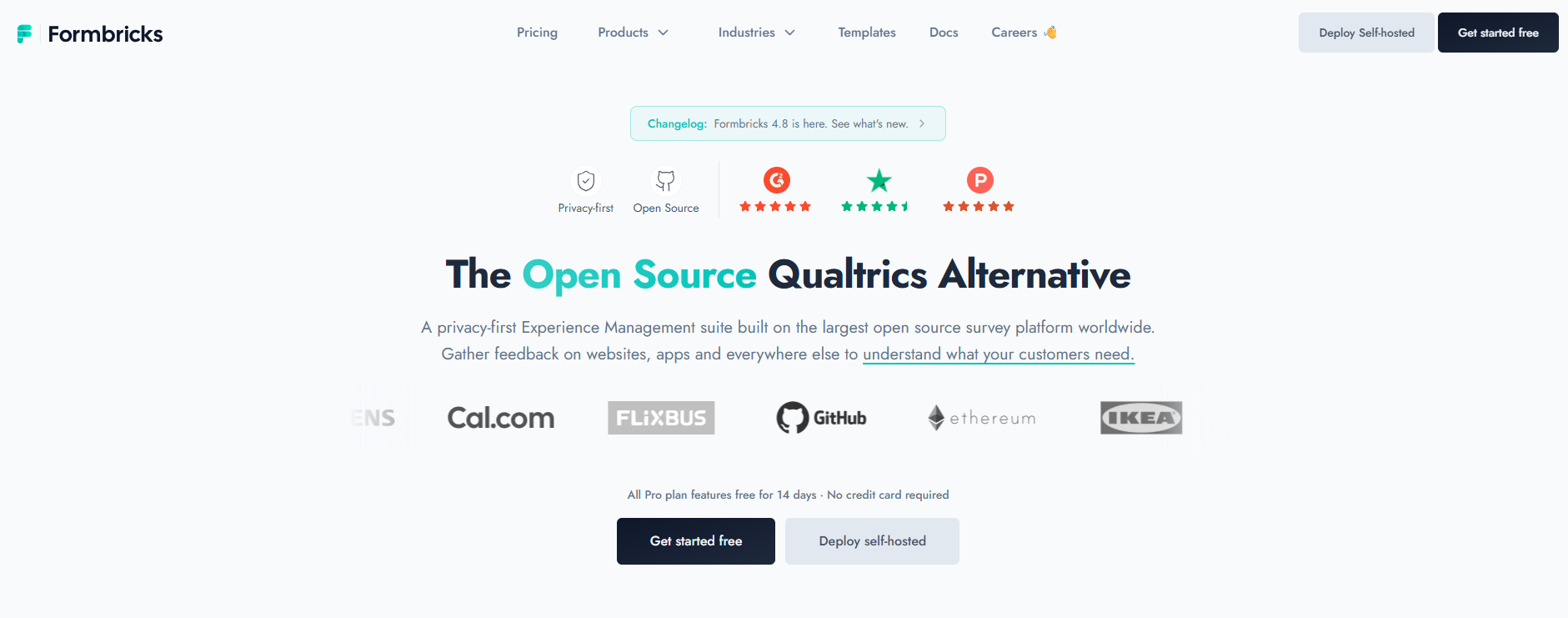
Formbricks is a fully open-source platform that lets you self-host everything, keeping your data entirely on your own servers. That makes it the go-to choice for any organization where data privacy is non-negotiable. Unlike SurveyMonkey, there's no paywall in front of features like the API or in-app surveys.
Best for: Mid-market and enterprise businesses that need closed-loop feedback across email, SMS, WhatsApp, in-app, and physical kiosk channels.
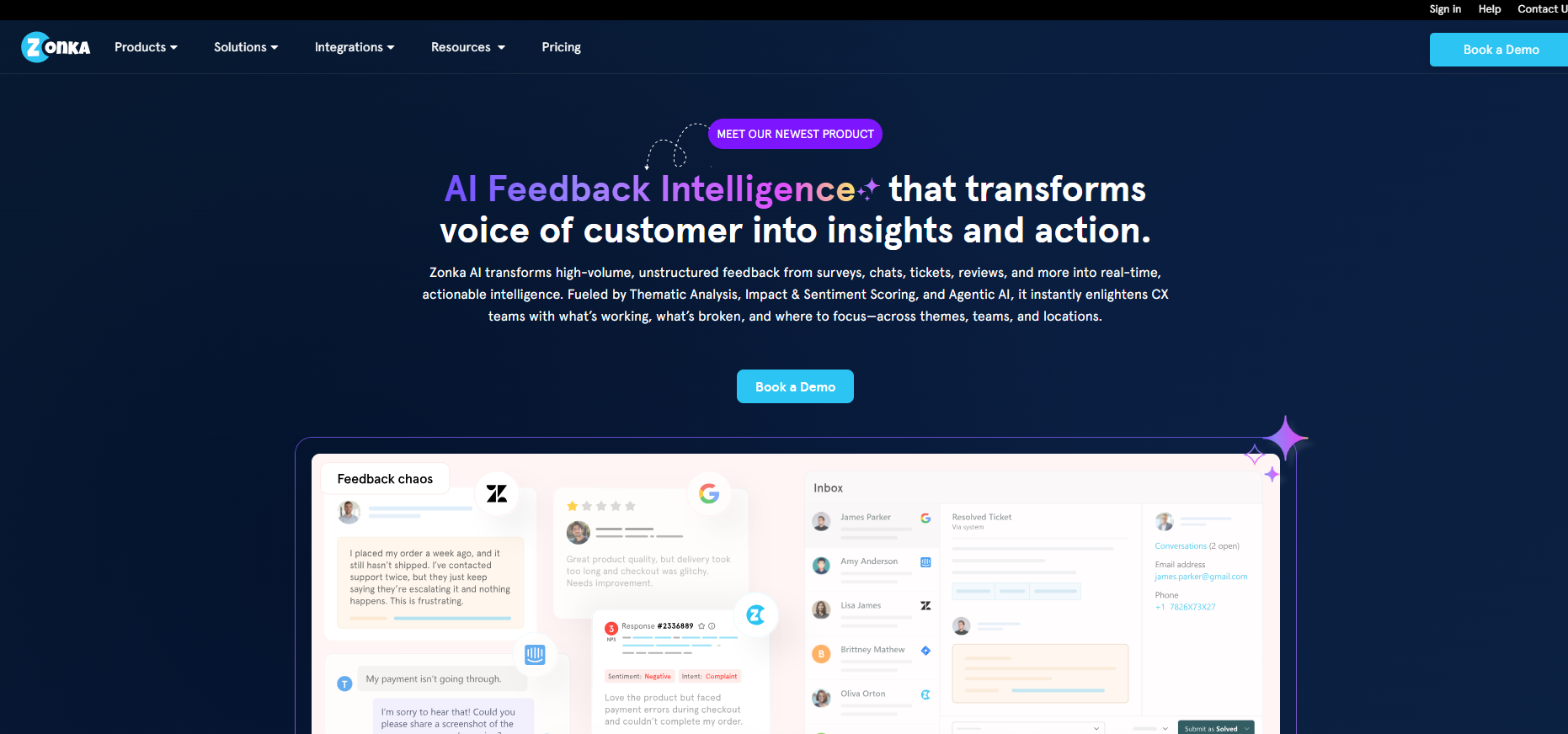
Zonka Feedback is a full customer feedback intelligence platform designed for businesses that need more than a simple survey tool. It combines omnichannel survey distribution with advanced AI analytics and a closed-loop workflow.
Key Features:
Omnichannel distribution via email, SMS, WhatsApp, web widgets, in-app surveys, and offline kiosk mode
Automated workflows to trigger follow-up surveys, flag negative feedback, and route responses to the right teams
Real-time dashboards tracking NPS, CSAT, and CES trends by location, agent, or channel
Integrates with Salesforce, HubSpot, Intercom, and Zendesk
Pros:
Its analytics section is good with detailed reports designed specifically for business decision-making, rather than just raw data display
Among the broadest omnichannel coverage on this list, including offline kiosk mode for physical locations
Strong compliance certifications for regulated industries
Responsive customer support team consistently praised in user reviews
Cons:
Pricing is not publicly listed and requires direct contact, which complicates budget planning
Some users report limited options for customizing the text design of surveys
Pricing: Available on request. A free trial is offered.
Best for: Teams that need to reach a specific external audience fast and don't have an existing user base to survey.
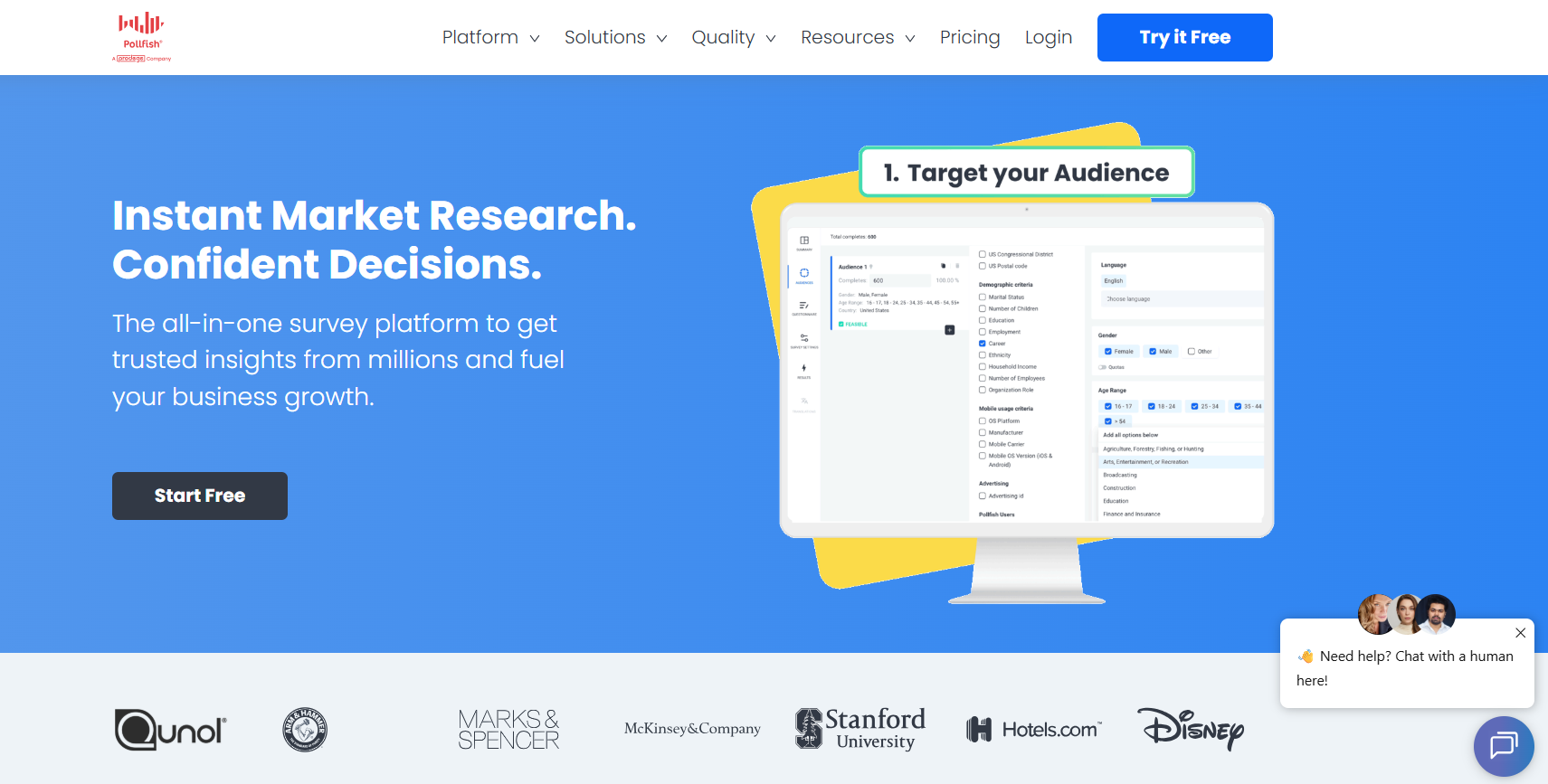
Pollfish is fundamentally different from most tools on this list. Rather than helping you survey your own audience, it gives you direct access to a massive, pre-recruited global respondent pool. Through its parent company, Prodege, you can reach over 100 million verified respondents across 160 countries, with targeting based on behavioral and purchase data rather than self-reported demographics.
Key Features:
Pay-per-response model
Behavioral targeting based on verified purchase data, not just self-reported answers
Advanced anti-fraud measures, including trap questions, duplicate prevention, and human review
Skip logic and question randomization are available at no additional cost
Best for: Small teams or freelancers who want unlimited responses and conditional logic without paying anything.
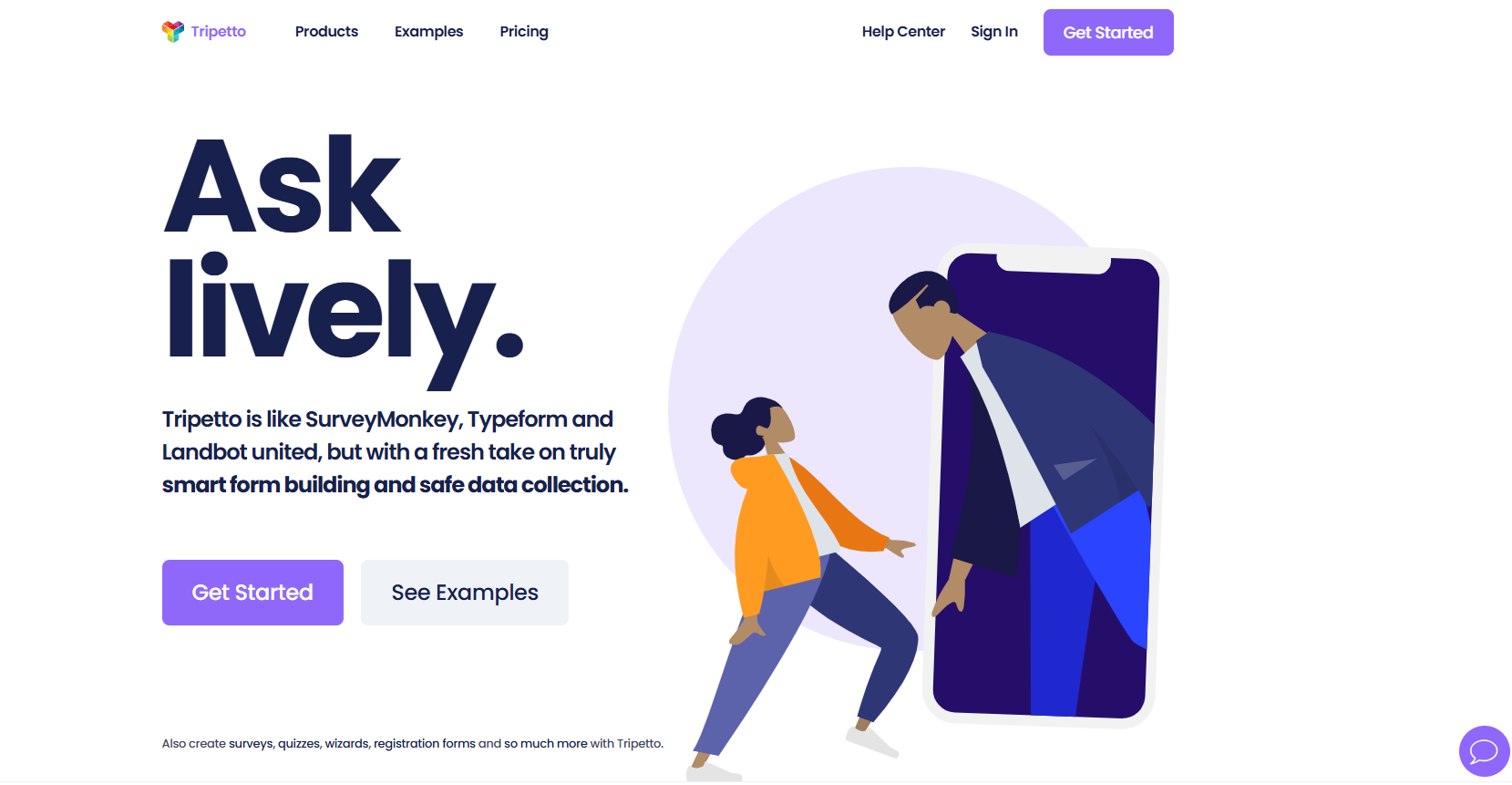
Tripetto positions itself as the intersection of SurveyMonkey, Typeform, and Landbot. It takes the best of each and builds something that feels genuinely fresh. It's designed for teams who want logic-driven, conversational forms without any technical complexity getting in the way.
Key Features:
Conversational form experience that keeps respondents engaged throughout
Unlimited forms, questions, and responses on all plans
Multiple closing messages per form to deliver personalized endings based on responses
Easy sharing via link or direct embed on your website
Pros:
Unlimited responses and conditional logic
Personalized closing messages add a thoughtful touch for customer-facing surveys
Simple enough for non-technical users with no steep learning curve
Cons:
Analytics and reporting capabilities are not as mature as more established tools
Not great suited for complex research
Pricing: Free plan available. Paid plans unlock additional advanced features.
Final Thoughts
If you've made it this far, you already know SurveyMonkey isn't the only option, and for most modern teams, it's not the best one either. The right tool depends on your specific use case:
Need AI-powered surveys + roadmap integration? Productlogz is built for exactly this.
Just need something free with no limits? Google Forms is unbeatable.
Running on Microsoft 365? Microsoft Forms requires zero setup.
Want high completion rates through conversational design? SurveySparrow or Typeform.
Need enterprise-grade research? Qualtrics is the industry standard.
Data privacy non-negotiable? Formbricks is the open-source answer.
For product teams specifically, Productlogz combines AI-powered survey creation, smart feedback analysis, and roadmap integration into a single affordable platform. The free plan is genuinely useful.
Sign up for a free Productlogz account today and start turning feedback into decisions that actually move your product forward.
Frequently Asked Questions
What are the best alternatives to SurveyMonkey?
Some of the best SurveyMonkey alternatives include Productlogz, Typeform, Google Forms, Jotform, Zoho Survey, and Microsoft Forms. The right choice depends on your budget, features, and survey needs
Is there still a free version of SurveyMonkey?
Yes. SurveyMonkey still offers a free plan, but it comes with limited features and response limits. You'll need a paid plan for advanced features and higher response limits.
Which survey platform is free?
Productlogz provides unlimited surveys, questions, and responses on its free plan. Google Forms and Tally also offer generous free option
Why is Qualtrics better than SurveyMonkey?
Qualtrics is better for large businesses and research teams that need advanced analytics, powerful customization, and more integration options. SurveyMonkey is generally easier to use and better suited for small businesses and everyday surveys
Share this post
Sifon Jimmy
July 20, 2026
•
5 min read
Simplifying Feedback Management for SaaS
Ready to get started?
No sales calls. No long setup. Create your workspace and start collecting feedback today.