

Over 50 million in-app survey views were analyzed in 2025, and the average response rate still sits at just 27%. That means nearly three out of four users are seeing your in-app survey and doing absolutely nothing with it. For a channel that lives directly inside your product, that is a brutal number. So why do in-app surveys fail, and what separates the ones users actually complete from the ones they swipe away without blinking? This article breaks it all down.
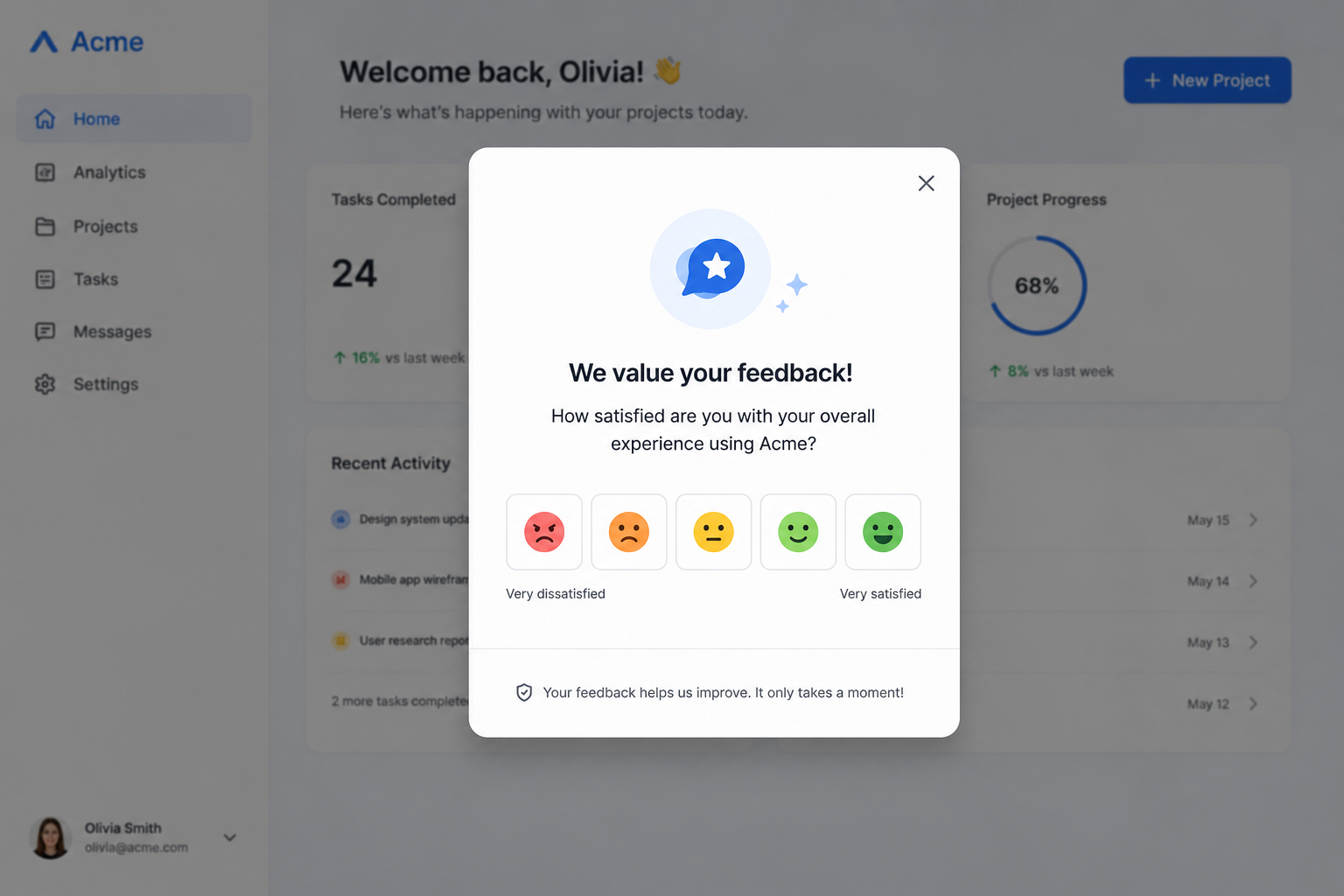
An in-app survey is a short feedback prompt that appears directly inside your mobile app or web product while users are actively engaged. It usually has no redirects, no email chains, and no waiting for the data to show up three weeks later. The survey lives inside the product, fires based on user behavior, and captures feedback while the experience is still fresh.
That sounds straightforward enough. But there's a gap between what in-app surveys are supposed to do and what most teams actually get out of them. Understanding that gap is where things get interesting.
Unlike a static feedback form buried in your settings menu, a well-configured in-app survey can target the right user at the right moment, within a specific session, after a specific action, or even tied to a particular segment. When it works, it feels less like an interruption and more like the product is listening.
Yes, when they are designed and timed properly. A 2025 Retently study, drawing on data from over 25 million survey invitations sent by 600 ecommerce brands, found that in-app surveys consistently outperform email by a wide margin.
In-app response rates averaged 32.34% across the year and stayed remarkably stable, holding in a 30–35% band even during high-traffic periods like the holiday season. This suggests that users are willing to share feedback, provided the survey experience feels relevant and non-disruptive.

Now, let's compare that to email surveys. In Retently's dataset, response rates averaged just 3.24% and declined steadily across the year, from 4.09% in Q1 to 2.50% in Q4.
That's roughly a 10x gap between the two channels, and the case for surveys within your product starts to look pretty compelling. It's safe to say that in-app messaging has a natural advantage because you already know where the user is.
While most people treat survey failure as a mystery. It's not. The patterns are predictable, and once you see them, you'll likely recognize a few from your own product.
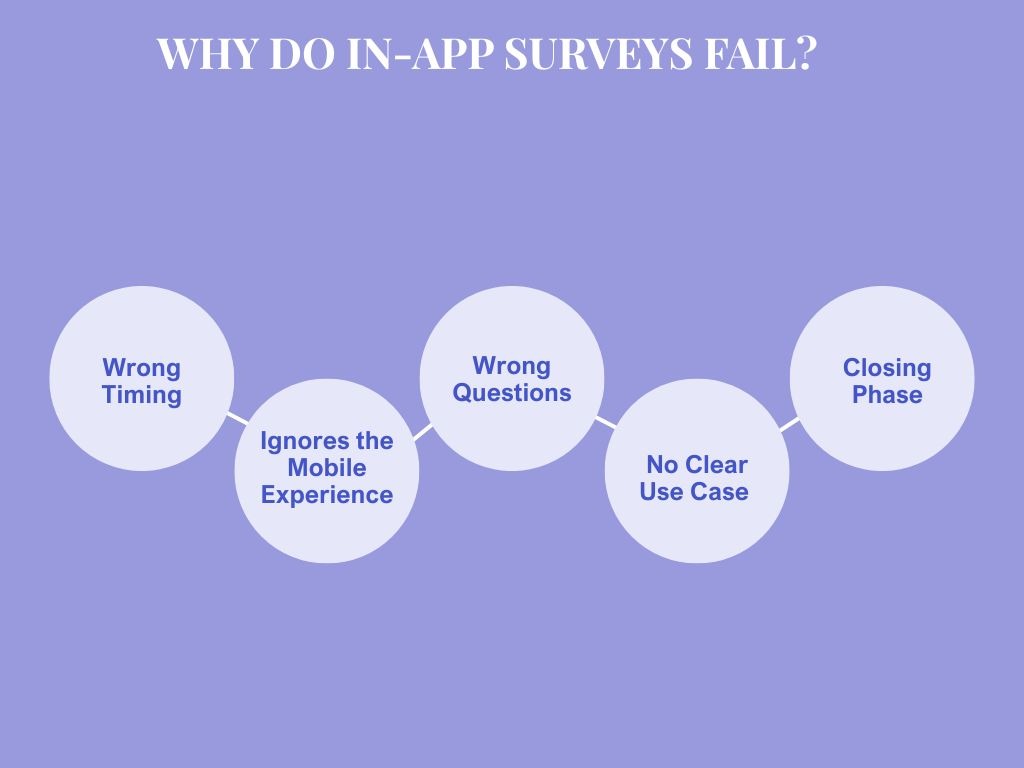
Timing is probably the single biggest reason surveys underperform. Trigger an in-app survey too early, and users don't have enough product experience to give you anything useful. Trigger it mid-task, and you've just interrupted someone who was in the middle of doing exactly what you want them to do.
A classic example is showing an NPS survey to a user who just signed up five minutes ago. While Net Promoter Score measures loyalty and likelihood to recommend, a brand-new user has neither. They've barely clicked through onboarding. Asking them to score their experience at that point doesn't get you data. It gets you noise, and it probably gets you dismissed.
A shocking number of teams designing mobile apps fail to consider the actual context of mobile use. People tap on a phone with one thumb, often on the move, in short bursts. A survey with seven questions, open-ended fields, and no skip logic is going to get abandoned on desktop. Funnily enough, on mobile, no one is going to even click on it.
Research has proven that surveys with four to five questions outperform both shorter and longer formats. That might surprise you if you've been operating on the principle that shorter is always better. But the important detail is in the design. Four focused questions with logical flow and a clear purpose will beat a single vague question every time.
For survey design aimed at mobile users:
Small UI choices like large tap targets and a visible progress indicator also affect whether users complete the survey or bail halfway through.
"How would you rate your experience today?" sounds like a feedback question, except it isn't. It's a satisfaction check that hands you a number and nothing else. You learn that 62% of users rated it a four out of five. You have no idea why the other 38% didn't, or what would have changed their score.
The questions that actually move the needle on product decisions are the specific ones. "Was this new feature helpful for what you were trying to do?" gives you a feature adoption signal. Survey questions need to be tied to a decision you're trying to make, not a metric you're trying to show in a dashboard.
Also, question branching matters more than most teams realize. If someone rates their onboarding experience a 2, the follow-up should look different from what you'd ask someone who gave it a 5. A detractor and a promoter have different stories to tell. Make sure your survey is set up to hear both.
Here's a pattern that's more common than people admit. Teams run surveys because they feel like they should be collecting user feedback, not because they have a specific question they're trying to answer.
That produces surveys without purpose. And surveys without purpose produce data without direction. Before you trigger an in-app survey, you should be able to finish the sentence: "We're running this survey to find out..." If you can't, the survey probably isn't ready to go live.
Every time a user sees a survey and dismisses it without responding, you've spent a little bit of trust. Run too many surveys, and users stop registering them at all. They become wallpaper.
The fix is frequency caps and thoughtful survey campaigns. Users who've already responded to a survey within the past 90 days probably shouldn't see another one for a while. Users who've dismissed your last three surveys should probably be excluded from your next segment. These are not complicated rules to set up in most in-app survey tools, but they require someone to actually think about the survey experience from the user's perspective, not just the data team's.
Not all surveys serve the same purpose. Part of what makes in-app surveys fail is treating every survey type as interchangeable.

Here's a working breakdown of when each type earns its place.
NPS measures customer loyalty on a 0-10 scale. Responses split users into three categories: promoters (9-10), passives (7-8), and detractors (0-6). The score itself is calculated as the percentage of promoters minus the percentage of detractors.
NPS works on a scheduled cadence for existing users, not for new signups.
To get the best result, you need to wait until users have seen enough of your product to have a real opinion. Asking too early produces a net promoter score that reflects novelty, not genuine loyalty.
CSAT surveys measure satisfaction with a specific interaction rather than the product. They work best after completing onboarding, using a specific feature, and resolving a support ticket. Because they're contextual by design, they tend to get more focused answers than a broad experience rating.
CSAT surveys should be short, ideally one or two questions, and triggered immediately after the relevant action. The benchmark for a "good" in-app CSAT response rate sits above 17%, excellent above 41%.
CES is one of the most underused survey types in SaaS. Teams obsess over NPS and CSAT while letting effort scores go unmeasured. But for product decisions about UI complexity and flow design, CES gives you a cleaner signal than either of those. If your CES data shows consistently high effort scores after onboarding, you've found your next roadmap priority.
Feature feedback surveys should begin after a user has interacted with the new feature, not the moment you launch it. You're looking for adoption signal and usability data. Churn surveys, on the other hand, should run before a cancellation is finalized. The timing is very important. You want to understand what's driving the decision while there's still something you can learn and potentially act on.
Survey best practices usually read like a list of things you already know. So instead of repeating the basics, here are the ones that tend to get overlooked.
If you have been avoiding in-app surveys because the setup feels too technical or time-consuming, Productlogz removes most of that friction. This is an AI-powered survey tool designed for SaaS teams that want to collect user feedback without needing a developer or long implementation cycles.
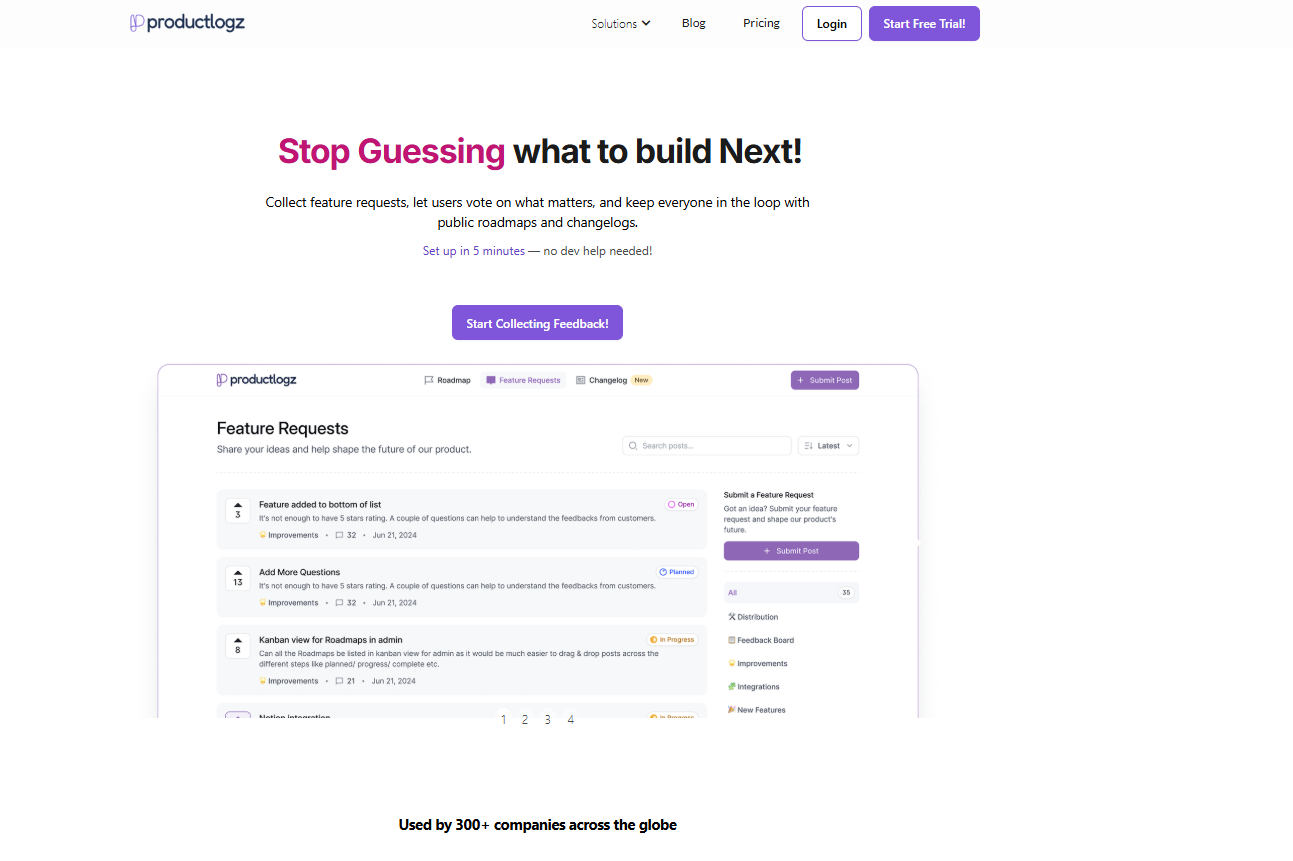
The main idea is simple. You describe your goal, and the AI builds a structured survey for you in less than a minute. It also ensures the questions are clear, unbiased, and aligned with what you are trying to learn. You can still edit everything before launch, so you stay fully in control while the AI handles the heavy lifting.
Key features and benefits:
Beyond creation, Productlogz also helps you manage multiple surveys at once without conflicts, so different research efforts can run side by side. Analytics are presented in a simple dashboard showing response rates, completion rates, and satisfaction scores in one place.
Do you want to start running better in-app surveys? Start a free trial and see how Productlogz turns user responses into clear product decisions.
How many questions should an in-app survey have?
The data points to four or five questions as the sweet spot for completion rates. Single-question surveys work well for quick post-action checks like CSAT.
When is the best time to trigger an in-app survey?
It depends on the survey type. However, the general rule is to trigger based on user behavior, not a fixed time interval.
How do you increase survey response rates?
Start with timing and placement. A centered modal on web apps delivers the strongest response rates.
Can in-app surveys help reduce churn?
Yes, when used correctly. In-app surveys can help you identify at-risk users while there's still time to do something about it.
What should I do with survey results?
Act on them. The value of in-app surveys is in the decisions they inform, not in the scores themselves.
Do in-app surveys work on mobile apps?
Yes, and they tend to outperform web app surveys on response rate.
No sales calls. No long setup. Create your workspace and start collecting feedback today.
