

I used to love the ping of a new Usersnap notification, until I had 50 of them. As our product scaled, I realized I was spending more time managing feedback than actually using it to drive growth. So, I went down the G2 rabbit hole, talked to other PMs, and mapped each option against what our team actually needed. If you're tired of running into the same analytical ceiling, here is my honest list of the 12 best Usersnap alternatives in 2026, based on that research and real hands-on experience.
Updated July 2026: Pricing and free-plan details for Canny, Userback and Gleap have been refreshed to reflect changes made since this article was first published. All other competitor pricing was checked and remains accurate.
I didn't just skim feature pages. My evaluation came down to six things:
Not all Usersnap alternatives solve the same problem. Some focus on bug tracking, others on analytics, and a few help you turn feedback into product decisions. Here’s how each one performs:
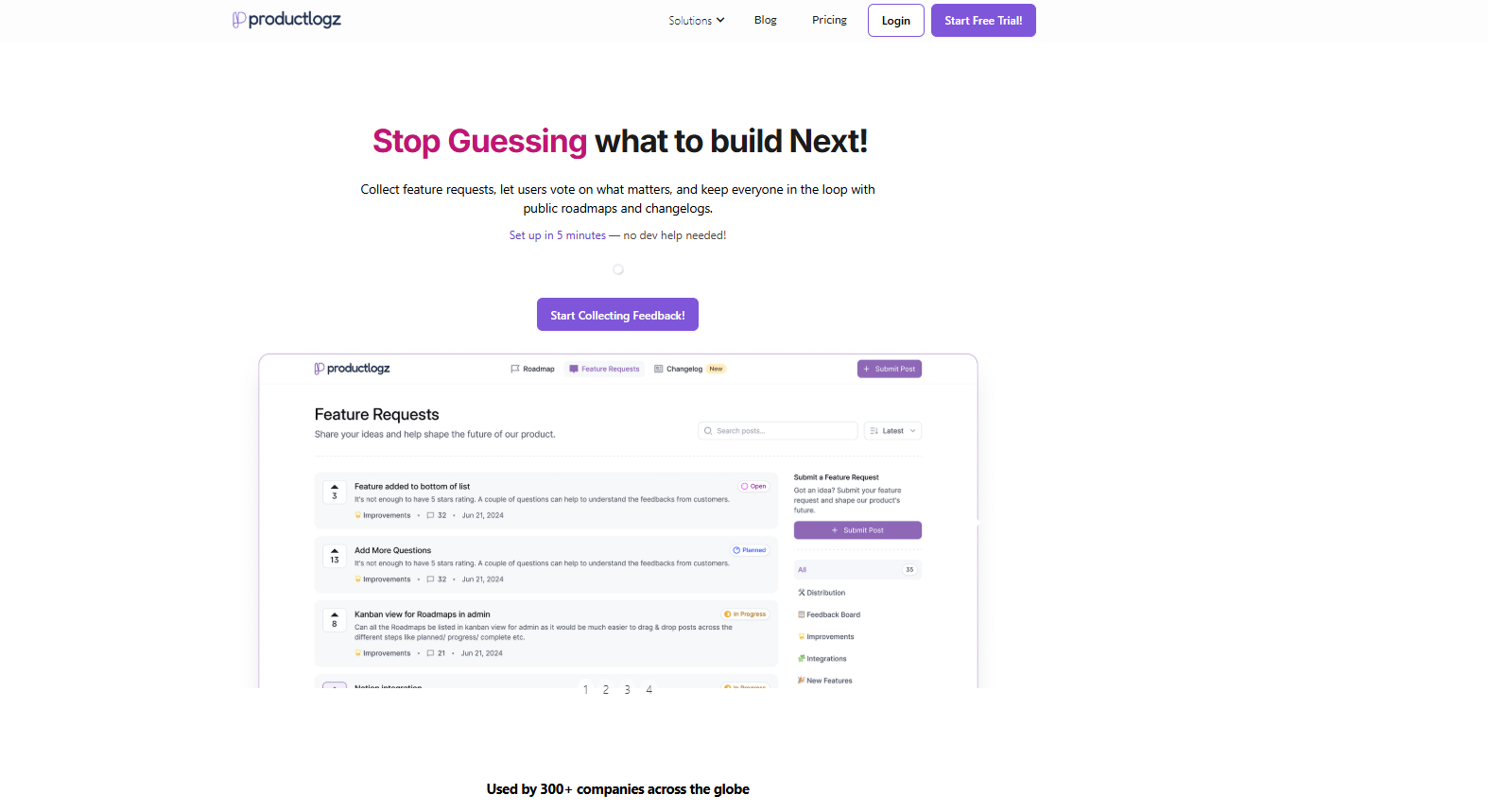
When I started looking for a Usersnap alternative, I needed something that could do more than capture bug reports. I needed a platform where feedback collection, feature prioritization, and roadmap communication all lived in one place.
Productlogz is where I landed, and it's been the right call. What drew me in first was the setup. I had it running on our web app in under an hour without touching a single line of backend code. No developer dependencies or even lengthy onboarding calls. From day one, our team was collecting feedback, and our users had a place to submit ideas and vote on what mattered most to them.
What I keep coming back to is the closed-loop experience. Users submit feedback, they can see it reflected in our public roadmap, and they get notified when something ships through the changelog. That visibility has done more for user trust and retention than almost anything else we've shipped.
It's not a bug reporting tool, and it doesn't try to be. If annotated screenshots and session replay are your primary need, you'll want to pair it with something like Userback or Sentry. But for managing the full feedback-to-roadmap lifecycle, nothing on this list comes close at this price point.
Key Features:
Pros:
Cons:
Best For: Startups and product teams that want a platform for collecting user feedback, managing feature requests, and communicating their roadmap.
Pricing: Productlogz offers a free plan to get you started, with premium options at $17/month for teams that need more capabilities.
G2 Rating: Described as a rising tool within the market.
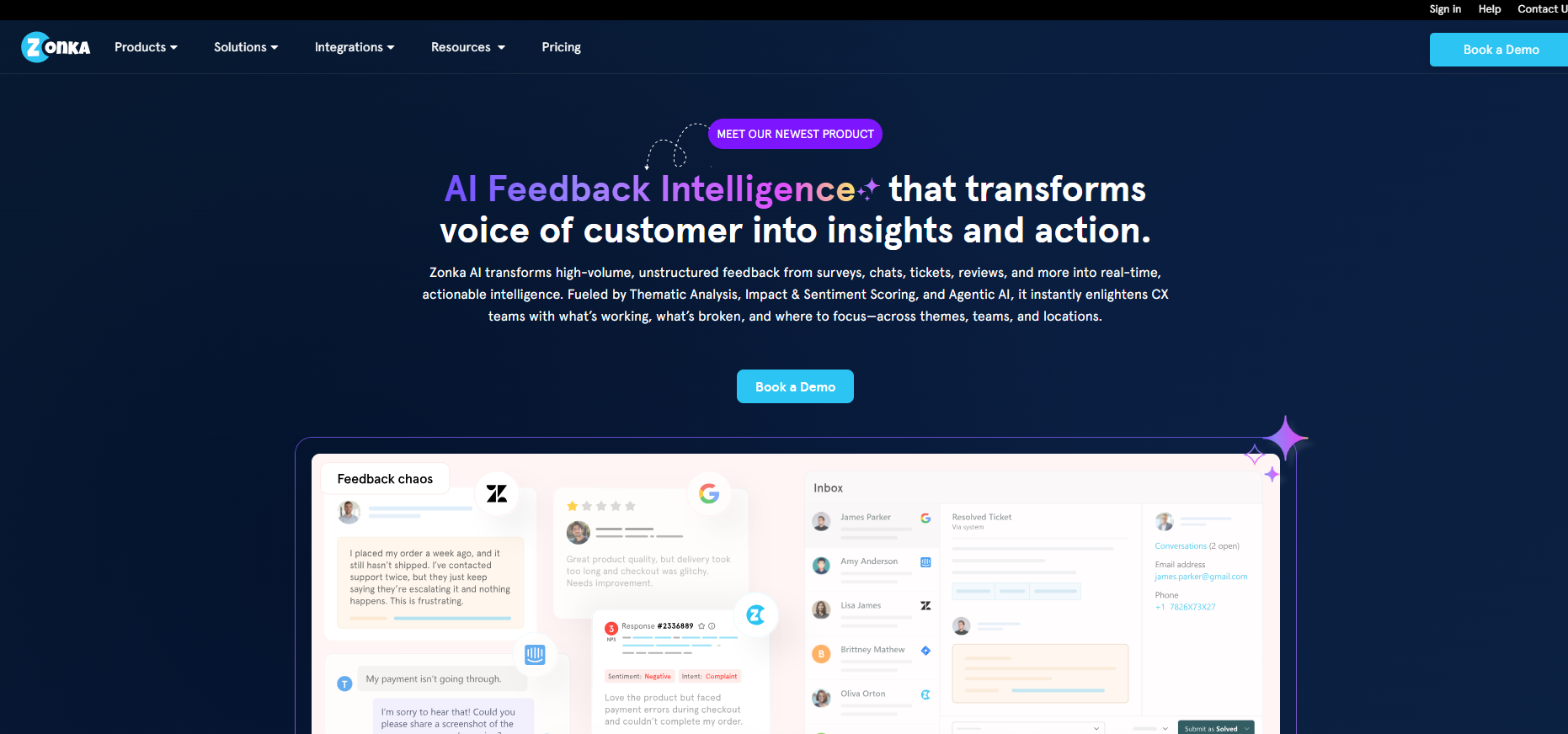
Zonka Feedback came up repeatedly in conversations with CX-focused teams, and after digging into it, I understood why. It's built for organizations dealing with high volumes of customer feedback across multiple channels who need AI to make sense of it all, not just collect it.
The AI-powered thematic clustering is the standout feature. Instead of reading through hundreds of open-ended responses, Zonka groups them by theme automatically and layers sentiment on top. For large teams running NPS, CSAT, and CES programs simultaneously, that capability alone justifies the investment.
Key Features:
Pros:
Cons:
Best For: Product and CX teams that need AI-driven insights from large volumes of customer and user feedback.
Pricing: Custom pricing. Free trial available on request.
G2 Rating: 4.7/5
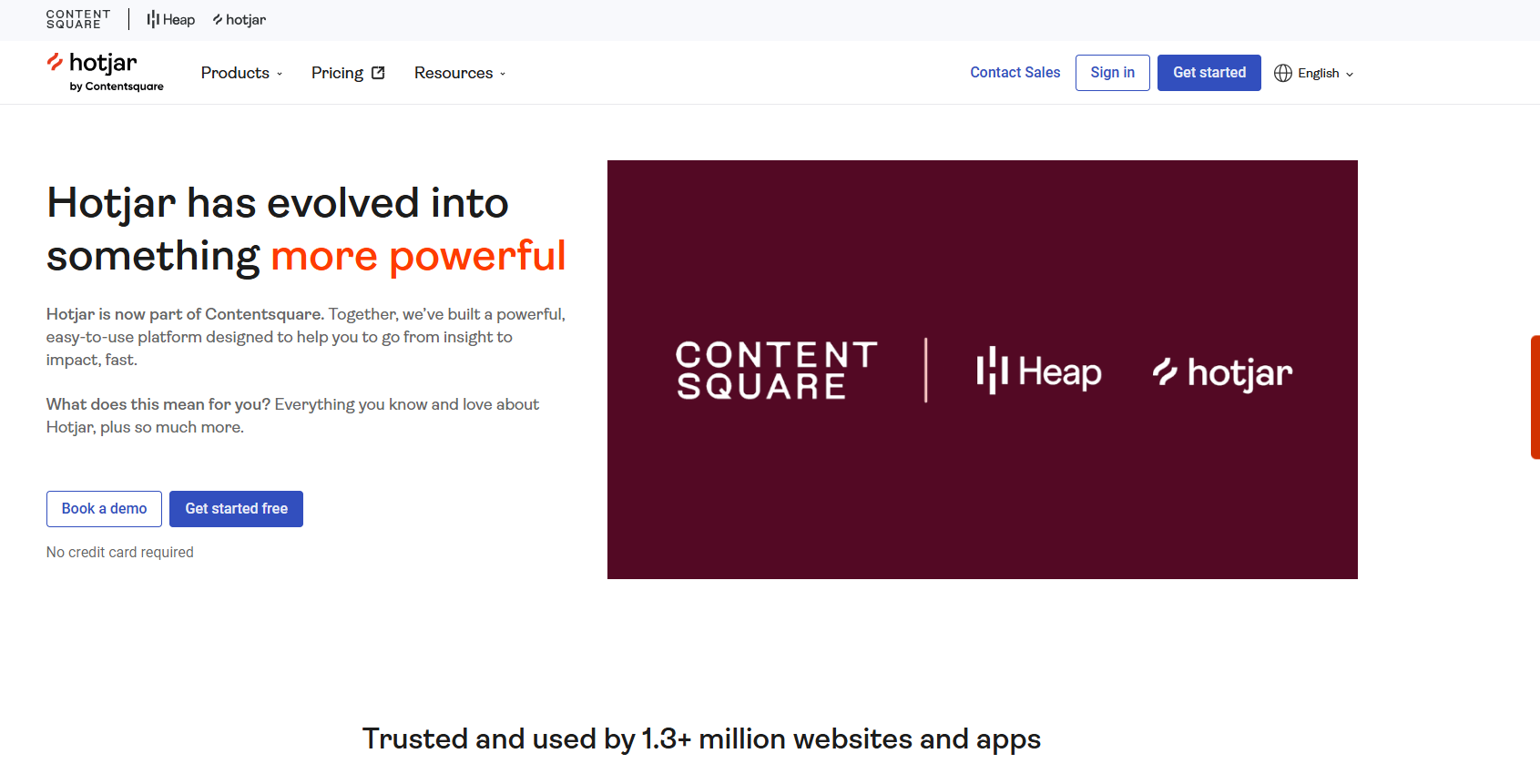
Hotjar is probably the most recognized name on this list, and for good reason. It changed how a lot of teams think about user research by making behavioral data visual and accessible without needing a data team to interpret it.
I've used Hotjar for heatmap analysis and session recordings, and it genuinely delivers. Watching a rage-click session or seeing where users drop off on a key page gives you context that no survey response ever could. The AI summaries of open-ended responses are a more recent addition, and they save meaningful time when you're sifting through large volumes of qualitative data.
Key Features:
Pros:
Cons:
Best For: UX and product teams that want behavioral insights with quick user feedback collection.
Pricing: Free plan available. Paid plans start at $39/month.
G2 Rating: 4.3/5
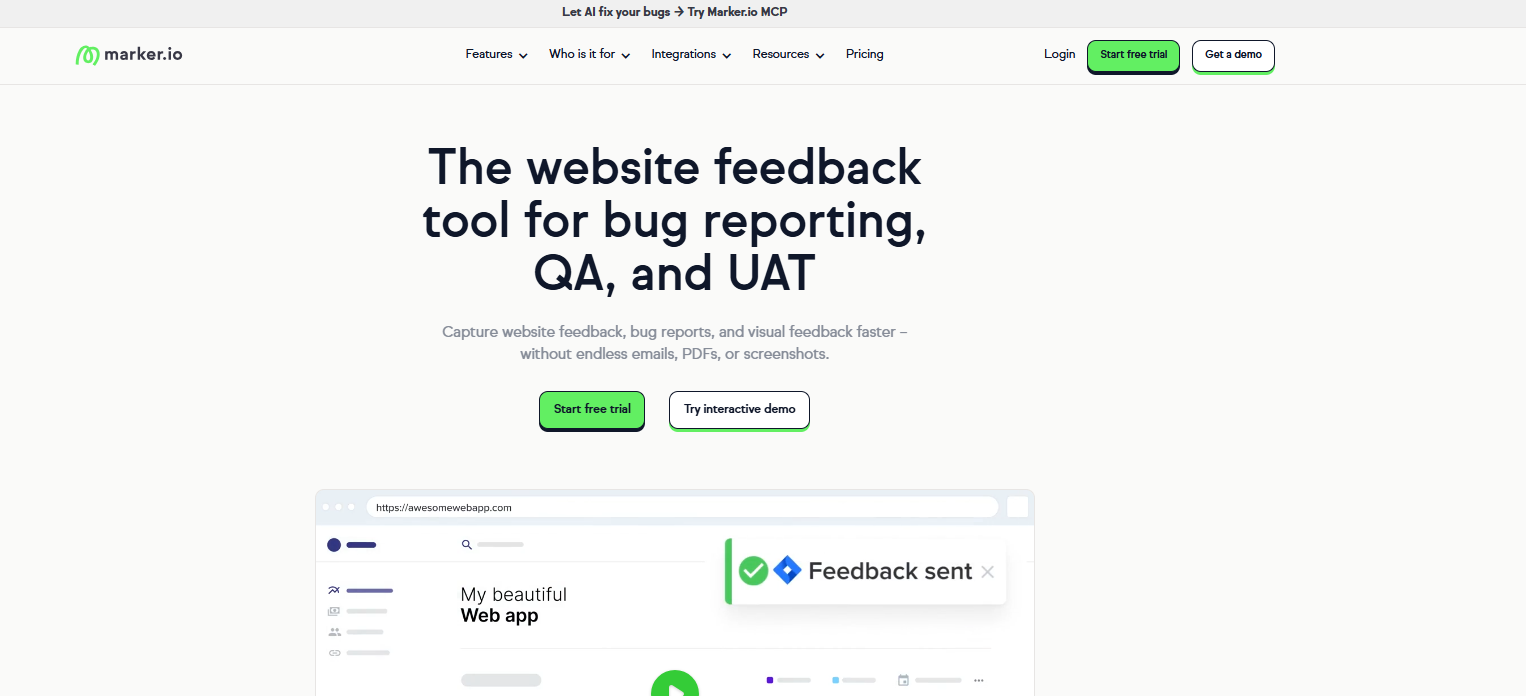
If your team does serious QA work or you run a web agency managing multiple client projects, Marker.io is one of the most efficient visual bug reporting tools I've come across. The core idea is simple. Users annotate directly on the live page, and every submission arrives with browser type, OS, screen resolution, URL, console logs, and network activity already attached.
What that means in practice is fewer back-and-forth messages between clients, QA, and developers. A non-technical client can submit an actionable bug report on their first try without any training. I've seen this alone cut bug resolution time significantly on client projects.
Key Features:
Pros:
Cons:
Best For: QA teams, web agencies, and software teams that need accurate visual bug reporting with direct dev tool integration.
Pricing: Starts at $39/month. Free trial available.
G2 Rating: 4.8/5
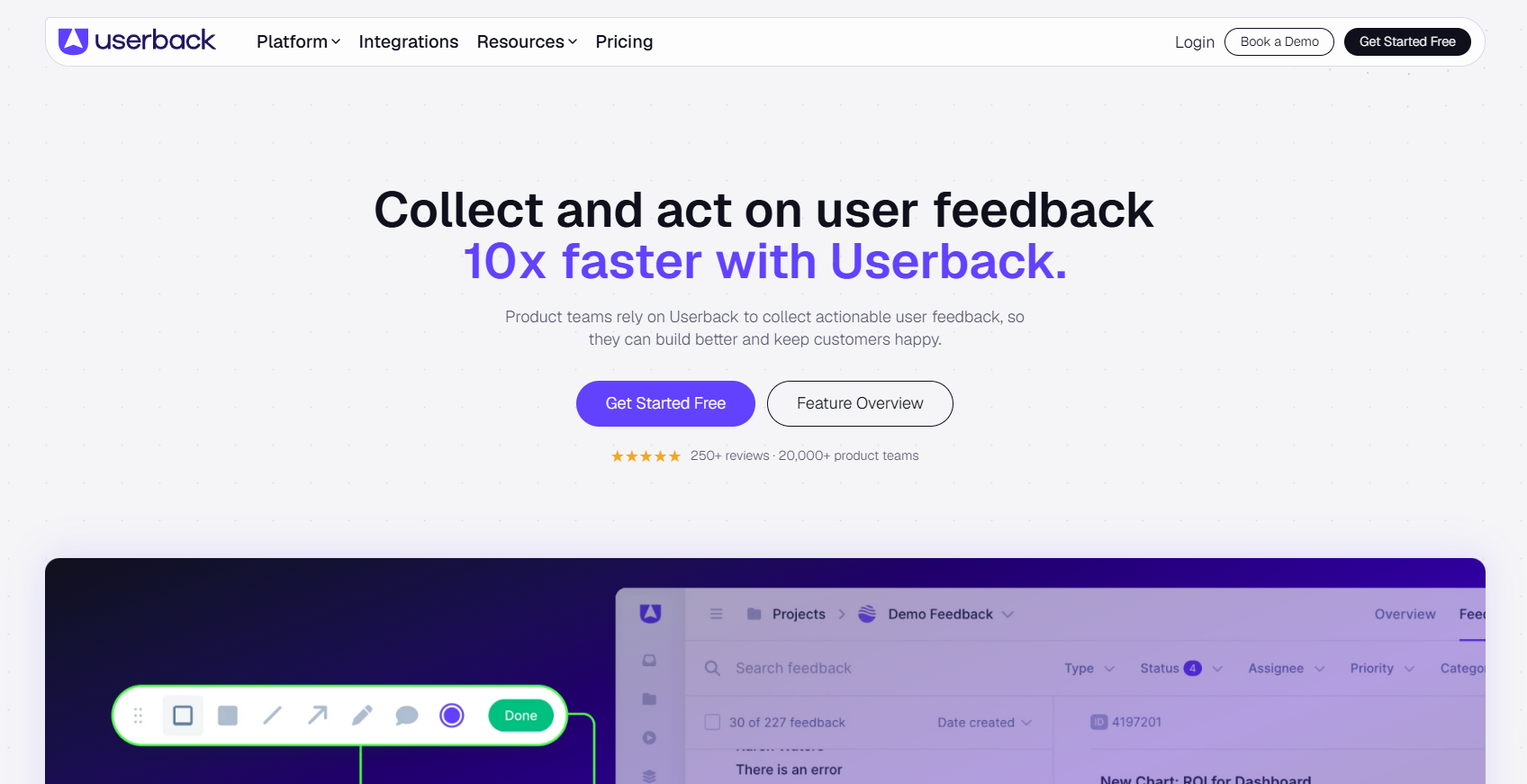
Userback is the closest thing to a direct Usersnap replacement on this list, but it goes further by adding session replay into the mix. When a user submits a bug report, you can watch exactly what they did before they hit the issue.
On top of bug reporting, Userback has built out a feature request portal and AI-assisted feedback categorization. It's becoming a broader product feedback platform rather than just a bug capture tool.
Key Features:
Pros:
Cons:
Best For: Product and QA teams that want visual feedback to resolve issues faster.
Pricing: Free plan available. Paid plans start at $29/month.
G2 Rating: 4.7/5
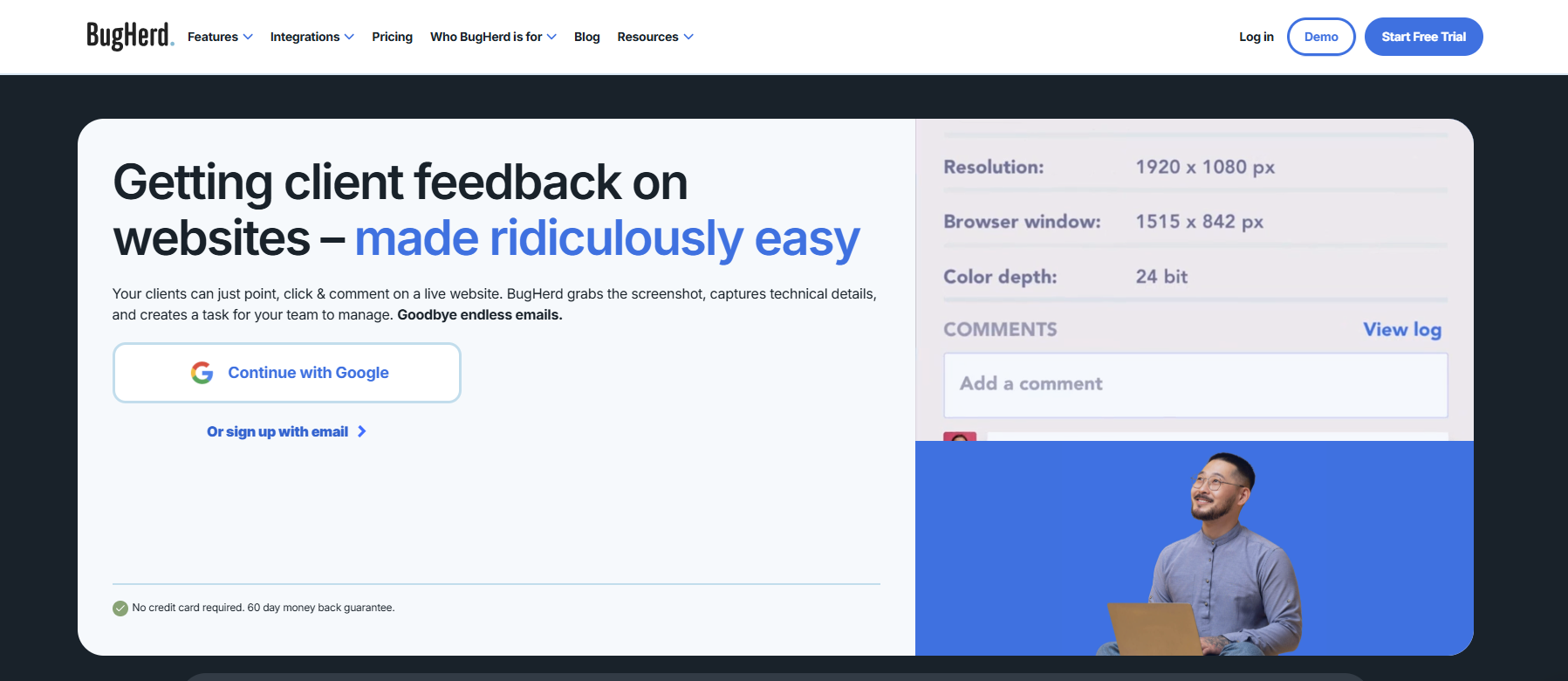
BugHerd is designed for web agencies and teams that need to collect feedback from clients who aren't technical. Instead of asking clients to describe issues in emails, BugHerd lets them drop a sticky note directly on the page element that needs attention. It's that simple.
Key Features:
Pros:
Cons:
Best For: Web agencies and teams doing website reviews or UAT with non-technical clients.
Pricing: Starts at $42/month. Free trial available.
G2 Rating: 4.8/5
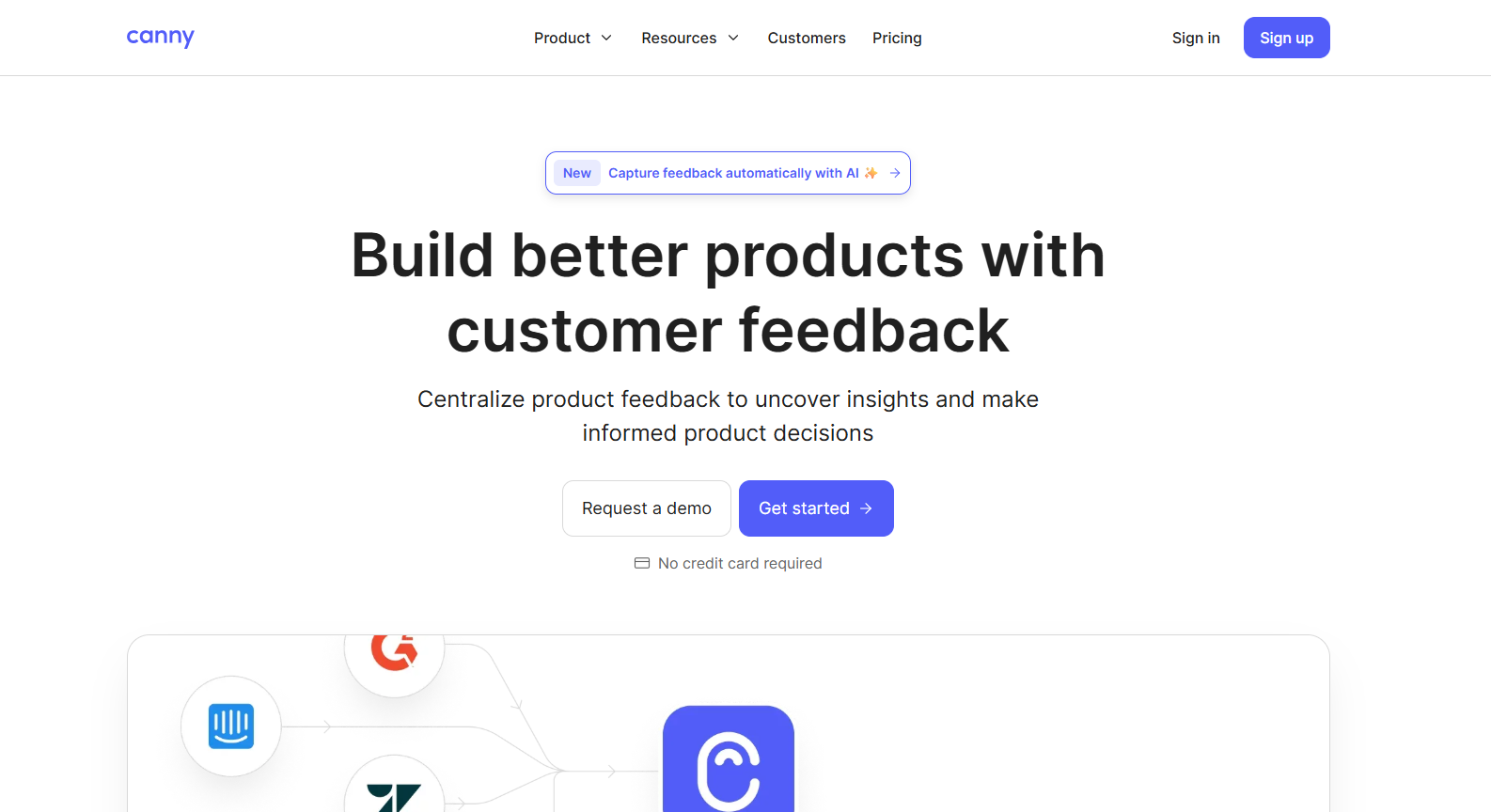
Canny is the tool I recommend most often when a team's primary problem is feature request chaos. It brings feedback scattered across Slack, support tickets, emails, and spreadsheets into one structured system with weighted voting.
Now, where it genuinely pulls ahead of Usersnap is the prioritization engine. The weighted scoring takes into account not just how many users requested something, but their plan, revenue, or segment. Asides Usersnap, another tool you should stack up Canny aganist should be Productlogz. You can always check out our full comparison of Canny vs Productlogz, before you head over to the main features of this tool.
Key Features:
Pros:
Cons:
Best For: SaaS product teams that want structured feature request management and public roadmap communication.
Pricing: Free plan available for up to 25 tracked users. Paid plans start at $79/month.
G2 Rating: 4.6/5
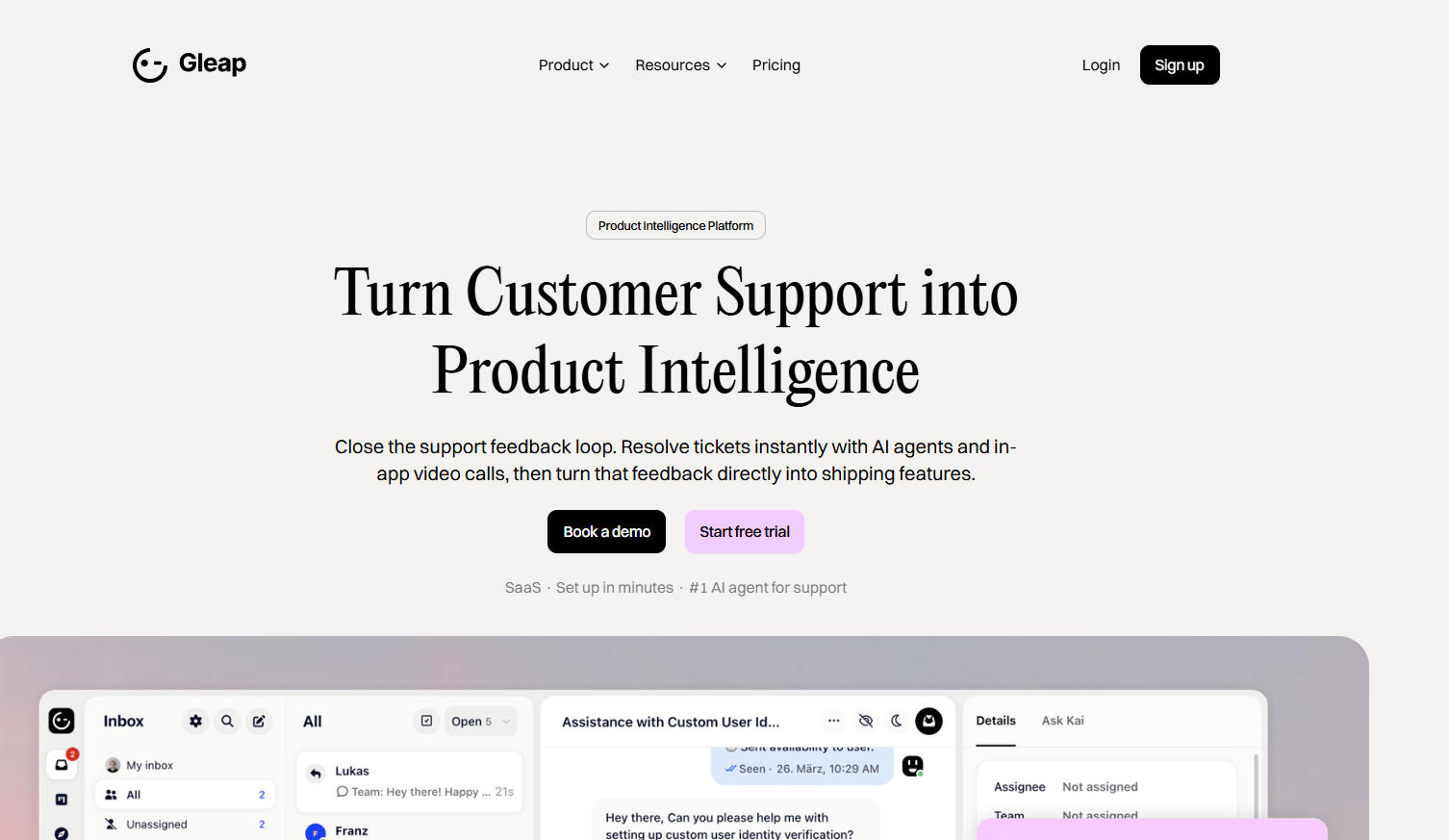
Gleap caught my attention because it refuses to pick a lane, in a good way. Most tools are either bug reporting tools or product feedback tools. Gleap is genuinely both. So, if Usersnap's limitation for your team was that it only handled bug capture, Gleap solves that without forcing you to add a second tool for the feedback layer. Also, it provides a feature request board, in-app surveys, and a product changelog.
Key Features:
Pros:
Cons:
Best For: Product and engineering teams that want one tool to cover both bug reporting and product feedback management.
Pricing: Paid plans start at $49/month.
G2 Rating: 4.7/5
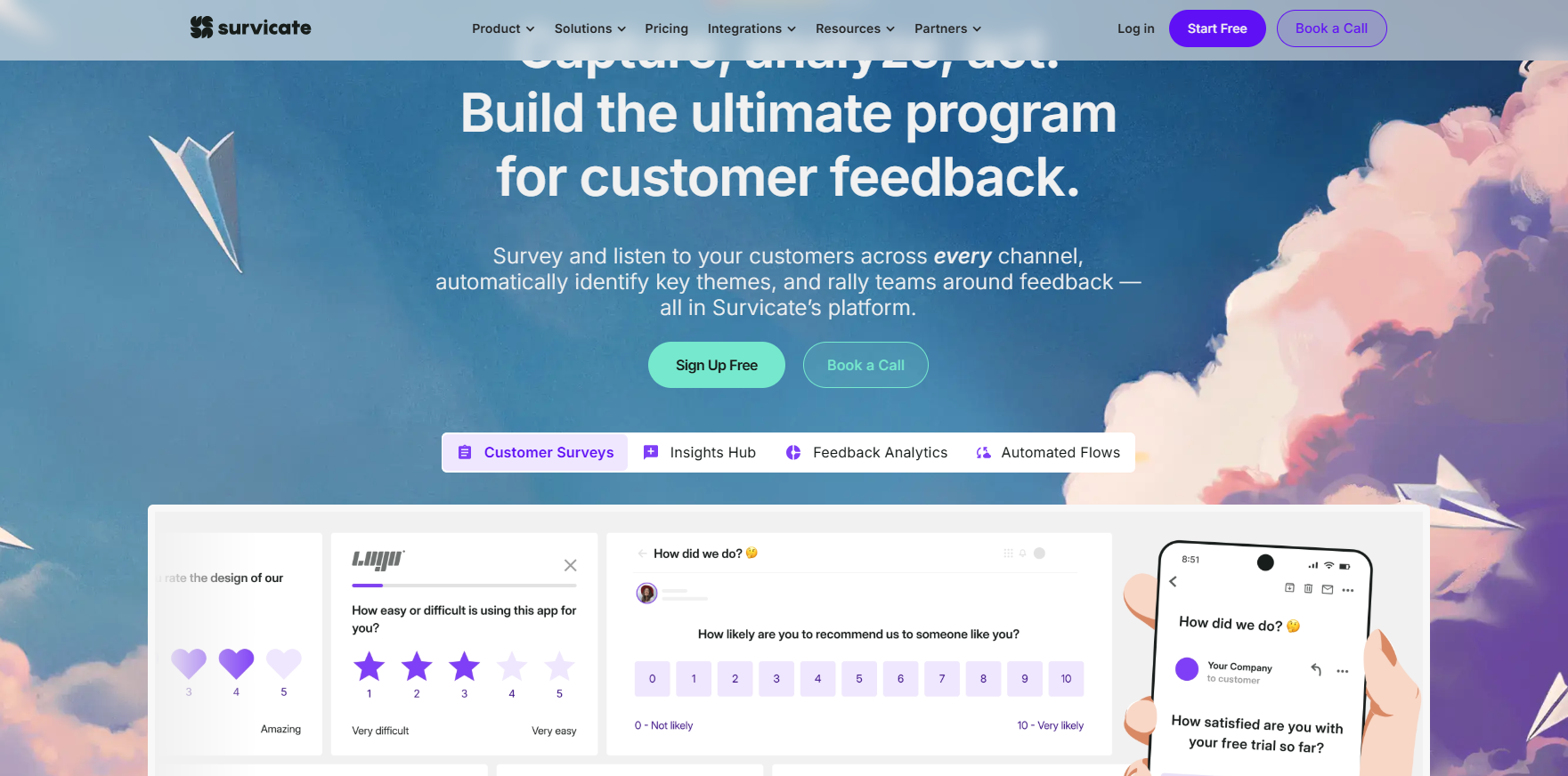
Survicate is a survey-first tool that helps teams collect structured feedback at key moments in the user journey. It's good for teams that want to validate ideas, measure satisfaction, or understand onboarding friction. However, Survicate remains one of the pricier options here. That cost is better justified for mid-size or enterprise teams running high-volume, multi-channel survey programs who need the advanced targeting and AI analysis
Key Features:
Pros:
Cons:
Best For: Product and growth teams that want targeted surveys to collect user feedback and validate decisions.
Pricing: Starts at $114/month. Free trial available.
G2 Rating: 4.6/5

Qualaroo takes a different approach to surveys that I respect. Instead of full-length surveys, it uses Nudges. These are small, contextual micro-surveys that pop up at exactly the right moment during the user journey. This makes it a great tool for capturing feedback right when users are experiencing something, rather than after the fact.
Key Features:
Pros:
Best For: Product and UX teams that need precise feedback to understand user sentiment and behavior.
Pricing: Free plan available. Paid plans start at $19.99/month.
G2 Rating: 4.3/5
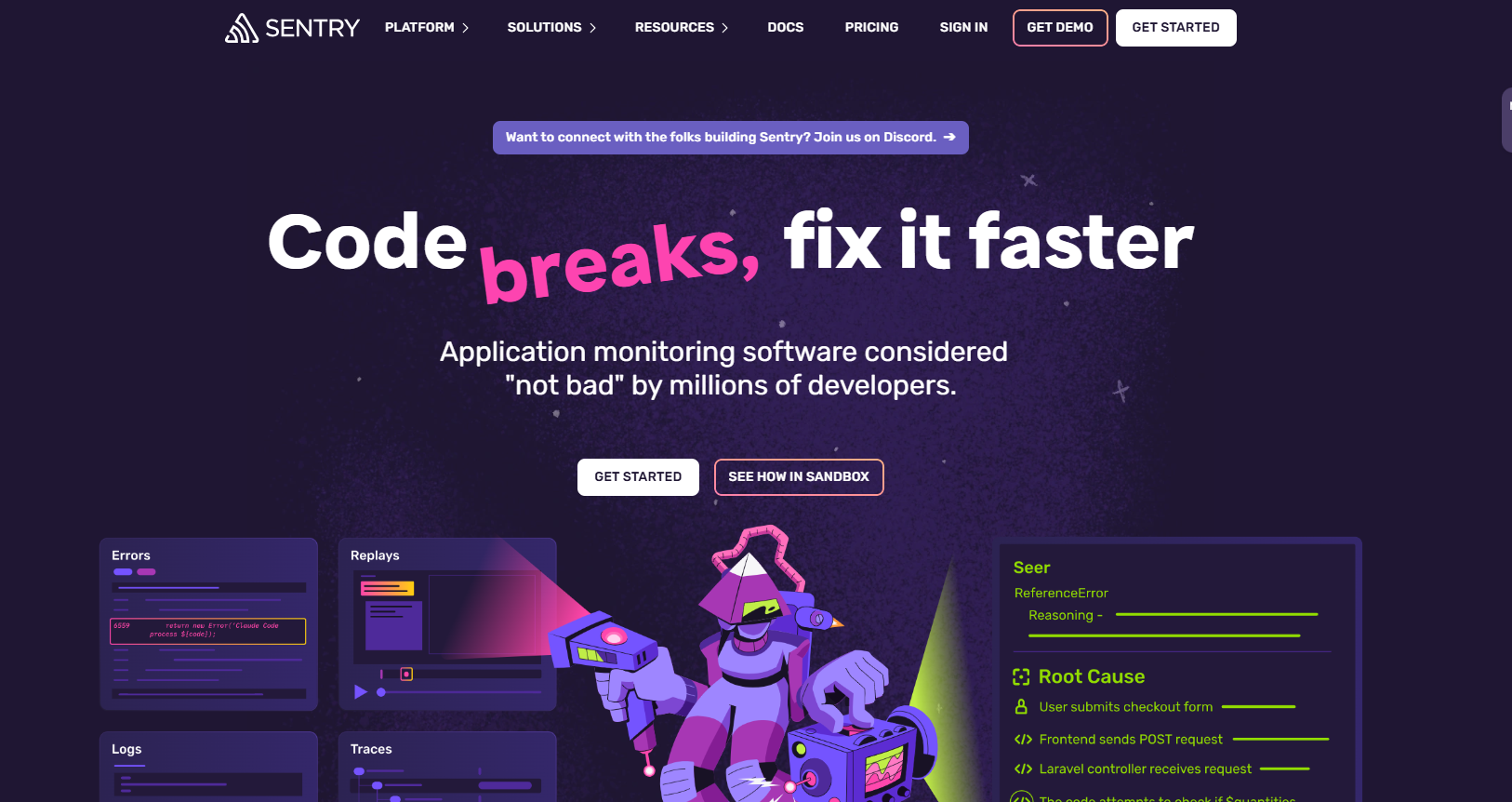
Sentry is a developer's best friend when it comes to monitoring and diagnosing issues in production. Its session replay feature ties directly to error events, so developers can jump straight from an error report to the exact session where it happened. For product managers, Sentry sits on the engineering side of the stack.
You likely won't be the primary user. But if your team is dealing with production bugs that are hard to track down, pushing for Sentry adoption is worth it.
Key Features:
Pros:
Cons:
Best For: Engineering and QA teams that want a developer-grade tool combined with session replay for faster bug resolution.
Pricing: Free plan available. Paid plans start at $26/month.
G2 Rating: 4.5/5
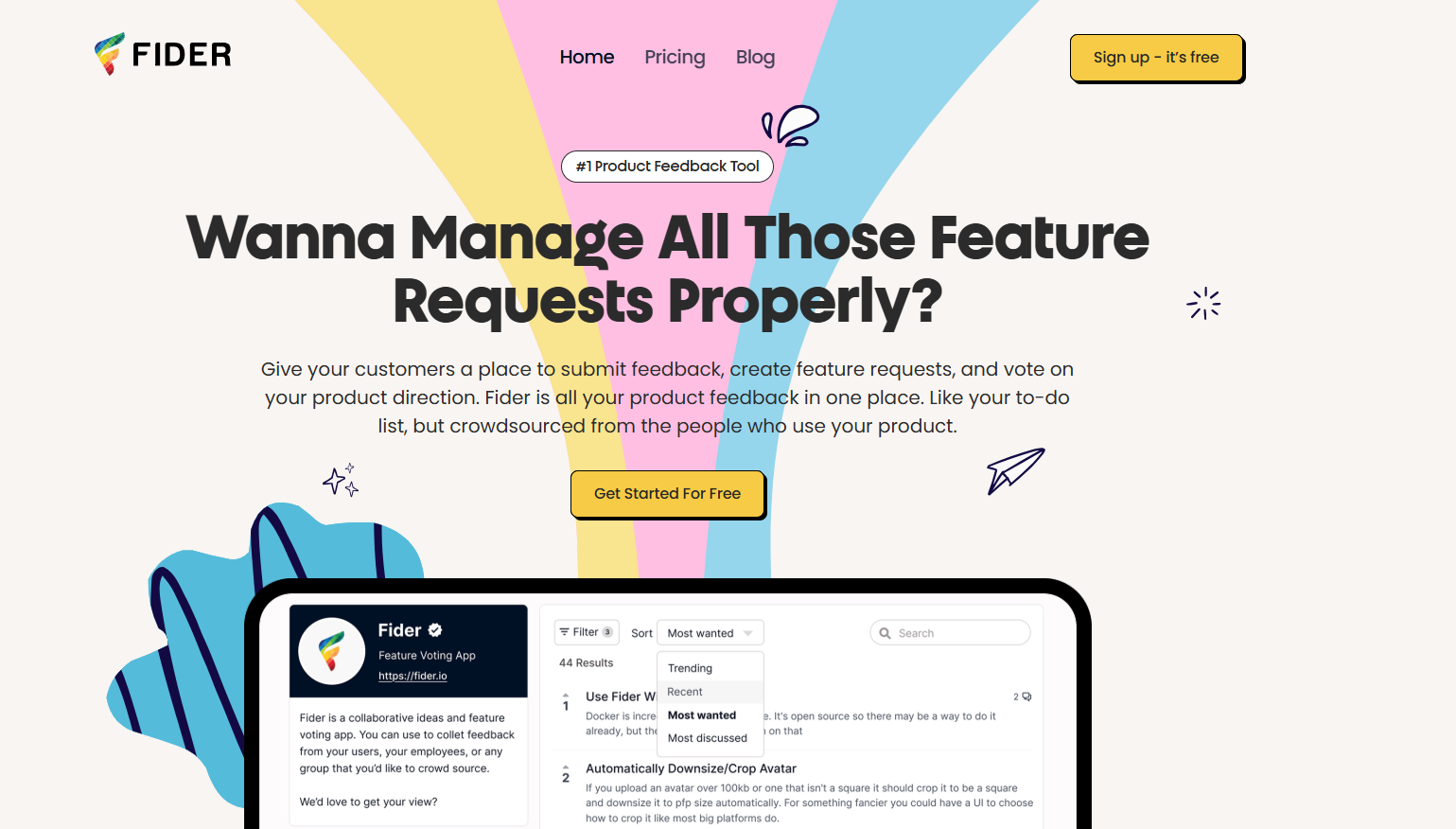
If you like the idea of a public feedback board where users can submit ideas and vote on what they want most, Fider is a solid option. It's open-source, and surprisingly easy to deploy.
Key Features:
Pros:
Cons:
Best For: Product teams that want a community-driven feedback portal with full data control.
Pricing: Free (open-source). Optional paid hosting plans are available from $25
After going through this evaluation process, here's what I'd tell any product manager starting the same search:
The best feedback tools don't limit you to one input method. You want a platform that can capture user feedback through surveys, in-app widgets, visual bug reports, feature request boards, and more.
As your user base grows, manually reading through every submission becomes impossible. Look for tools that automatically surface patterns, flag urgent issues, and give you insight without extra effort from your team.
A feedback tool that lives in a silo creates more work, not less. Two-way integrations that keep your project management, developer tools, and communication platforms in sync are non-negotiable.
Your feedback platform will be touched by developers, designers, PMs, support agents, and sometimes clients. If it requires training to use, it won't get used. The right tool should be intuitive enough for a non-technical client on their first try and detailed enough for an engineer on their hundredth.
Collecting feedback is only valuable if it leads to visible action. The best tools help you track every submission, act on it, and notify users when their input has shaped the product. That loop is what turns one-time users into loyal advocates.
The right answer depends on what your team actually needs. But if you want my top three picks based on different scenarios:
If you want one platform that handles feedback collection, feature request management, roadmap communication, and changelog updates without stitching together multiple tools, Productlogz is where I'd start. It's what we use, and the setup-to-value ratio is the best I've seen at this price point.
If your team needs visual bug reporting and product feedback management in one place, Gleap is the most hybrid option on this list.
If your specific problem is feature request chaos and you need a structured system for collecting, prioritizing, and communicating about user requests, Canny is a good choice for that use case.
As for me, Productlogz remains my daily driver. The combination of feedback collection, voting, roadmap visibility, and changelog communication in one place is exactly what a growing product team needs, and I haven't found a reason to look elsewhere. You can sign up for a free trial here.
What are the best free alternative to Usersnap?
Productlogz offers a free plan covering feedback collection, feature voting, and roadmap visibility. Userback, Hotjar, Sentry, Canny, and Qualaroo also have free tiers with meaningful functionality.
Can usersnap help with bug tracking?
Yes. Usersnap helps you collect and organize bug reports in one project dashboard. By tracking bugs regularly, you can find and fix issues faster, improve your website or app, and keep your customers happy
What integrations does usersnap offer?
Usersnap integrates with many popular tools, including Jira, Slack, Trello, Asana, GitHub, GitLab, Azure DevOps, ClickUp, Linear, Microsoft Teams, and Zapier. These integrations let you automatically send bug reports and customer feedback to your team's existing workflow,
How secure is usersnap?
Usersnap uses industry-standard security measures to protect your data. It offers secure data encryption, access controls, and complies with privacy regulations such as GDPR.
What are the best alternatives for Usersnap?
Productlogz is the top recommendation for product teams. It combines user feedback collection, feature request management, and roadmap communication in one platform. Canny is a strong second option if your focus is specifically on feature request boards.
No sales calls. No long setup. Create your workspace and start collecting feedback today.
